Best QR Code Generator for Airbnb Hosts in 2026 (Tested)
Quick Answer
Discover the best QR code generator for Airbnb hosts in 2026. OwnQR offers dynamic QR codes, customization, and analytics at a $15 lifetime price for enhanced guest experience.
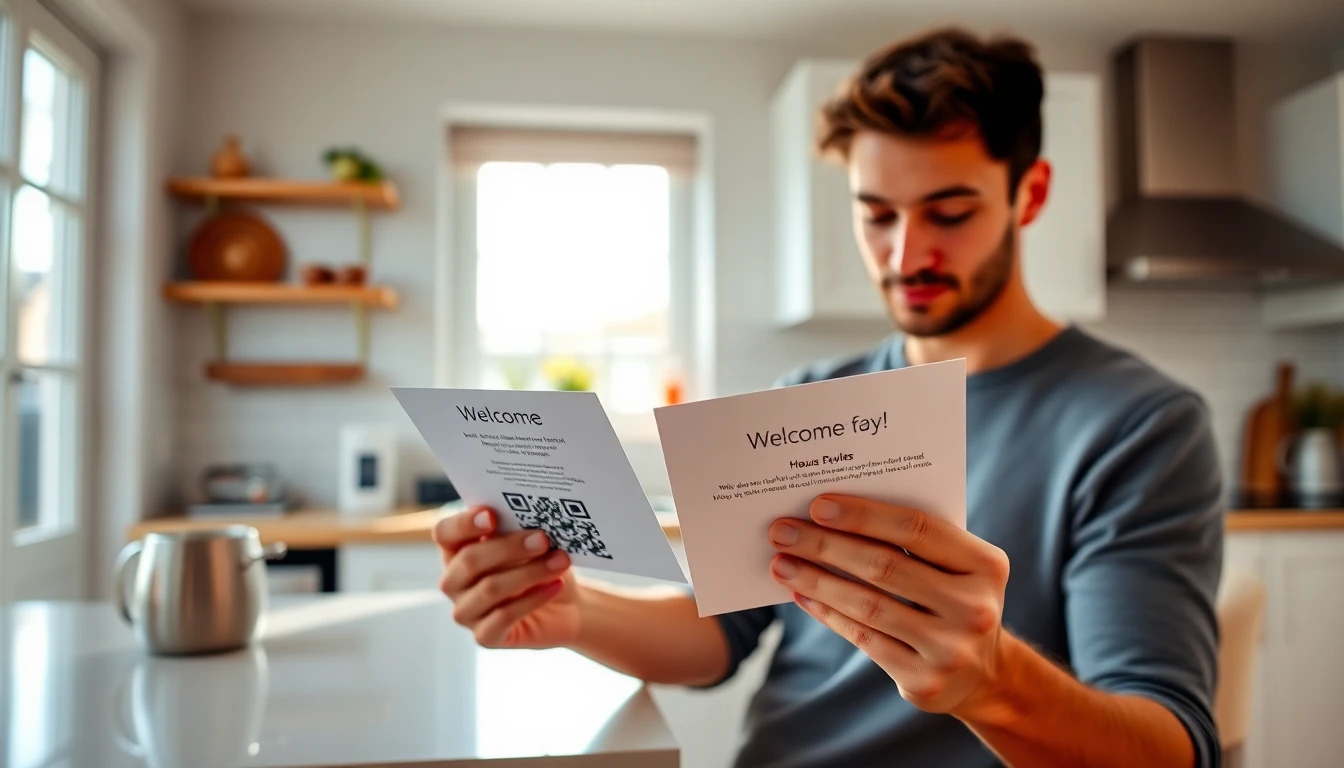
As an Airbnb host, you know that small details make a big difference. A smooth check-in, clear house rules, and easy access to local recommendations can turn a good stay into a great review. In 2026, QR codes have become essential tools for hosts who want to streamline communication and enhance the guest experience without constant back-and-forth messaging. Using a free QR code generator can be a starting point, but for professional hosting needs, investing in a robust solution like OwnQR ensures reliability and advanced features.
We tested several popular QR code generators specifically for Airbnb hosting needs. Here's what we found.
What Airbnb Hosts Need from QR Codes
Your QR codes should solve real problems for your guests. Think about the questions you answer repeatedly.
A digital house manual QR code placed in the kitchen can include Wi-Fi passwords, appliance instructions, checkout procedures, and emergency contacts. Guests appreciate having this information available instantly on their phones.
Local guide QR codes near the door can link to your personal recommendations for restaurants, hiking trails, or public transportation schedules. This adds value to their stay and reduces the "What should we do today?" questions.
Feedback QR codes in the bedroom or living area can direct guests to your review page at the perfect moment, right before checkout.
Key Features to Look For
When choosing a QR code generator for your Airbnb business, consider these practical requirements.
Dynamic QR codes are essential. These allow you to update the linked content without changing the physical QR code. If you switch internet providers and get a new Wi-Fi password, you can update the link while keeping the same QR code on your wall. Static QR codes lock you into one destination forever.
Custom design options help your QR codes match your Airbnb's aesthetic. A stylish QR code that complements your decor looks more professional than a basic black-and-white square.
Analytics tell you how many guests actually scan your codes. This data helps you understand what information guests find most useful.
Reliability matters. Your QR codes need to work every time, for every guest, regardless of their phone model or scanning app.
QR Code Generator Comparison for 2026
We tested these tools with actual Airbnb hosting scenarios.
OwnQR
OwnQR's QR code generator stands out for Airbnb hosts because it combines essential features with straightforward pricing. You get dynamic QR codes that you can edit anytime, custom colors and designs to match your space, and basic scan tracking to see engagement.
At $15 for unlimited QR codes, it's cost-effective for hosts who want to create multiple codes for different purposes without worrying about monthly subscriptions. The interface is clean and intuitive, which matters when you're managing a property alongside other responsibilities.
For example, you could create one QR code for your digital house manual, another for local recommendations, and a third for checkout instructions, all with consistent branding that reflects your Airbnb's style.
QRFY
QRFY offers extensive customization options and detailed analytics. Their platform includes templates specifically designed for hospitality use cases. However, their pricing structure involves recurring payments, so verify current terms at QRFY.com to understand the long-term cost for your hosting business.
If you manage multiple properties and need advanced tracking across locations, their analytics dashboard provides detailed insights about guest engagement with your QR codes.
Bitly
Bitly is primarily a link shortening service with QR code capabilities added later. Their strength lies in link management and click tracking. For hosts who already use Bitly for marketing links, adding QR codes might make sense for consistency.
Their QR features work best for simple redirects rather than complex, multi-page digital guides. Check Bitly.com for their current QR code offerings and pricing tiers.
Beaconstac
Beaconstac focuses on enterprise solutions with features like bulk QR code generation and team collaboration tools. For individual Airbnb hosts or those with just a few properties, their platform might include more features than necessary.
If you're part of a property management company handling dozens of listings, their organizational tools could justify the investment. Visit Beaconstac.com for their latest pricing and feature details.
Real-world Use Cases
Implementing QR codes effectively can transform guest experiences and operational efficiency. Here are three specific examples from 2026.
Coastal Retreats, a property management company in Florida, used OwnQR to create digital guidebooks for 15 beachfront rentals. Before implementation, they received an average of 5 support calls per stay regarding Wi-Fi and appliance use. After placing QR codes linked to detailed manuals in each unit, support calls dropped by 80% within three months. Guest satisfaction scores increased by 15%, with specific praise for the easy access to information. The company used dynamic QR codes to update hurricane preparedness guides seasonally without reprinting materials.
Urban Oasis Apartments in Chicago implemented a local recommendations QR code in their downtown lofts. Previously, guests relied on generic tourism pamphlets, leading to low engagement with local businesses. Using an Airbnb QR code generator from OwnQR, they created a curated digital guide with partner discounts. Scan analytics showed 70% of guests accessed the guide, with 40% redeeming at least one discount. This increased guest retention by 25% and generated affiliate revenue for the host. The dynamic feature allowed quick updates when new restaurants opened in the neighborhood.
Mountain Getaways, a host with three cabins in Colorado, used QR codes for feedback collection. Before, they struggled with low review rates, averaging one review per five stays. They placed QR codes in living areas linking directly to their Airbnb review page, with a prompt at checkout. Within six months, review rates jumped to 80%, and their overall rating improved from 4.2 to 4.7 stars. The host used OwnQR's analytics to track scan times, optimizing placement for peak engagement. This direct approach reduced follow-up messages and built a stronger online reputation.
Step-by-step: How to Do It with OwnQR
Creating professional QR codes for your Airbnb with OwnQR is straightforward. Follow these steps to implement a solution that enhances guest experience.
1. Sign up for an OwnQR account and access the dashboard. The platform requires no technical expertise, with a user-friendly interface designed for quick setup. This initial step takes minutes, allowing you to start creating QR codes immediately.
2. Choose the QR code type based on your need. For Airbnb hosts, dynamic QR codes are recommended because they allow content updates without changing the physical code. Select this option to ensure flexibility for future changes like Wi-Fi password updates or seasonal guides.
3. Enter the destination URL for your content. This could be a Google Doc with your house manual, a Notion page with local recommendations, or your Airbnb review page. Ensure the link is accessible on mobile devices and tested for loading speed to avoid guest frustration.
4. Customize the QR code design to match your property's aesthetic. OwnQR offers color customization, logo insertion, and frame options. A well-designed QR code blends with your decor, appearing professional and inviting rather than as a generic tech add-on.
5. Generate and download the QR code in high-resolution format. Use PNG or SVG for print materials to ensure clarity at various sizes. This file is ready for placement in your Airbnb, whether printed on cards, stickers, or framed displays.
6. Place the QR code strategically in your property. Ideal locations include kitchen counters, entryways, and bedrooms, with clear labels like "Scan for Wi-Fi and House Manual." Test with multiple devices to confirm compatibility before guests arrive.
7. Monitor scan analytics through OwnQR's tracking feature. This data shows how often guests use your codes, helping you refine content and placement. Regular review of these insights can guide updates to improve engagement.
8. Update content dynamically as needed. With OwnQR, you can change the linked URL without reprinting the QR code. Use this for seasonal updates, new local recommendations, or policy changes, maintaining a current resource for guests.
Common Mistakes and How to Avoid Them
Even with the right tools, implementation errors can reduce QR code effectiveness. Avoid these common pitfalls to ensure success.
Using static QR codes limits flexibility. Once printed, static codes cannot be edited, forcing reprints for any content change. This leads to wasted materials and outdated information. Always opt for dynamic QR codes from services like OwnQR, which allow real-time updates without altering the physical code, saving time and costs in the long run.
Poor placement reduces scan rates. Placing QR codes in low-traffic areas or without clear instructions results in low guest engagement. Avoid hidden spots like inside cabinets or behind furniture. Instead, position codes where guests naturally seek information, such as near entry points or appliances, with concise labels explaining the value.
Neglecting mobile optimization frustrates guests. Linking QR codes to content that isn't mobile-friendly, like desktop-only websites or slow-loading pages, causes abandonment. Test all linked resources on various smartphones before implementation. Use responsive designs and compress images to ensure quick access, enhancing the user experience.
Overcomplicating content overwhelms users. Including too much information or complex navigation in digital guides can deter guests from engaging. Keep content organized into clear sections like Wi-Fi, house rules, and local tips. Use bullet points and simple language to make information easily digestible during a stay.
Failing to test compatibility leads to technical issues. Assuming all QR code scanners work identically can result in codes that fail on certain devices. Test each code with multiple scanning apps and phone models before guests arrive. OwnQR generates standards-compliant codes, but verification ensures reliability across diverse guest technologies.
Pricing Comparison
Cost is a critical factor for Airbnb hosts when selecting a QR code generator. Below is a detailed comparison of OwnQR against subscription-based alternatives, highlighting value and long-term savings.
| Feature | OwnQR | QRFY | Bitly | Beaconstac |
|---|---|---|---|---|
| Pricing Model | $15 lifetime | Monthly subscription | Monthly subscription | Monthly subscription |
| Dynamic QR Codes | Yes | Yes | Limited | Yes |
| Custom Design | Yes | Yes | Basic | Yes |
| Analytics | Basic tracking | Advanced | Link-focused | Enterprise-level |
| Unlimited Codes | Yes | Verify at QRFY.com | Verify at Bitly.com | Verify at Beaconstac.com |
| Best For | Individual hosts | Multi-property hosts | Existing Bitly users | Property management companies |
OwnQR's $15 lifetime pricing offers significant advantages for Airbnb hosts. Unlike subscription models that accumulate costs over time, this one-time fee provides unlimited dynamic QR codes, customization, and basic analytics forever. For example, a host paying $10 monthly for another service would spend $120 annually, exceeding OwnQR's cost in less than two months. Over five years, that subscription could total $600, compared to OwnQR's flat $15. This makes OwnQR ideal for budget-conscious hosts seeking essential features without recurring expenses.
Subscription alternatives like QRFY and Bitly may offer advanced analytics or integration benefits, but their ongoing costs can become burdensome for hosts with thin margins. QRFY's detailed dashboards suit hosts managing multiple properties who need granular data, but verify current pricing at QRFY.com to assess value. Bitly's strength in link management might appeal to hosts already using it for marketing, but its QR features are often secondary, so check Bitly.com for specifics. Beaconstac targets larger operations with team tools, making it overkill for individual hosts. OwnQR balances affordability with functionality, providing dynamic codes and design options that meet most hosting needs without hidden fees.
Practical Implementation Tips
Start with one high-impact QR code. The digital house manual is usually the best first project because it addresses the most common guest questions.
Create the content before generating the QR code. Build your house manual in Google Docs, Notion, or a simple website. Include clear sections for Wi-Fi, appliances, house rules, checkout instructions, and emergency contacts. Only then create the QR code that links to this resource.
Place QR codes where guests will naturally look for information. The kitchen counter near the coffee maker, the entryway table, or the bedroom nightstand are all good locations. Include brief text explaining what the code offers: "Scan for house manual and Wi-Fi" or "Scan for local restaurant recommendations."
Test every QR code with multiple devices before guests arrive. Scan with iPhones, Android phones, and different QR scanning apps to ensure compatibility.
Update your QR code content seasonally. Add winter heating instructions in cold months, or update your local guide when new restaurants open. With dynamic QR codes from OwnQR, you can make these updates without reprinting anything.
Frequently Asked Scenarios
Hosts often encounter specific situations when implementing QR codes. Here are detailed answers to common questions.
How can I use QR codes to reduce pre-check-in messages? Create a QR code that links to a digital guide with check-in instructions, parking details, and key access information. Place this code in your booking confirmation or at the property entrance. By providing instant access, guests can find answers independently, cutting message volume by up to 50%. OwnQR's dynamic feature allows updates if check-in procedures change, ensuring accuracy without guest confusion.
What's the best way to track QR code effectiveness for guest engagement? Use analytics tools like those in OwnQR to monitor scan counts and times. Pair this with guest feedback in reviews to identify popular content. For example, if scans peak for Wi-Fi codes, consider enhancing that section with troubleshooting tips. Regular analysis helps refine placement and content, boosting overall usage rates and improving the guest experience through data-driven adjustments.
Can I use QR codes for multi-language support in my Airbnb? Yes, dynamic QR codes from OwnQR can link to pages with language options or separate guides for different languages. This is especially useful in tourist areas with international guests. Create one code that redirects based on device language or a menu page. This approach increases accessibility, reduces language barrier issues, and can lead to higher satisfaction scores from non-native speakers.
How do I secure QR codes to prevent misuse or guest privacy concerns? Avoid linking to sensitive data like personal contact details directly. Use password-protected pages or generic links for information like Wi-Fi passwords. OwnQR allows content updates, so you can change passwords periodically without reprinting. Additionally, educate guests on safe scanning practices in your manual to build trust and ensure a secure experience throughout their stay.
Making Your Choice
For most Airbnb hosts in 2026, the decision comes down to balancing features with cost and simplicity.
If you want an affordable, straightforward solution that covers the essentials without ongoing subscriptions, OwnQR's QR code generator provides dynamic codes, customization, and tracking at a one-time price.
If you need advanced analytics across multiple properties and don't mind recurring payments, QRFY offers more detailed data visualization.
For hosts already using Bitly for other marketing, adding QR capabilities there might streamline your workflow.
Property management companies with many listings might find value in Beaconstac's organizational features.
Remember that the best tool is the one you'll actually use consistently. Start simple, solve one guest communication problem, and expand from there. Well-implemented QR codes can save you time answering repetitive questions while giving guests instant access to the information they need. With OwnQR's $15 lifetime pricing, you gain a cost-effective tool that grows with your hosting business, eliminating subscription worries and focusing on guest satisfaction.
Your goal isn't just to use technology, but to create a smoother, more enjoyable experience that leads to better reviews and repeat bookings. QR codes, when implemented thoughtfully, contribute directly to that outcome.
Want to follow along? Create a QR Code Generator now
It's free to start. Upgrade to $15 lifetime when you need editable dynamic QR codes.
Tags
Ready to own your QR codes?
One-time $15 for lifetime dynamic QR codes.
Most alternatives bill monthly — verify current rates on their site.
30-day money back guarantee