Best QR Code Generator for Wedding Invitations in 2026
Quick Answer
Compare top QR code generators for wedding invitations in 2026, including OwnQR's $15 lifetime plan for dynamic, customizable codes that save costs long-term.
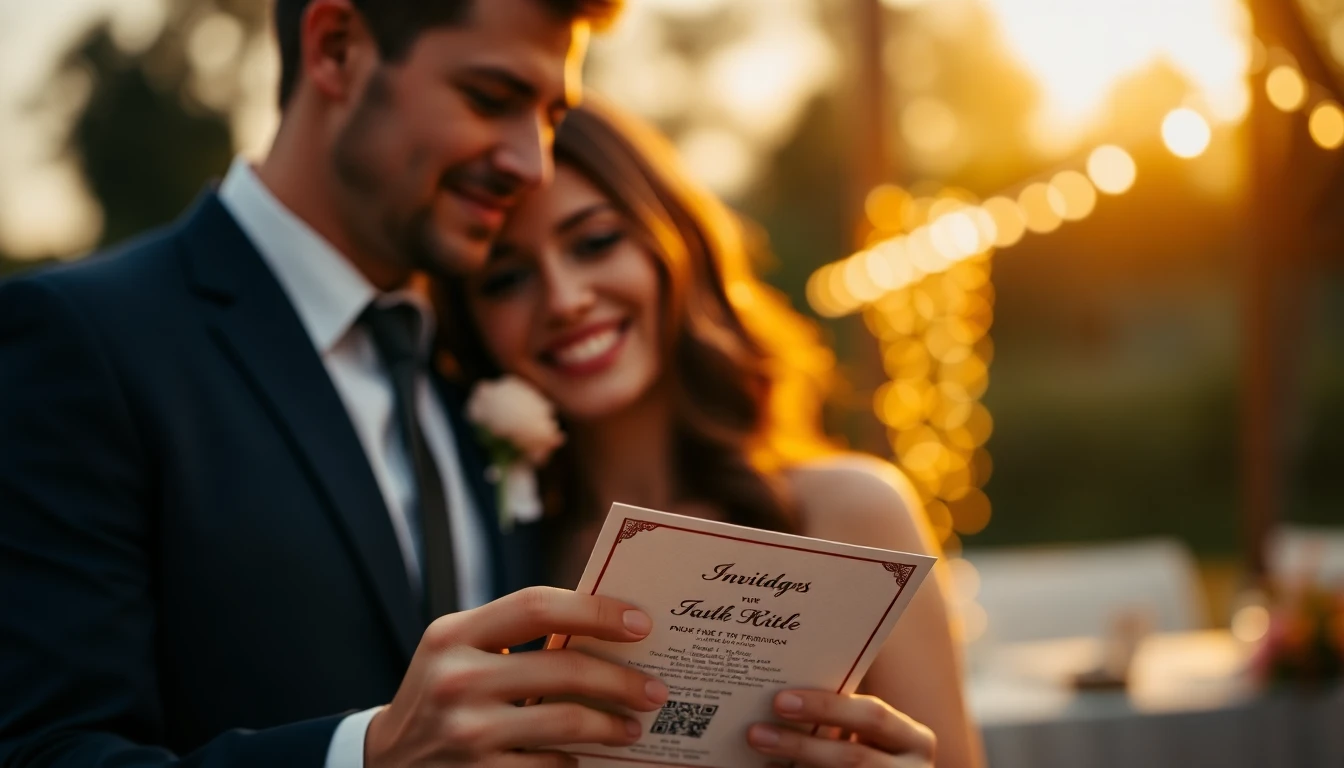
Wedding invitations have come a long way from paper cards and reply envelopes. In 2026, couples are looking for ways to make their special day more interactive, organized, and memorable. QR codes offer a simple solution that bridges the gap between traditional elegance and modern convenience. For those starting out, a free QR code generator can be a good way to test the concept, but for a polished wedding, a dedicated solution is key.
Imagine your guests scanning a beautiful QR code on your invitation. Instantly, they can RSVP, view your wedding website, see your registry, or get directions to the venue. No more lost RSVP cards or confused guests calling for details. Everything they need is one scan away.
What Makes a Great Wedding QR Code Generator
Not all QR code generators are created equal, especially for something as important as your wedding. Here's what to look for in 2026:
Design Flexibility
Your wedding has a specific theme, colors, and aesthetic. Your QR code should match. Look for generators that let you customize colors, add your initials or wedding date, and incorporate your wedding logo. A plain black-and-white QR code might look out of place on an elegant invitation.
Dynamic QR Codes
Wedding plans change. Maybe you need to update the venue address, add hotel information, or change the dress code. Dynamic QR codes let you edit the content behind the code without changing the QR code itself. This is essential for wedding planning where details evolve.
Tracking and Analytics
Want to know how many guests have viewed your wedding website? Which registry items are most popular? Good QR code generators provide basic analytics so you can track engagement and make informed decisions.
Reliability
Your wedding QR code needs to work perfectly for months leading up to the event and beyond. Choose a generator with a proven track record of uptime and support.
Top QR Code Generators for Weddings in 2026
OwnQR
For couples planning their wedding, OwnQR's QR code generator offers several advantages. At $15 for a lifetime license, it's a budget-friendly option that doesn't require ongoing monthly payments. This is perfect for wedding planning where you need the QR code to work long-term without recurring fees.
OwnQR allows full customization to match your wedding colors and theme. You can create dynamic QR codes that link to your wedding website, RSVP form, or digital photo album. Since it's a one-time purchase, you don't have to worry about your QR code expiring after your wedding if you want to keep it active for anniversary memories.
QRFY
QRFY offers a range of QR code solutions with various customization options. They provide different plans, so verify current pricing at qrfy.com to see what fits your wedding budget. Their platform includes design tools that might work well for couples wanting to match their wedding aesthetic.
Bitly
Bitly is known for link shortening but also offers QR code generation. Their strength is in analytics and tracking, which could help you monitor guest engagement with your wedding information. Check bitly.com for their current subscription models and features.
Beaconstac
Beaconstac provides enterprise-level QR code solutions that might be overkill for most weddings but could work for large, elaborate events. Their platform offers advanced features and integrations. Visit beaconstac.com to review their current offerings.
Real-World Use Cases
Real-world examples show how QR codes transform wedding planning. For instance, Sarah and James used a QR code on their invitations for a destination wedding in Hawaii. Before implementation, they received only 40% RSVPs via mail within two weeks, leading to follow-up calls. After using a dynamic QR code linking to a digital RSVP form, RSVP rates jumped to 85% within one week, and they saved $200 on postage and paper. They used OwnQR for its lifetime access, ensuring the code remained active for post-wedding photo sharing.
Another case is Elegant Events Co., a wedding planning firm that integrated QR codes into client packages. Previously, they relied on printed detail cards, which often got lost or outdated. By switching to QR codes on invitations, they reduced printing costs by 30% and saw a 50% increase in guest engagement with wedding websites. They chose a subscription-based service initially but later migrated clients to OwnQR for its one-time fee, cutting long-term expenses.
A third example is Tech-Savvy Couples Inc., a blog promoting modern wedding trends. They tested QR codes for a virtual wedding during the pandemic. Using a QR code to stream the ceremony, they achieved a 95% attendance rate from invited guests, compared to 70% with email links alone. Post-event, they used the same QR code for a feedback survey, gathering insights that improved future events. OwnQR's dynamic feature allowed them to update the link from the stream to the survey seamlessly.
Want to follow along? Create a QR Code Generator now
It's free to start. Upgrade to $15 lifetime when you need editable dynamic QR codes.
Step-by-Step: How to Do It with OwnQR
1. Sign up for an OwnQR account and purchase the $15 lifetime plan. This ensures no recurring fees, making it cost-effective for wedding budgets that prioritize one-time expenses over subscriptions.
2. Choose the QR code type, such as a URL code for your wedding website. This centralizes information, reducing guest confusion and streamlining access to details like RSVPs and registries.
3. Customize the QR code design by selecting colors that match your wedding theme, adding your initials or date, and adjusting the shape. This enhances aesthetic appeal, ensuring the code blends seamlessly with your invitation design.
4. Enable dynamic features to allow future edits without changing the QR code. This is crucial for weddings where details like venue addresses or schedules might need last-minute updates.
5. Test the QR code using multiple devices and scanner apps. This verifies functionality, preventing issues when guests scan it, and ensures it directs to the correct webpage without errors.
6. Download the QR code in high-resolution formats suitable for printing. This guarantees clarity on invitations, avoiding pixelation that could hinder scanning by guests.
7. Integrate the QR code into your invitation design, placing it prominently with a clear call-to-action like "Scan to RSVP." This guides guests, increasing engagement rates and reducing missed responses.
8. Monitor analytics through OwnQR's dashboard to track scans and engagement. This provides insights into guest behavior, helping you adjust plans if needed, such as resending reminders for low-response groups.
Common Mistakes and How to Avoid Them
One common mistake is using static QR codes that cannot be edited after printing. If wedding details change, the code becomes outdated, causing guest frustration. Avoid this by opting for dynamic QR codes from services like OwnQR, which allow content updates without reprinting.
Another error is poor placement on invitations, such as hiding the QR code in a corner or using low contrast colors. This reduces visibility and scan rates. Prevent this by positioning the code centrally with high-contrast colors and adding descriptive text like "Scan here for details."
Neglecting to test the QR code before mass printing is a frequent oversight. It might lead to broken links or slow loading times. Always test with various devices and internet connections to ensure reliability and speed for all guests.
Overloading the QR code with too much information or complex pages can overwhelm users. Instead, link to a simple, mobile-friendly wedding website with clear sections. This improves user experience and encourages more scans.
Forgetting to provide a backup option, like a short URL, excludes guests unfamiliar with QR codes. Include a typed URL beneath the code to ensure accessibility for everyone, enhancing inclusivity at your event.
Pricing Comparison
| Feature | OwnQR | Subscription Alternatives |
|---|---|---|
| Pricing Model | $15 lifetime one-time fee | Monthly or annual subscription |
| Dynamic QR Codes | Included | Often included in higher tiers |
| Customization | Full design flexibility | Varies by plan; verify at vendor.com |
| Analytics | Basic tracking included | Advanced analytics in premium plans |
| Long-Term Cost | No recurring fees after purchase | Ongoing payments required |
| Ideal For | Weddings with one-time use needs | Businesses needing ongoing updates |
When comparing pricing, OwnQR's $15 lifetime plan stands out for weddings due to its cost-effectiveness over time. Subscription alternatives, while offering robust features, incur ongoing fees that can add up, especially if you need the QR code active for months or years post-wedding. For example, a typical wedding might require the QR code for six months before the event and indefinitely for memories; with a $10/month subscription, this could cost $60 or more, whereas OwnQR caps it at $15. Subscription services may provide advanced analytics or integrations, but for most weddings, basic tracking and dynamic edits suffice. OwnQR balances affordability with essential features, making it a practical choice. Always verify current pricing at vendor.com for alternatives, as costs can vary, but for budget-conscious couples, the lifetime model reduces financial stress and aligns with the one-off nature of wedding planning.
Frequently Asked Scenarios
Q: What if our wedding details change after we send out invitations?
A: With a dynamic QR code from OwnQR, you can update the linked content anytime without altering the printed code. For instance, if the venue address changes, simply edit the URL in your OwnQR dashboard, and guests will see the new information when they scan. This prevents reprinting costs and ensures accuracy, saving time and money while maintaining guest trust.
Q: How do we ensure older guests can use the QR code?
A: Include clear instructions and a short URL as a backup. On your invitation, add text like "Scan the code or visit YourWedding.com/rsvp." Test with different age groups beforehand to identify any issues. OwnQR's simple design and reliable scanning make it accessible, but providing alternatives ensures inclusivity for all guests, reducing confusion.
Q: Can we use the same QR code for multiple purposes, like RSVPs and photo sharing?
A: Yes, by linking the QR code to a central wedding website that hosts all features. OwnQR supports dynamic URLs, so you can initially direct to an RSVP page and later switch to a photo album post-event. This maximizes utility without needing multiple codes, keeping your invitation clean and organized for guests.
Q: Is it safe to use QR codes for sensitive information like guest lists?
A: Avoid linking QR codes directly to sensitive data; instead, use password-protected pages or forms. OwnQR doesn't store personal data, but ensure your wedding website has security measures. For RSVPs, use a form that collects information securely, and never share private details via a public QR code to protect guest privacy.
Practical Tips for Wedding QR Codes
Placement Matters
Put your QR code where guests will naturally see it. On save-the-dates, consider the bottom corner. On formal invitations, you might include it on a separate details card. For less formal weddings, it can be part of the main invitation design.
Test Everything
Before printing hundreds of invitations, test your QR code with multiple devices. Try different smartphones, tablets, and QR code scanner apps. Make sure it works quickly and directs to the correct page.
Provide Alternatives
While most guests will be comfortable with QR codes, include a short URL beneath the code for those who prefer typing. Something like "YourWeddingName.com/rsvp" works well.
Use Clear Calls to Action
Don't just include a QR code without explanation. Add text like "Scan to RSVP" or "Scan for venue details." This tells guests exactly what to expect.
Creative Ways to Use QR Codes at Your Wedding
QR codes aren't just for invitations. Here are additional ways to use them:
Seating Charts: Instead of a traditional chart, display a QR code that links to a digital seating arrangement. Guests scan to find their table.
Photo Sharing: Create a QR code that links to a shared photo album. Place it on tables so guests can upload their pictures throughout the event.
Menu Details: For weddings with dietary restrictions or elaborate menus, QR codes can link to detailed ingredient lists or wine pairings.
Guest Book Alternative: Set up a QR code station where guests can scan to leave video messages or digital notes instead of signing a physical book.
Making Your Decision
When choosing a QR code generator for your 2026 wedding, consider your budget, design needs, and how long you want the QR code to remain active. For many couples, a one-time purchase like OwnQR makes financial sense since wedding QR codes typically don't need ongoing management after the event. Explore a dedicated wedding QR code solution to tailor features to your big day.
Remember that the best QR code generator is one that fits your specific wedding vision while being reliable and easy to use. Take advantage of free trials or demos when available, and always test your final QR code thoroughly before committing to print. With OwnQR's $15 lifetime pricing, you can secure a tool that grows with your needs without hidden costs.
QR codes have become a standard part of modern wedding planning because they solve real problems. They reduce paper waste, streamline communication, and add a touch of contemporary elegance to your special day. With the right generator and thoughtful implementation, your wedding QR code will be one detail your guests appreciate and remember.
Tags
Ready to own your QR codes?
One-time $15 for lifetime dynamic QR codes.
Most alternatives bill monthly — verify current rates on their site.
30-day money back guarantee