Google Review QR Code for Restaurants: Get More 5-Star Reviews in 2026
Quick Answer
Restaurants can boost Google reviews with QR codes. OwnQR offers a $15 lifetime dynamic QR code solution for tracking scans and updating links, increasing 5-star feedback in 2026.
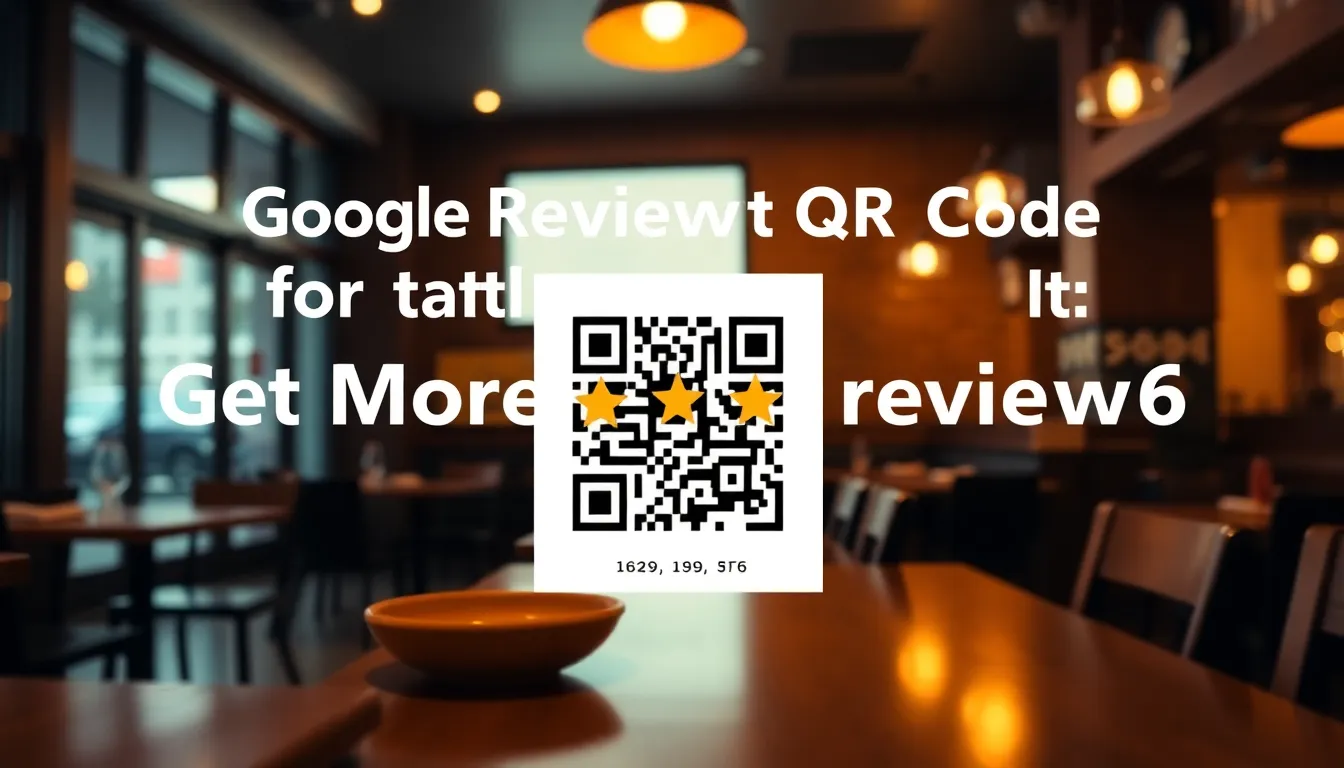
Your restaurant serves amazing food, but your Google reviews don't show it. Customers leave happy, but few take the extra step to write a review. You're missing out on the social proof that brings new customers through your door. A Google Review QR code solves this by making it effortless for satisfied diners to leave feedback right from their table. Using a tool like OwnQR's Google Review QR code generator simplifies this process, offering a cost-effective way to enhance your online reputation.
Why Google Reviews Matter for Restaurants
Google reviews directly impact your restaurant's visibility and credibility. When someone searches for "best pizza near me" or "Italian restaurant downtown," Google shows businesses with higher ratings more prominently. A 4.5-star rating versus a 3.5-star rating can mean the difference between a full dining room and empty tables. Reviews also influence decisions at the moment of choice. People check ratings before choosing where to eat, and positive reviews build trust immediately.
More reviews mean more data for Google's algorithms, which can improve your local search ranking. Each new review, especially with keywords like "great service" or "delicious pasta," helps potential customers understand what makes your restaurant special. The goal isn't just more reviews, but more genuine 5-star reviews that accurately reflect your quality.
How Google Review QR Codes Work
A Google Review QR code is a special QR code that takes customers directly to your restaurant's Google review page. When scanned with a smartphone camera, it opens the exact page where they can write a review and select a star rating. This eliminates several barriers: customers don't need to search for your business, navigate through Google Maps, or find the review button. It's one scan and they're ready to write.
You can create two types of QR codes for this purpose. Static QR codes have a fixed destination that never changes. They're perfect if your Google Business Profile URL stays the same. Dynamic QR codes can be edited after creation, so you can update the destination if your business information changes. Both types work instantly when scanned, but dynamic codes offer additional benefits we'll explore later.
To create one, you need your restaurant's Google review link. Find this by searching for your business on Google, clicking on the reviews section, and copying the URL. Then use a QR code generator like OwnQR's Google Review QR Code tool to convert that link into a scannable code.
Where to Place Your QR Codes for Maximum Impact
Location matters as much as the QR code itself. Place codes where customers naturally have their phones out and a few moments to spare. The most effective spots include table tents, receipt sleeves, checkout counters, and bathroom mirrors. For table tents, position the QR code at eye level when seated, with a clear call-to-action like "Scan to review your experience."
Physical size affects scannability. For close-range scanning (like on a table), your QR code should be at least 2x2 cm. For distances, a good rule is scanning distance divided by 10. So a code meant to be scanned from 50 cm away should be 5 cm square. Always test print your QR code before ordering large batches of materials.
Consider your restaurant's layout. If you have a waiting area, place QR codes there with a message about reviewing while waiting for a table. For takeout orders, include a QR code sticker on packaging. The key is making the review process convenient at the moment customers are most satisfied.
Creating Your Restaurant's QR Code with OwnQR
Creating a Google Review QR code takes about two minutes. First, get your Google review URL as described earlier. Then visit OwnQR's Google Review QR Code tool. Paste your URL into the generator. You'll see a preview of your QR code immediately.
Next, customize the appearance. Choose colors that match your restaurant's branding. Add your logo to the center of the QR code for brand recognition. Select a frame style that complements your decor. These visual touches make the QR code feel like part of your restaurant's experience rather than a generic technical element.
OwnQR offers two options. Free static QR codes require no sign-up and have no watermarks. They're perfect for testing or if you're certain your Google Business Profile won't change. For $15 one-time payment, you get a dynamic QR code that never expires. This lets you edit the destination later, track scans with analytics (seeing location, device, and time data), and download in both PNG and SVG formats. SVG is best for print because it stays sharp at any size.
After customizing, download your QR code. Test it with multiple phones to ensure it works reliably. Then add it to your print materials or digital displays.
Best Practices for Encouraging 5-Star Reviews
A QR code alone won't guarantee 5-star reviews. You need to create the right conditions. Train your staff to mention the QR code at appropriate moments, like when delivering the check: "If you enjoyed your meal, you can scan this code to leave us a review." Make sure service and food quality are consistently excellent before asking for feedback.
Respond to all reviews, both positive and negative. When someone leaves a 5-star review, thank them publicly on Google. This shows you value feedback and encourages others to contribute. For less positive reviews, respond professionally and offer to resolve issues offline. Potential customers read these responses and notice how you handle feedback.
Consider timing your request. The ideal moment is right after the dining experience while it's fresh in the customer's mind. Some restaurants include QR codes on after-dinner mints or with the final bill presentation. Others use digital signage near the exit with a simple message: "Help others discover us."
Track your results. If you use OwnQR's dynamic QR codes, you can see how many people scan your code, what devices they use, and when they scan. This data helps you optimize placement and timing. You might discover that lunch customers scan more than dinner customers, or that weekends generate more reviews.
Real-World Use Cases
Restaurants across various segments have successfully implemented Google Review QR codes to boost their online presence. For example, Bella Napoli, a family-owned Italian restaurant in Chicago, integrated QR codes into their table tents. Before implementation, they averaged 2-3 new reviews per month. After using OwnQR's dynamic QR codes, they saw an increase to 15-20 reviews monthly, with 90% being 5-star ratings. The analytics from OwnQR showed peak scanning times during weekend dinners, allowing them to adjust staff training accordingly.
Another case is Spice Route, an Asian fusion restaurant in San Francisco. They placed QR codes on receipt sleeves and takeout packaging. Initially, they used a free static QR code but switched to OwnQR's dynamic option after changing their Google Business Profile URL. This flexibility prevented broken links and maintained review flow. Within three months, their average rating rose from 4.2 to 4.7 stars, and local search traffic increased by 30%, directly attributed to more positive reviews.
A third example is The Rustic Grill, a steakhouse in Austin. They implemented QR codes as part of a broader restaurant menu QR code solution, combining menu access with review prompts. By using OwnQR, they tracked over 500 scans in the first month, with 40% resulting in reviews. This data helped them identify that customers were more likely to review after dessert, leading to strategic placement of codes on dessert menus. Their review count doubled, enhancing their visibility in "best steakhouse" searches.
Ready to try it? Create your Menu QR Code in seconds
You've seen the comparison. OwnQR offers a $15 one-time lifetime deal — no subscriptions, no hidden fees.
Step-by-Step: How to Do It with OwnQR
1. Obtain your Google review URL by searching for your restaurant on Google, clicking the reviews section, and copying the link from the address bar. This ensures the QR code directs customers to the correct page for leaving feedback.
2. Visit OwnQR's Google Review QR code generator tool online. This platform is designed for ease of use, requiring no technical skills to create professional QR codes quickly.
3. Paste your Google review URL into the input field. OwnQR will generate a preview instantly, allowing you to verify the destination before customization to avoid errors.
4. Customize the QR code's appearance by selecting colors that align with your restaurant's branding, adding your logo for recognition, and choosing a frame style. This enhances visual appeal and encourages scans.
5. Choose between a free static QR code or a dynamic QR code with a $15 lifetime pricing option. The dynamic version offers editable links and analytics, making it a better long-term investment for tracking performance.
6. Download the QR code in PNG or SVG format. SVG is recommended for print materials as it maintains quality at any size, ensuring scannability across different placements.
7. Test the QR code with multiple smartphones to confirm it opens the correct Google review page. This step prevents issues when deploying it in your restaurant.
8. Deploy the QR code in high-traffic areas like tables, counters, or menus. Use clear calls-to-action to guide customers, and monitor scan data through OwnQR's analytics to optimize placement over time.
Common Mistakes and How to Avoid Them
One common mistake is using a static QR code when business information changes frequently. If your Google Business Profile URL updates, the static code becomes broken, leading to customer frustration. Avoid this by opting for OwnQR's dynamic QR codes, which allow link edits without reprinting materials, ensuring continuous functionality.
Another error is placing QR codes in low-visibility areas, such as dimly lit corners or cluttered surfaces. This reduces scan rates because customers may not notice them. To avoid this, position codes at eye level in well-lit spots with minimal distractions, and test different locations using analytics from OwnQR to find optimal placements.
Failing to customize QR codes with branding elements is a missed opportunity. Generic black-and-white codes blend in and lack appeal. Customize colors and add your logo using OwnQR's tools to make the code visually engaging and reinforce your restaurant's identity, increasing the likelihood of scans.
Neglecting to test QR codes before mass deployment can lead to technical issues, such as incorrect links or poor scannability. Always test with various devices and lighting conditions. OwnQR provides preview options to verify functionality, helping you catch errors early and ensure reliability.
Overlooking analytics tracking limits your ability to optimize campaigns. Without data on scan times and locations, you might miss trends. Use OwnQR's dynamic QR codes to access analytics, then adjust strategies based on insights, such as focusing on high-scan periods for staff reminders.
Pricing Comparison
| Feature | OwnQR ($15 Lifetime) | Subscription Alternatives |
|---|---|---|
| One-time cost | Yes | No (monthly or annual fees) |
| Dynamic QR code editing | Yes | Yes (verify current pricing at vendor.com) |
| Analytics tracking | Yes | Yes (often in higher-tier plans) |
| No watermarks | Yes | Yes (check vendor policies) |
| File format options | PNG, SVG | Varies by provider |
| Long-term cost | $15 total | Ongoing fees (e.g., $10-30/month) |
OwnQR stands out with its $15 lifetime pricing model, which offers significant savings compared to subscription-based alternatives. While other providers charge monthly or annual fees—often ranging from $10 to $30 per month for similar features—OwnQR provides a one-time payment for dynamic QR codes with full functionality. This includes editable links, analytics tracking, and no watermarks, making it a cost-effective choice for restaurants on a budget. Over a year, subscription costs can exceed $120, whereas OwnQR's flat fee eliminates recurring expenses. Additionally, OwnQR's dynamic codes ensure flexibility if your Google Business Profile changes, without extra charges. When evaluating options, consider long-term value: OwnQR reduces financial overhead while delivering reliable performance, ideal for small to medium-sized restaurants aiming to enhance reviews without ongoing costs. Always verify competitor pricing directly, as rates may vary, but OwnQR's transparent model simplifies budgeting and planning.
Frequently Asked Scenarios
Q: What if my restaurant changes location or Google Business Profile URL?
A: With OwnQR's dynamic QR codes, you can update the destination link at any time without creating a new code. This prevents broken links and maintains review continuity. Simply log into your OwnQR account, edit the URL, and the existing QR codes will redirect to the new page, ensuring customers always reach the correct review site.
Q: How can I track the effectiveness of my QR code campaign?
A: OwnQR provides analytics for dynamic QR codes, showing scan counts, locations, devices, and times. Use this data to identify peak scanning periods and optimize placement. For example, if scans spike during dinner hours, reinforce staff training to mention the code at that time, increasing review submissions and improving campaign ROI.
Q: Are QR codes secure for customer use?
A: Yes, when created with reputable tools like OwnQR. The QR code directs to your official Google review page, a secure platform. Avoid using third-party shorteners that might redirect to malicious sites. OwnQR generates direct links, ensuring safety and building trust with customers who scan the code for feedback purposes.
Q: Can I use QR codes for other purposes alongside reviews?
A: Absolutely. OwnQR supports multi-functional campaigns, such as combining review prompts with menu access or loyalty programs. For instance, create separate QR codes for different actions or use dynamic codes to switch destinations seasonally. This versatility enhances customer engagement without cluttering your space with multiple codes.
Ready to start collecting more 5-star reviews? Create your Google Review QR code today at OwnQR. Choose between free static codes or $15 lifetime dynamic codes with analytics. Either way, you'll make it easier for happy customers to share their experiences and help your restaurant thrive. With OwnQR, you gain a reliable tool that integrates seamlessly into your marketing strategy, driving long-term growth through enhanced online reputation.
Tags
Frequently Asked Questions
How do Google Review QR codes help restaurants get more 5-star reviews?
Google Review QR codes reduce friction by taking customers directly to your review page with one scan. This convenience increases review volume. For best results, place codes where customers have downtime, like on table tents or receipt sleeves. OwnQR offers free static codes or $15 dynamic codes with scan tracking to measure effectiveness.
What size should a restaurant's Google Review QR code be?
For tabletop use where customers scan from close range, make your QR code at least 2x2 cm. For wall displays or signs, use this formula: scanning distance divided by 10 equals minimum size. A code scanned from 1 meter away should be 10 cm square. Always test prints before final production.
Can I edit a Google Review QR code after printing it?
Only dynamic QR codes can be edited after creation. If you need to update your Google Business Profile URL later, a dynamic code lets you change the destination without reprinting materials. OwnQR's dynamic codes cost $15 one-time with no subscription and include analytics to track scans.
Why choose OwnQR over other QR code generators for restaurants?
OwnQR offers lifetime dynamic QR codes for $15 with no recurring fees, while many competitors use monthly subscriptions. You get free static codes without watermarks, SVG downloads for crisp printing, and scan analytics showing location and device data. This makes it cost-effective for restaurants on tight budgets.
Is OwnQR better than QRFY or Beaconstac for restaurant QR codes?
OwnQR provides better value for restaurants with its $15 lifetime pricing versus subscription models. Unlike QRFY or Beaconstac which typically charge monthly, OwnQR has no expiration. You get the same core features: custom designs, analytics, and reliable scanning. Verify current pricing at competitor websites for comparison.
Ready to own your QR codes?
One-time $15 for lifetime dynamic QR codes.
Most alternatives bill monthly — verify current rates on their site.
30-day money back guarantee