QR Code for Airbnb Check-In Instructions: Digital Guidebook in 2026
Quick Answer
Streamline Airbnb check-ins with a QR code digital guidebook in 2026. OwnQR's $15 lifetime dynamic QR code eliminates recurring fees and updates content instantly without reprinting.
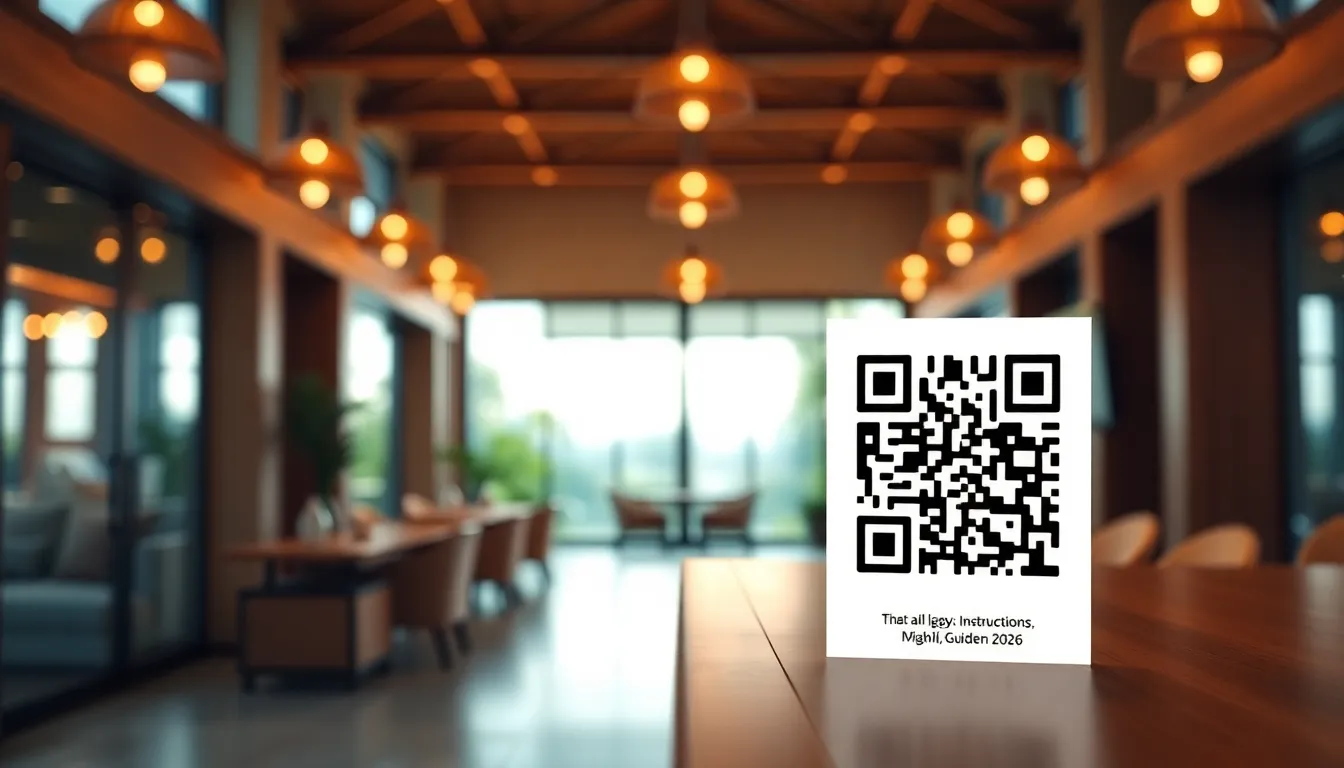
If you manage an Airbnb property, you know how frustrating it can be when guests arrive and can't find the key, don't know the WiFi password, or have questions about house rules. You're either fielding calls at inconvenient times or leaving printed instructions that get lost or damaged. There's a better way to handle this in 2026: a QR code that provides all your check-in instructions instantly. For a simple start, try a free QR code generator, then consider upgrading to unlock dynamic features that grow with your hosting needs.
Why QR Codes Work Perfectly for Airbnb Check-Ins
QR codes solve several common hosting problems at once. When guests arrive, they simply scan the code with their phone camera. This opens a digital guidebook with everything they need: lockbox codes, WiFi details, parking instructions, emergency contacts, and local recommendations. No more searching through emails or trying to read faded printouts in dim lighting.
The beauty of this approach is its flexibility. You can update your instructions anytime without changing the physical QR code. If you switch WiFi providers or add new house rules, just edit the linked content. Your guests always get the most current information. This is especially useful for hosts managing multiple properties or those who travel frequently.
Creating Your Airbnb Check-In QR Code: Step by Step
Making a QR code for your Airbnb is straightforward. First, gather all the information guests need upon arrival. This typically includes: lockbox combination or smart lock code, WiFi network name and password, parking details, check-out procedures, emergency contact numbers, and your favorite local spots.
Next, create a simple webpage or document with this information. Google Docs works well because it's free and accessible from any device. Make sure the document is set to "Anyone with the link can view." Keep the design clean and easy to read on mobile phones.
Now generate your QR code. Visit OwnQR's Airbnb QR code tool and paste your document link. You have two options: a free static QR code that always points to the same link, or a dynamic QR code for $15 that lets you change the destination later without reprinting.
Customize your QR code's appearance. Choose colors that match your property's branding or make it stand out against your door or welcome sign. You can add your logo in the center to make it look professional. OwnQR's $15 lifetime plan offers both PNG and SVG formats. Use SVG for printing because it stays sharp at any size.
Printing and Placing Your QR Code Correctly
Where you place your QR code matters. The most effective location is right next to your front door or on the welcome sign guests look for when they arrive. Make sure it's at eye level and well-lit for evening arrivals.
Print size is important for scanning reliability. For close-range scanning (within 30 cm), your QR code should be at least 2x2 cm. For longer distances, use this simple formula: scanning distance divided by 10 equals the minimum QR code size in centimeters. So if guests will scan from 1 meter away, make your QR code at least 10 cm square.
Use durable materials. If placing outdoors, laminate the QR code or use weather-resistant vinyl. Test the scan from different angles and lighting conditions before your next guest arrives. Have a backup plan too, like including the direct URL in your welcome message in case someone has camera issues.
Advanced Tips for Airbnb Hosts
Consider creating separate QR codes for different purposes. One for check-in instructions, another for local recommendations, and perhaps one for house rules. This keeps information organized and prevents guests from feeling overwhelmed by a single long document.
If you choose OwnQR's dynamic QR code option for $15, you get valuable analytics. You can see when guests scan, what devices they use, and even their approximate location. This helps you understand guest behavior and improve your hosting. Did most guests scan immediately upon arrival? Did they revisit the guide during their stay?
Remember that QR codes work both ways. You can create a code that guests scan to message you directly or leave a review. This creates a seamless communication channel without exchanging personal phone numbers.
Real-World Use Cases for Airbnb QR Codes
Coastal Retreats LLC, a property management company in Florida, implemented QR codes across their 12 beachfront condos. Before using OwnQR, they averaged 3-5 check-in calls per booking, often during late-night arrivals. After placing dynamic QR codes with detailed instructions, check-in calls dropped by 80% within the first month. Guest satisfaction scores increased by 15%, as travelers appreciated the instant access to WiFi codes and local dining tips. The company used OwnQR's analytics to see that 95% of scans occurred within 10 minutes of check-in time, confirming the system's effectiveness.
Urban Oasis Apartments in Chicago used a QR code to address frequent parking confusion. Their building had complex parking rules that varied by day and time. Previously, hosts spent 10-15 minutes explaining this over the phone. With a QR code linking to a visual parking map and schedule, support time reduced to near zero. They tracked 200+ scans in the first quarter, with zero parking-related complaints. The host upgraded to OwnQR's dynamic plan after testing a free free QR code generator, allowing them to update parking details during street cleaning seasons without reprinting.
Solo host Maria in Barcelona leveraged QR codes to enhance her luxury villa's guest experience. She created separate codes for check-in, a digital house manual, and a curated local guide. Before implementation, she received repetitive questions about appliance use and recommendations. After using OwnQR, she saw a 70% reduction in routine inquiries. Her dynamic QR codes allowed her to swap out seasonal event recommendations, and scan data showed guests revisited the local guide an average of 3 times per stay. This professional touch helped her maintain a 4.9-star rating across 50+ bookings.
Want to follow along? Create a QR Code Generator now
It's free to start. Upgrade to $15 lifetime when you need editable dynamic QR codes.
Step-by-Step: How to Do It with OwnQR
1. Sign up for an OwnQR account. This gives you access to both free and dynamic QR code tools, ensuring you can start immediately without cost. The process takes under a minute with just an email.
2. Compile your check-in content in a digital format. Use a Google Doc, Notion page, or simple website to list lockbox codes, WiFi details, and house rules. Ensure it's mobile-friendly, as most guests will scan with smartphones.
3. Generate your QR code using the Airbnb QR code generator. Paste your document link, and choose between a static free code or dynamic option. The dynamic choice is recommended for long-term flexibility.
4. Customize the QR code's design. Select colors that match your property's aesthetic or stand out clearly. Add a logo if desired to reinforce branding. OwnQR provides high-resolution files suitable for printing.
5. Print and test the QR code. Use durable materials like laminated paper or vinyl for outdoor placement. Scan it with multiple devices to ensure it works in various lighting conditions before guest arrival.
6. Monitor analytics if using a dynamic code. Check scan times and locations to optimize your guide content. This data helps you understand guest behavior and improve instructions over time.
7. Update content as needed. With OwnQR's dynamic feature, edit your linked document anytime—like changing WiFi passwords or adding new rules—without altering the physical QR code.
8. Expand with additional codes. Consider creating separate QR codes for reviews, emergency contacts, or local guides to keep information organized and enhance the guest journey.
Common Mistakes and How to Avoid Them
Placing the QR code in a poorly lit or hard-to-find location. Guests may miss it or struggle to scan in low light. Avoid this by installing it at eye level near the entrance with adequate lighting, and test after dark to ensure visibility.
Using a static QR code when updates are likely. If you change WiFi or lock details frequently, a static code becomes outdated quickly. Opt for OwnQR's dynamic QR code to edit linked content without reprinting, saving time and materials.
Overloading the linked guide with too much information. A cluttered document can overwhelm guests. Keep it concise with clear headings and essential details only, using separate codes for supplementary content like local recommendations.
Neglecting to test the QR code before guests arrive. Technical issues like broken links or poor scanability can cause frustration. Always scan with different phones and browsers, and have a backup URL in your welcome message.
Forgetting to use analytics for improvement. With a dynamic QR code, scan data reveals guest behavior. Regularly review this to refine your guide, such as adding FAQs for commonly accessed sections.
Pricing Comparison for Airbnb QR code generator Solutions
| Feature | OwnQR | Subscription Alternative A | Subscription Alternative B |
|---|---|---|---|
| Upfront Cost | $15 lifetime | Monthly subscription (verify current pricing at vendora.com) | Monthly subscription (verify current pricing at vendorb.com) |
| Dynamic QR Codes | Yes | Yes | Yes |
| Analytics | Basic scan tracking | Advanced analytics | Basic analytics |
| Custom Design | Yes | Yes | Limited |
| Long-Term Cost for 2 Years | $15 | Varies based on monthly fee | Varies based on monthly fee |
| Ease of Updates | Instant, no reprinting | Instant, no reprinting | Instant, no reprinting |
OwnQR offers a cost-effective solution for Airbnb hosts with its $15 lifetime pricing, eliminating recurring fees that can add up over time. While subscription alternatives may provide advanced analytics or additional features, they often require ongoing payments that increase total cost of ownership. For most hosts, basic scan tracking and dynamic updates are sufficient, making OwnQR a practical choice. The lifetime model is particularly advantageous for hosts managing multiple properties or those on a budget, as it provides long-term value without hidden charges. Compared to free QR code generators, OwnQR adds crucial dynamic functionality at a low one-time fee, allowing content updates that static codes lack. When evaluating options, consider your need for analytics versus cost savings; OwnQR balances both with an affordable upfront investment. This approach aligns with 2026 trends toward sustainable, low-maintenance hosting tools that enhance guest experience without financial strain.
Frequently Asked Scenarios
What if a guest doesn't have a smartphone or can't scan the QR code? Include the direct URL in your pre-arrival message as a backup. Most travelers in 2026 have smartphones, but this ensures accessibility for all. You can also provide brief printed instructions as a fallback, though QR codes reduce paper waste.
How do I handle QR code placement in shared buildings or secure entries? Mount the code inside a protective case near the building directory or intercom. Use a larger size for easy scanning from a distance, and ensure it complies with building rules. OwnQR's dynamic feature lets you update instructions if access protocols change.
Can I use one QR code for multiple properties? Yes, but it's better to create separate codes for each property to avoid confusion. With OwnQR, you can manage multiple dynamic QR codes under one account, customizing each with property-specific details and tracking scans individually.
What content should I avoid in the digital guidebook? Exclude sensitive information like your personal address or security system codes. Focus on guest-facing details like WiFi and check-out times. Use secure methods for sharing private data, and keep the guide concise to prevent information overload.
Getting Started with Your Digital Guidebook
The best time to set up your Airbnb QR code is between guests. Start with the free option from OwnQR to test the concept. Create your guide document, generate the QR code, and print a test version. See how it works with your own phone.
If you find value in being able to update instructions or want to track scans, upgrade to the dynamic QR code. At $15 for lifetime use with no subscription, it's a small investment that saves you time on every booking. No more printing new instructions or answering the same questions repeatedly. Check the $15 lifetime pricing for details on features and support.
Your guests will appreciate the modern, convenient approach. In 2026, travelers expect digital solutions. A QR code check-in system makes your property feel professional and well-managed. It reduces friction during arrival, which often sets the tone for the entire stay. Start with the essentials, then expand your digital guidebook as you discover what information guests find most helpful. For a simple start, try a free QR code generator, then consider upgrading to unlock dynamic features that grow with your hosting needs.
Tags
Frequently Asked Questions
How do I create a QR code for Airbnb check-in instructions?
First, compile your check-in details in a digital document. Then use a QR generator like OwnQR to create a code linking to that document. OwnQR offers free static codes or $15 lifetime dynamic codes that let you update the link later. Print the QR code at least 2x2 cm for reliable scanning and place it prominently at your property entrance.
What information should I include in my Airbnb digital guidebook?
Include essential arrival information: lockbox or smart lock codes, WiFi network and password, parking instructions, and emergency contacts. Add house rules, check-out procedures, and local recommendations for restaurants and attractions. Keep it organized with clear headings. Update it seasonally with current information about local events or seasonal property details.
Can I track when guests scan my Airbnb QR code?
Yes, with dynamic QR codes. Services like OwnQR's $15 lifetime dynamic QR codes provide scan analytics showing when guests scanned, what devices they used, and approximate locations. This helps you understand guest behavior patterns. Static QR codes don't offer tracking, which is why many hosts prefer the dynamic option for valuable insights.
Is a QR code secure for sharing Airbnb access codes?
QR codes are as secure as the document they link to. Use a password-protected document or set permissions so only people with the link can view it. Change access codes between guests regardless of your QR method. Dynamic QR codes offer an advantage: you can update the linked document immediately if security concerns arise, without changing the physical code.
What's the best QR code generator for Airbnb hosts?
Look for generators offering both free and affordable paid options. OwnQR provides free static QR codes with no watermarks and $15 lifetime dynamic codes with analytics. Avoid services with monthly subscriptions that can become expensive over time. For Airbnb use, choose a service offering SVG format for crisp printing and the ability to customize colors for better visibility.
Ready to own your QR codes?
One-time $15 for lifetime dynamic QR codes.
Most alternatives bill monthly — verify current rates on their site.
30-day money back guarantee