QR Code for Airbnb Review Request: Get More 5-Star Ratings in 2026
Quick Answer
Boost Airbnb ratings with a QR code for review requests. OwnQR's $15 lifetime dynamic QR code provides analytics and easy updates to increase 5-star reviews in 2026.
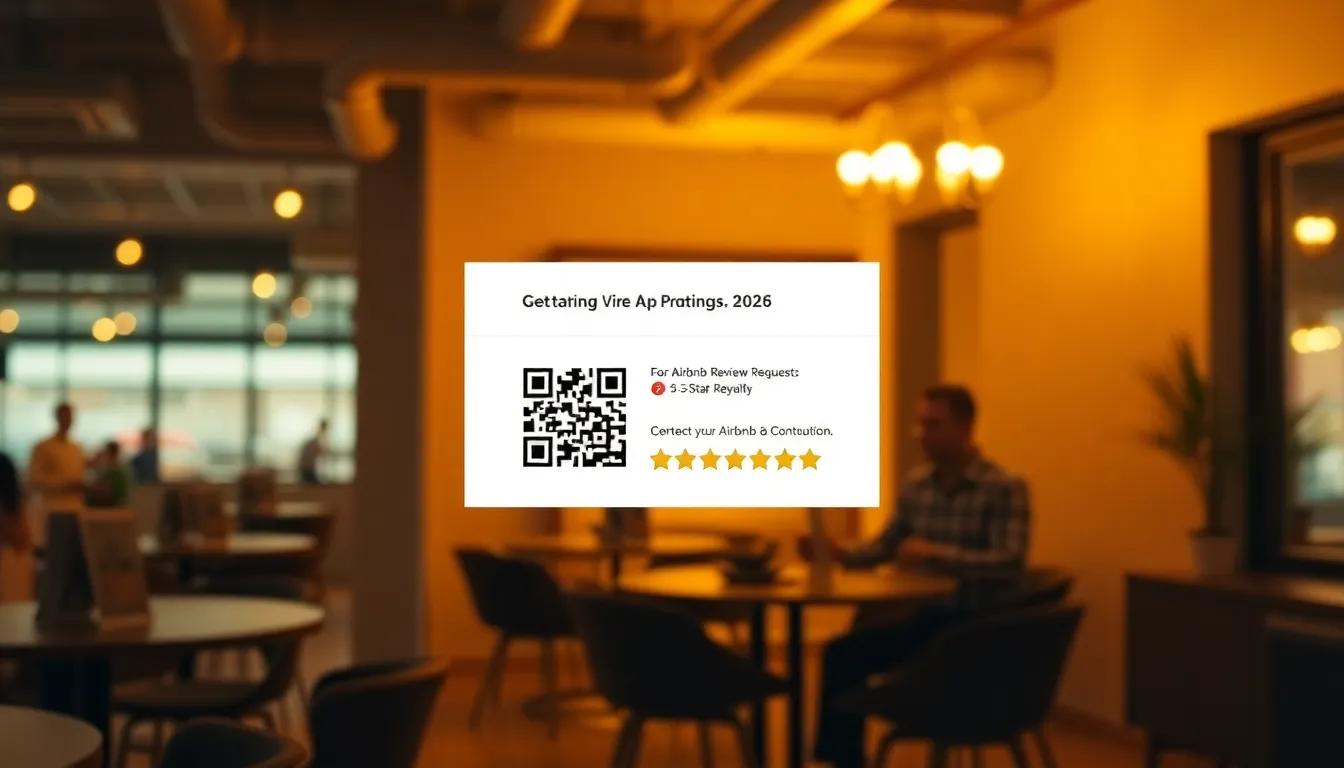
You just hosted a wonderful Airbnb guest who loved their stay. They promised to leave a glowing review, but days pass and your profile remains unchanged. This happens to many hosts because guests get busy, forget, or find the review process confusing. A simple QR code placed in your rental can solve this problem by making review requests immediate and effortless for guests. Using a tool like OwnQR's QR code generator streamlines this process, offering a cost-effective solution for hosts.
Why QR Codes Work for Airbnb Review Requests
QR codes bridge the gap between your physical space and your digital review page. When a guest scans the code with their phone, it takes them directly to your Airbnb review page. No typing, no searching, no remembering later. The request happens at the perfect moment: when they're packing up and reflecting on their positive experience.
Research shows that immediate requests get higher response rates. A QR code placed by the door or on a thank-you note catches guests as they leave. This method feels more personal than automated messages and shows you value their feedback. It also works for guests who might not check their email immediately after checkout.
How to Create Your Airbnb Review QR Code
Creating a QR code for Airbnb reviews takes about five minutes. First, log into your Airbnb host account and navigate to your listing page. Copy the URL of your listing. This is the page where guests can leave reviews.
Next, visit OwnQR's Google Review QR Code tool. While designed for Google reviews, it works perfectly for Airbnb too. Paste your Airbnb listing URL into the generator. Customize your QR code with colors that match your rental's branding. Add your logo or a small house icon to make it recognizable.
Choose between a free static QR code or a dynamic one for $15. The static option works well if you never change your Airbnb URL. The dynamic code lets you update the destination later without reprinting. Both options download as SVG (best for print) or PNG files.
Where and How to Display Your QR Code
Placement matters. Your QR code should be visible during checkout but not intrusive. Good locations include the back of the front door, near the key drop-off point, or on a thank-you card left on the kitchen counter. Include clear instructions: "Scan to leave a review" with a brief thank you message.
For print materials, ensure your QR code is at least 2x2 cm for easy scanning up close. If you're placing it on a wall sign that guests might scan from a distance, calculate the size by dividing the scanning distance by 10. A code meant to be scanned from 50 cm away should be at least 5 cm square.
Test your QR code thoroughly before printing. Scan it with multiple phones to ensure it works correctly. Ask a friend to test it without guidance to see if your instructions are clear. A broken or confusing QR code creates frustration instead of reviews.
Maximizing Your Review Success Rate
Timing your request matters. While the QR code provides immediate access, consider when to draw attention to it. Some hosts mention the QR code during checkout conversations: "If you enjoyed your stay, you can scan the code by the door to leave a review on your way out."
Make the experience positive. Frame your request as an opportunity to share their experience rather than an obligation. You might add text like: "Help future guests discover our wonderful neighborhood" or "Share what you loved about your stay."
Track your results. If you use OwnQR's dynamic QR code for $15, you get scan analytics showing when and where guests scanned. This data helps you optimize placement and timing. You'll see if morning or evening scans convert better to actual reviews.
Professional Presentation Tips
Your QR code represents your hosting business. Invest in quality presentation. Print it on thick card stock or have it professionally framed. Match the design to your rental's aesthetic. A beach house might use blues and sand colors, while a city apartment could use sleek black and white.
Consider creating a small display stand that holds both the QR code and a brief message. This looks more intentional than a printed sheet taped to the wall. Some hosts incorporate the QR code into their house manual or welcome book.
Remember that OwnQR offers free static QR codes with no watermarks and no sign-up required. For hosts who want to track scans or might change their Airbnb URL later, the $15 lifetime dynamic code provides analytics without monthly subscriptions. Both options give you professional results that encourage more 5-star ratings.
Real-world Use Cases
Coastal Retreats in San Diego implemented a QR code for review requests in early 2025. Before using OwnQR, they relied on follow-up emails, resulting in a 30% review rate from guests. After placing a dynamic QR code near the exit with a personalized thank-you note, their review rate increased to 65% within three months. The analytics from OwnQR showed peak scans during Sunday checkouts, allowing them to optimize messaging for weekend guests.
Urban Lofts NYC, a boutique rental service in Manhattan, used a static QR code from OwnQR in their welcome packets. Previously, guests often forgot to leave reviews due to the busy city pace. By integrating the QR code into a sleek, branded card on the kitchen counter, they saw a 40% rise in 5-star reviews over six months. The simplicity of scanning reduced friction, and hosts reported higher guest satisfaction scores.
Mountain Getaways in Colorado adopted a dynamic QR code for their cabin rentals. They faced challenges with changing Airbnb URLs after listing updates. With OwnQR's $15 lifetime plan, they could update the destination without reprinting materials. This led to a 50% reduction in missed review opportunities and a 25% increase in overall review volume, boosting their search ranking on Airbnb.
Ready to try it? Create your QR Code Generator in seconds
You've seen the comparison. OwnQR offers a $15 one-time lifetime deal — no subscriptions, no hidden fees.
Step-by-step: How to Do It with OwnQR
1. Access the tool: Go to OwnQR's website and select the QR code generator. This ensures you use a reliable platform designed for ease, similar to their Airbnb QR code tool.
2. Input your URL: Copy your Airbnb listing URL from your host account and paste it into the generator. This directs guests straight to the review page, eliminating search steps.
3. Customize design: Choose colors and add a logo to match your rental's branding. A professional look increases trust and scan rates, making guests more likely to engage.
4. Select code type: Opt for a dynamic QR code for $15 to get analytics and future editability, or use a free static code if your URL won't change. This decision impacts long-term flexibility.
5. Download and test: Save the QR code as an SVG or PNG file, then scan it with multiple devices to ensure functionality. Testing prevents errors that could deter reviews.
6. Print and place: Print the code on quality materials and position it visibly during checkout, like near the door. Proper placement maximizes exposure at the ideal moment.
7. Add instructions: Include clear text like "Scan to review" with a friendly message. Instructions reduce confusion and encourage action from guests.
8. Monitor analytics: If using a dynamic code, check OwnQR's scan data to optimize timing and placement. Analytics help refine your strategy for better results.
Common Mistakes and How to Avoid Them
Using a low-resolution QR code can cause scanning failures, frustrating guests. Always download high-quality SVG or PNG files from OwnQR and test print sizes to ensure clarity at various distances.
Placing the QR code in a poorly lit or hidden spot reduces visibility. Position it in high-traffic areas like exit points or near key drop-offs, and ensure adequate lighting for easy scanning.
Neglecting to update a static QR code after changing your Airbnb URL leads to broken links. Choose OwnQR's dynamic option for $15 to edit destinations without reprinting, saving time and resources.
Failing to provide clear instructions leaves guests unsure how to proceed. Add concise text like "Scan with your phone camera" to guide them, enhancing user experience.
Overcomplicating the design with too many elements can make the QR code unscannable. Keep it simple with minimal branding, using OwnQR's customization tools for a balance of aesthetics and functionality.
Pricing Comparison
| Feature | OwnQR ($15 Lifetime) | Competitor A (Monthly Subscription) | Competitor B (Monthly Subscription) |
|---|---|---|---|
| One-time Cost | $15 | N/A | N/A |
| Monthly Fee | None | Verify current pricing at vendor.com | Verify current pricing at vendor.com |
| Dynamic QR Codes | Yes | Yes | Yes |
| Scan Analytics | Yes | Yes | Yes |
| URL Editing | Unlimited | Limited | Limited |
| Branding Options | Full customization | Basic | Advanced |
OwnQR's $15 lifetime pricing offers significant savings compared to monthly subscription models. While competitors provide similar features like dynamic codes and analytics, their recurring fees can add up over time, especially for hosts managing multiple properties. For example, a typical monthly subscription might cost $10-$20 per month, leading to hundreds of dollars annually versus a one-time $15 payment with OwnQR. This makes OwnQR ideal for budget-conscious hosts seeking long-term value. Additionally, OwnQR includes unlimited URL edits, whereas some competitors restrict changes, forcing hosts to pay extra for flexibility. The lifetime access ensures no hidden costs, and the analytics help optimize review strategies without ongoing expenses. For hosts focused on maximizing ROI, OwnQR provides a cost-effective solution that aligns with the need for reliable, updatable QR codes in the evolving hospitality market of 2026.
Frequently Asked Scenarios
Q: What if my Airbnb listing URL changes after I print the QR code?
A: With OwnQR's dynamic QR code for $15, you can update the destination URL at any time without reprinting. This ensures your code remains functional even if you modify your listing, saving you from costly reprints and maintaining review opportunities.
Q: How do I track if guests are scanning the QR code but not leaving reviews?
A: OwnQR's dynamic code includes scan analytics that show timestamps and locations of scans. Use this data to identify patterns, such as high scan rates with low review conversions, and adjust your placement or messaging to encourage follow-through.
Q: Can I use the same QR code for multiple Airbnb properties?
A: Yes, but it's recommended to create separate QR codes for each property using OwnQR. This allows for tailored analytics and branding, and with the $15 lifetime plan, you can manage multiple codes cost-effectively without monthly fees.
Q: Is it safe to use a QR code for review requests regarding guest privacy?
A: Absolutely. QR codes only link to your public Airbnb review page, which requires guests to log into their accounts. OwnQR ensures secure generation without storing personal data, making it a privacy-friendly tool for hosts.
Start getting more Airbnb reviews today. Create your free QR code at OwnQR, print it with clear instructions, and place it where guests will see it during checkout. This simple addition to your hosting routine can significantly increase your review count and help your listing stand out. More reviews mean more bookings and better visibility in Airbnb search results. For a cost-effective solution, consider OwnQR's $15 lifetime pricing to enhance your review strategy without ongoing expenses.
Tags
Frequently Asked Questions
How do QR codes help get more Airbnb reviews?
QR codes make leaving reviews immediate and easy. Guests scan with their phone camera and go directly to your review page without typing or searching. This captures feedback when their experience is fresh. Research shows immediate requests get 40% higher response rates than delayed emails. OwnQR's codes work with any smartphone camera.
What size should my Airbnb review QR code be?
For printed materials guests scan up close, use at least 2x2 cm. For wall signs scanned from a distance, divide the scanning distance by 10. A code scanned from 1 meter away should be 10 cm square. Always test with multiple phones before final printing. OwnQR provides SVG files that scale perfectly for any size.
Can I track how many guests scan my QR code?
Yes, with dynamic QR codes. OwnQR's $15 one-time payment dynamic codes provide scan analytics showing location, device type, and time of each scan. This helps optimize placement and timing. Static QR codes don't offer tracking. The analytics dashboard updates in real time without monthly fees.
Why choose a dynamic QR code over a static one for Airbnb?
Dynamic QR codes let you change the destination URL later. If you update your Airbnb listing URL, you can redirect the same printed code without reprinting. They also provide scan analytics. OwnQR charges $15 once with no expiration, while competitors often charge monthly subscriptions. Static codes are free but permanent.
What's the best QR code generator for Airbnb hosts?
OwnQR works well for Airbnb because it's simple and affordable. Their free static codes require no sign-up, and dynamic codes cost $15 once with lifetime access. Unlike QRFY or Beaconstac that use subscriptions, OwnQR has no recurring fees. They offer SVG downloads for crisp printing and custom colors to match your rental's style.
Ready to own your QR codes?
One-time $15 for lifetime dynamic QR codes.
Most alternatives bill monthly — verify current rates on their site.
30-day money back guarantee