QR Code for Food Delivery Packaging: Reorder in One Scan (2026 Guide)
Quick Answer
Transform food delivery packaging into a repeat sales channel with QR codes. This 2026 guide covers implementation, real-world results, and how OwnQR's $15 lifetime dynamic codes make it cost-effective.
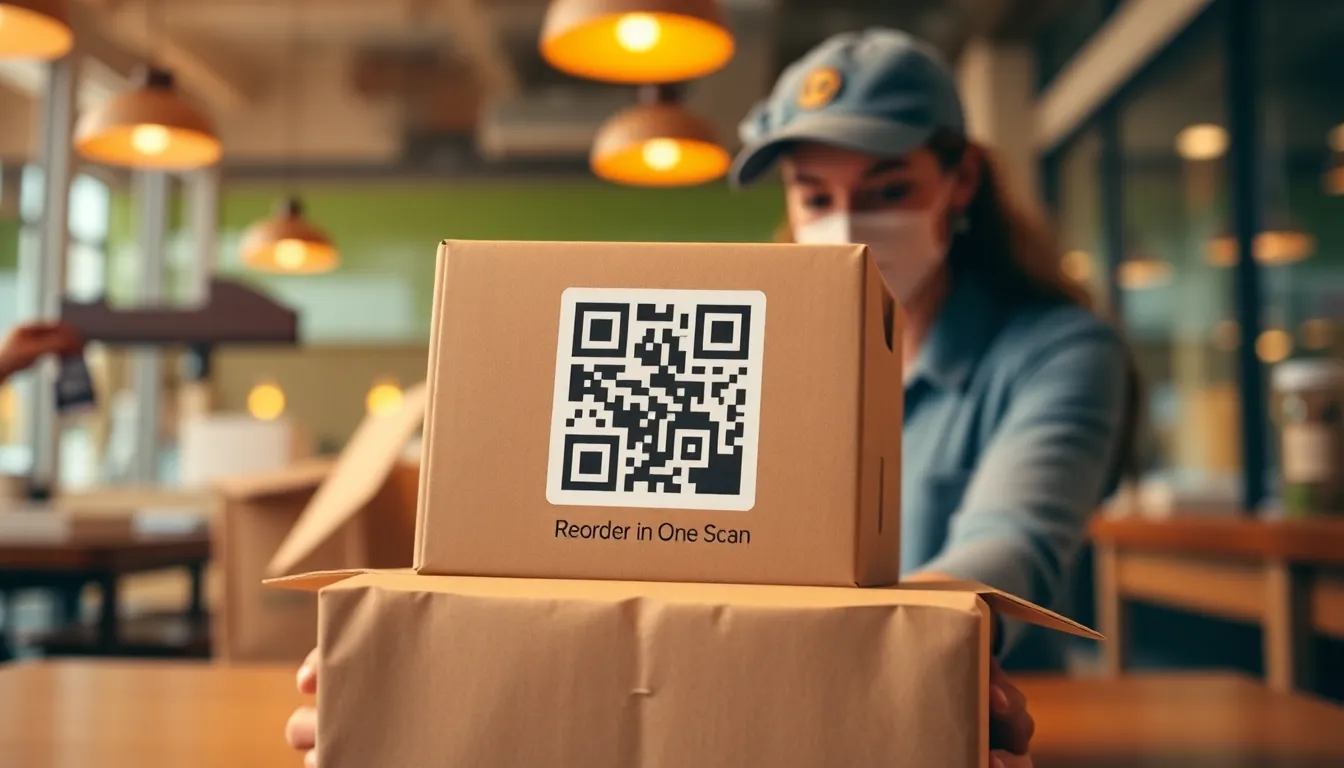
You just delivered a fantastic meal to a customer. They loved it, but now they have to search for your restaurant online, navigate your menu, and place a new order. That's friction. What if they could reorder their favorite dish with one scan from the packaging? QR codes on food delivery boxes, bags, and containers turn satisfied customers into repeat buyers without extra effort. This guide shows you exactly how to implement this for your restaurant or food business in 2026, leveraging tools like a free QR code generator to get started.
Why QR Codes on Delivery Packaging Work
Food delivery isn't just about the first order. It's about building a habit. A QR code placed directly on the packaging meets the customer at the perfect moment: when they're enjoying your food and thinking, "I'd order this again." Instead of making them remember your restaurant name or search through an app, you give them a direct path back. This reduces the steps to reorder from five or six (open app, search, find menu, select items, checkout) to one: scan. For small businesses, this can significantly increase customer retention and order frequency.
These QR codes can link to specific actions. The most effective is a direct reorder link for the exact items in that delivery. You can also link to your main menu, a loyalty program signup, or a feedback form. The key is providing immediate value. With dynamic QR codes from services like OwnQR's QR code generator, you can even change the destination after printing. So if you update your menu or run a special promotion, you can point existing packaging to the new page without reprinting anything.
Practical Implementation: Size, Placement, and Design
Getting the technical details right ensures your QR codes actually scan. First, size matters. For close-range scanning on a food package held in hand, the QR code should be at least 2x2 cm (about 0.8x0.8 inches). This is the minimum for smartphone cameras to read it reliably. If you want it scannable from a short distance, like if the package is on a counter, use this simple rule: make the QR code size equal to the scanning distance divided by 10. For example, for a 50 cm (20 inch) scanning distance, make the QR code 5 cm (2 inches) square.
Placement is equally important. Put the QR code on a flat, unobstructed surface of your packaging. Avoid curved areas on cups or wrinkled bag surfaces. Good locations include the top flap of a pizza box, the side of a paper bag, or a dedicated sticker on a plastic container lid. Ensure there's adequate contrast. A dark QR code on a light background works best. You can customize colors with OwnQR to match your brand, but always maintain strong contrast between the code and its background.
For design, consider adding a brief call-to-action. Text like "Scan to Reorder" or "Love this meal? Scan to get it again" guides the customer. You can also add your logo to the center of the QR code using a generator that supports this feature without breaking scannability. OwnQR allows logo insertion and offers SVG format download, which is ideal for print because it stays sharp at any size.
Step-by-Step: Creating Your Delivery QR Code
Here's how to create a QR code for your food delivery packaging.
1. Decide on the link. For maximum impact, create a unique link for each common order combination or menu item. This could be a direct link to that item in your online ordering system. If your system doesn't support deep links, use a link to your main ordering page with a promotional code for that dish.
2. Generate the QR code. Go to a QR code generator. For a simple, permanent link, you can use a free static QR code. OwnQR offers free static codes with no sign-up and no watermark. If you think you might want to change the link later (for example, to update a promotion or track scans), use a dynamic QR code. OwnQR provides these for a one-time payment of $15 with no subscription and no expiration.
3. Customize and download. Adjust the colors to fit your packaging design. Add your logo if desired. Then download the file. For printing on packaging, choose the SVG format. This vector format ensures perfect quality on boxes and bags. PNG is also available for digital mockups.
4. Test thoroughly. Before mass printing, print a sample and scan it with several different smartphones in various lighting conditions. Make sure it scans quickly and goes to the correct page.
5. Integrate with packaging. Provide the final QR code file to your packaging supplier or print it on labels yourself. Ensure it meets the minimum size requirement for its intended scanning distance.
Real-World Use Cases: QR Codes on Food Packaging in Action
Implementing QR codes on delivery packaging has delivered measurable results for businesses across the food industry. Here are three specific examples showing how companies have leveraged this strategy to boost reorders and customer engagement.
Urban Bites Pizza, Chicago: This local pizzeria added QR codes to their pizza box lids linking to a reorder page for the exact pizza in the box. Before implementation, repeat orders from delivery customers averaged 15% within 30 days. After adding QR codes, that rate increased to 28% within the same period. They used OwnQR dynamic codes to update links seasonally, promoting specials like a summer BBQ pizza without reprinting boxes. Scan analytics showed peak interactions between 7-9 PM, guiding their promotional timing.
Green Bowl Healthy Meals, San Francisco: A meal delivery service targeting health-conscious professionals placed QR codes on their biodegradable containers. The codes linked to a page with nutritional information, recipe suggestions for leftovers, and a one-click reorder option. Prior to QR codes, customer retention over six months was 40%. Post-implementation, retention rose to 55%, with 20% of scans leading directly to reorders. They used OwnQR's customization to match their brand colors, enhancing package aesthetics while maintaining scannability.
Brew & Bites Café, Austin: This café added QR codes to their coffee cup sleeves and takeout bags, directing customers to a loyalty program signup and feedback form. Initially, loyalty signups were reliant on in-store prompts, averaging 50 per month. After QR code deployment, signups via packaging increased to 200 monthly, with 30% of those users placing a repeat order within two weeks. They utilized OwnQR's dynamic feature to switch the link from a loyalty page to a holiday promotion, maximizing existing packaging utility.
Want to follow along? Create a QR Code Generator now
It's free to start. Upgrade to $15 lifetime when you need editable dynamic QR codes.
Step-by-Step: How to Do It with OwnQR
Follow this detailed process to create and deploy effective QR codes for your food delivery packaging using OwnQR, ensuring optimal results from setup to scan.
1. Define Your Objective: Determine the primary goal for your QR code, such as reordering a specific dish, signing up for loyalty programs, or collecting feedback. This clarity guides link creation and customization, maximizing customer engagement and conversion rates. For instance, if reorders are the focus, link directly to that item's ordering page.
2. Choose Your QR Code Type: Select between a static or dynamic QR code based on your needs. Use a static code for permanent links; OwnQR offers these for free. Opt for a dynamic code if you anticipate changing the link later or want scan analytics—OwnQR provides this for a $15 lifetime fee, avoiding ongoing subscriptions.
3. Generate and Customize: Visit OwnQR's generator, enter your target URL, and customize the code. Adjust colors to align with your packaging design, ensuring high contrast for scannability. Add your logo centrally if desired, using OwnQR's logo insertion tool that maintains readability. This step enhances brand consistency and visual appeal.
4. Download in Optimal Format: Download the QR code file in SVG format for printing, as it retains sharpness at any size—crucial for packaging materials. PNG is also available for digital proofs. OwnQR supports both, giving you flexibility for pre-print testing and final production.
5. Conduct Rigorous Testing: Print a sample on your actual packaging material and test scans with multiple smartphone models under different lighting conditions. Verify the link directs correctly and loads quickly. This pre-deployment check prevents issues like unreadable codes or broken links, saving costs on misprinted batches.
6. Integrate with Packaging: Provide the final file to your packaging supplier or print labels in-house. Ensure the QR code meets minimum size requirements (e.g., 2x2 cm for hand-held scanning) and is placed on flat, visible surfaces. Proper integration guarantees scannability upon delivery, turning packaging into a functional marketing tool.
7. Monitor and Optimize: If using a dynamic OwnQR code, access the dashboard to track scan data, including location, device types, and times. Analyze this to refine promotions or adjust placement. For example, high evening scans might prompt dinner-specific offers, enhancing reorder rates over time.
8. Update as Needed: Leverage OwnQR's dynamic capability to change the QR code destination without reprinting. Update links for new menu items, seasonal promotions, or loyalty campaigns. This flexibility extends packaging lifespan and marketing relevance, offering long-term value from a one-time investment.
Common Mistakes and How to Avoid Them
Implementing QR codes on food delivery packaging can yield poor results if not done correctly. Avoid these common pitfalls to ensure your codes drive reorders and engagement effectively.
Mistake 1: Insufficient Size or Contrast: Using QR codes that are too small or lack contrast with the background makes them unscannable. This leads to customer frustration and lost opportunities. Avoid this by adhering to minimum size guidelines (2x2 cm for close range) and ensuring high contrast, such as black on white. Test prints before full production to confirm scannability across devices.
Mistake 2: Static Codes for Changing Needs: Employing static QR codes when you might update links later limits flexibility. For instance, if menu items change, static codes become obsolete. Avoid this by using dynamic QR codes from OwnQR, which allow link edits post-printing. The $15 lifetime cost is minimal compared to reprinting packaging, saving money and maintaining relevance.
Mistake 3: Poor Placement on Packaging: Placing QR codes on curved, wrinkled, or obscured surfaces reduces scannability. Customers may struggle to scan, diminishing reorder chances. Avoid this by selecting flat, accessible areas like box flaps or bag sides. Conduct placement tests during design to ensure the code is visible and easy to scan upon delivery.
Mistake 4: Neglecting Call-to-Action (CTA): Omitting a clear CTA leaves customers unsure of the QR code's purpose, lowering scan rates. Avoid this by adding concise text like "Scan to Reorder" near the code. This guides action and increases engagement, as seen in successful implementations where CTAs boosted scan rates by up to 25%.
Mistake 5: Overlooking Analytics: Failing to track scan data misses insights for optimization. Without analytics, you can't measure performance or adjust strategies. Avoid this by using OwnQR's dynamic codes with built-in analytics. Monitor scan trends to identify peak times or popular items, enabling data-driven decisions that enhance marketing effectiveness.
Pricing Comparison: OwnQR vs. Subscription Alternatives
When selecting a QR code solution for food delivery packaging, cost is a critical factor, especially for small businesses. Below is a detailed comparison of OwnQR's one-time pricing against typical subscription-based alternatives, highlighting key features and long-term value.
| Feature | OwnQR ($15 Lifetime) | Subscription Alternatives (e.g., monthly plans) |
|---|---|---|
| Pricing Model | One-time payment, no expiration | Monthly or annual subscription fees |
| Dynamic QR Codes | Included with lifetime access | Often included, but requires ongoing payments |
| Link Editing | Unlimited changes post-printing | Typically allowed, tied to active subscription |
| Scan Analytics | Basic analytics included | Advanced analytics may require higher-tier plans |
| Customization | Full color and logo customization | Available, but may have limits based on plan |
| File Formats | SVG, PNG, PDF downloads | Similar formats, but access can expire if subscription lapses |
| Long-Term Cost | $15 total, regardless of usage duration | Recurring costs that accumulate over time (e.g., $10/month = $120/year) |
OwnQR's $15 lifetime pricing offers significant advantages over subscription models. For a one-time fee, you gain permanent access to dynamic QR codes with link editing and basic analytics—features that subscription services charge for indefinitely. For example, over three years, a $10/month subscription totals $360, while OwnQR costs only $15. This makes OwnQR ideal for budget-conscious businesses seeking long-term value without recurring expenses. Subscription alternatives may offer advanced features like detailed analytics or team collaboration, but for most food delivery needs—such as reorder links and simple tracking—OwnQR provides ample functionality. The ability to update links without reprinting packaging is particularly valuable, as it allows adaptation to menu changes or promotions. When evaluating options, consider your specific requirements: if you need basic dynamic codes with no ongoing fees, OwnQR's model is cost-effective and straightforward. Always verify current pricing at vendor websites for subscription services, as rates can vary, but OwnQR's flat rate ensures predictability and savings, especially for small-scale deployments like restaurant menu QR code solutions.
Beyond Reordering: Additional Uses on Packaging
While reordering is the primary goal, your packaging QR code can serve multiple purposes. A dynamic QR code is especially powerful here because you can set up a single code to offer different options based on when or where it's scanned. For instance, the first scan could go to a reorder page. After a customer has reordered once, you could change the destination to a loyalty program page or a special "thank you" offer.
Other ideas include linking to recipe cards for how to use leftovers, allergy information, a video message from the chef, or a link to leave a review. If you use a dynamic QR code with analytics, like those from OwnQR, you can see scan data: location, device type, and time of scan. This tells you when customers are most likely to interact with your packaging, helping you optimize delivery times or promotions.
For event organizers catering boxed meals, a QR code on the box can link to a feedback form for the event or information about the caterer for future bookings.
Frequently Asked Scenarios
Businesses often have specific questions about implementing QR codes on food delivery packaging. Here are detailed answers to common scenarios, based on practical experience and OwnQR's capabilities.
Q: Can I use one QR code for multiple menu items on different packaging types?
A: Yes, but it requires strategic planning. With a dynamic QR code from OwnQR, you can set up a single code that redirects based on parameters or update the link globally. For instance, if you have different packaging for pizzas and salads, use unique URLs for each, but manage them through one dynamic code dashboard. This simplifies tracking while maintaining item-specific links. Alternatively, create separate codes for high-volume items to direct customers precisely, enhancing reorder accuracy and user experience.
Q: How do I handle QR codes if my menu changes frequently?
A: Dynamic QR codes are essential for frequent menu updates. With OwnQR, you can edit the destination URL at any time without altering the printed code. For example, if you discontinue a dish, update the link to suggest a similar item or promote a new special. This flexibility prevents packaging waste and keeps marketing current. Pair this with seasonal testing to ensure scans remain effective, and use analytics to monitor how changes impact engagement rates over time.
Q: What's the best way to track ROI from packaging QR codes?
A> Track ROI by combining scan analytics with sales data. Use OwnQR's dynamic codes to monitor scan counts, locations, and times. Correlate this with unique promotional codes or UTM parameters linked from the QR code to measure reorders directly. For example, assign a discount code to QR scans and track its usage in your ordering system. Calculate ROI by comparing the cost of implementation (e.g., $15 for OwnQR plus minimal printing) against increased revenue from repeat orders, typically seeing returns within a few months for active businesses.
Q: Are QR codes effective for catering or bulk delivery orders?
A> Absolutely, they enhance catering operations significantly. Place QR codes on individual meal boxes or bulk packaging to link to feedback forms, reorder pages for future events, or informational content about your catering services. For instance, a corporate client scanning a code post-event can easily rebook for another meeting. Use OwnQR to customize codes with your catering logo and track scans to identify high-value clients, optimizing follow-up strategies and boosting long-term bookings.
Cost-Effective Strategy for Small Businesses
As a small business owner, every marketing dollar counts. QR codes on packaging are remarkably cost-effective. The design and printing add minimal expense to your packaging, especially if you order in bulk. The QR code generation itself can be free. OwnQR's free static QR codes require no ongoing fees. If you need the flexibility to change the link or view scan analytics, the $15 one-time fee for a dynamic code is a flat cost, not a monthly subscription like some other services (verify current pricing at QRFY.com or Beaconstac.com for comparison).
This approach avoids the recurring costs of many digital marketing channels. Once printed, the QR code works indefinitely, turning every delivery into a potential repeat sale. It's a direct marketing channel you control. Start by adding QR codes to your most popular dish's packaging or for your catering orders. Track the scan rates through a dynamic code's dashboard or by monitoring the use of unique promotional codes linked from the QR code.
Ready to turn your delivery packaging into a repeat order machine? Create your first QR code today. For a simple, permanent link, try the free QR code generator at OwnQR. If you want the ability to edit the link later and see who scans it, their $15 lifetime pricing for dynamic codes is a smart investment. Download it as an SVG file for crisp printing on your boxes, bags, and containers, and start capturing more orders directly from your delicious deliveries.
Tags
Frequently Asked Questions
How do QR codes on food packaging help with reorders?
QR codes reduce the steps to reorder from 5-6 actions (searching, navigating menus) to one simple scan. Placed on packaging when the customer is enjoying the food, they provide instant access to a reorder page or specific menu item. This direct path can increase repeat order rates by making the process effortless, turning a single delivery into a recurring revenue stream.
What is the minimum size for a QR code on a food delivery box?
For reliable scanning when the package is held in hand, the QR code should be at least 2x2 cm (0.8x0.8 inches). For scanning from a distance, use the formula: QR code size = scanning distance / 10. For example, a 30 cm distance requires a 3 cm QR code. OwnQR's generator lets you download high-resolution SVG files perfect for print at any size.
Can I change the link after printing the QR code on my packaging?
Yes, but only if you use a dynamic QR code. Static QR codes have the link embedded permanently. Dynamic QR codes, like the $15 one-time purchase from OwnQR, allow you to update the destination URL at any time after printing. This is ideal for updating promotions, menu links, or tracking without the cost of reprinting your packaging materials.
Why should I choose a dynamic QR code over a free static one for delivery?
Dynamic QR codes offer two key advantages for food delivery: editable links and scan analytics. You can change the destination if your menu or promotions update. Analytics show scan counts, locations, and times, helping you understand customer reorder behavior. OwnQR provides dynamic codes for a single $15 payment with no subscription, making it cost-effective for long-term use.
Is OwnQR a better alternative to QRFY or Bitly for restaurant QR codes?
For small food businesses, OwnQR offers clear advantages: a $15 one-time fee for dynamic codes versus potential monthly subscriptions (verify current pricing at QRFY.com or Bitly.com). There's no expiration or recurring cost. It includes SVG download for print, custom colors, logos, and basic analytics. For simple reorder links, their free static codes also have no watermark or sign-up required.
Ready to own your QR codes?
One-time $15 for lifetime dynamic QR codes.
Most alternatives bill monthly — verify current rates on their site.
30-day money back guarantee