QR Code for Ice Cream Shop Menu Board: 2026 Guide
Quick Answer
Transform your ice cream shop with a QR code menu board—update flavors instantly, reduce waste, and boost customer engagement. OwnQR offers a $15 lifetime dynamic QR code solution with analytics.
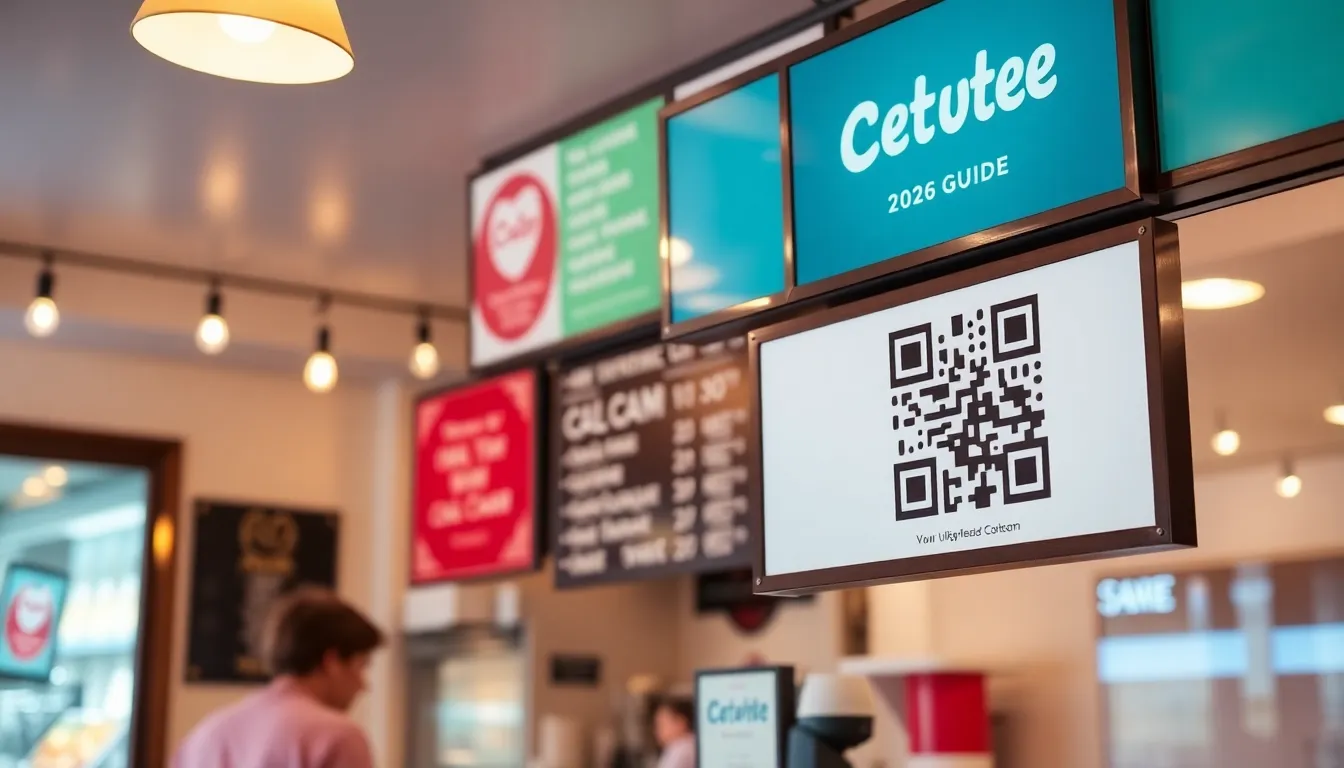
Running an ice cream shop means your menu changes constantly. New flavors arrive weekly, seasonal specials come and go, and prices might shift with ingredient costs. Printing new menu boards every time gets expensive and creates waste. Customers get frustrated when the board doesn't match what's actually available. A QR code menu board solves this perfectly. It's a single printed code that links to a digital menu you can update anytime from your phone or computer. No more reprinting, no more customer confusion. This approach is part of a broader restaurant menu QR code solution that streamlines operations for food businesses.
Why QR Codes Work Better Than Printed Menus
Printed menu boards have several limitations. They're fixed in place, expensive to change, and can't show detailed information. A QR code menu gives you flexibility. When you introduce a new salted caramel swirl flavor, you can add it to your digital menu immediately. You can include photos of each creation, list ingredients for allergy concerns, or even add customer reviews. During peak hours, customers can scan and browse at their own pace before reaching the counter, which speeds up service. The code itself takes minimal space on your wall or counter, leaving room for decorations or promotional signs.
Setting Up Your QR Code Menu Board
Creating an effective QR code menu involves three simple steps. First, build your digital menu. You can use a free tool like Google Docs, Canva, or a simple webpage. Include all your flavors, sizes, prices, and any special notes. Make sure it looks good on mobile phones since that's how most customers will view it. Second, generate your QR code. Go to OwnQR's menu QR code tool and paste your menu URL. You can customize the code with your brand colors or add your shop's logo right in the center. Third, print and display your QR code. Print it at least 2x2 cm for close-range scanning. For a menu board that customers will view from across the room, calculate the size by dividing the scanning distance by 10. If customers will be 2 meters away, print it 20 cm wide.
Choosing Between Static and Dynamic QR Codes
OwnQR offers two types of QR codes for your menu. Free static QR codes work well if your menu URL will never change. They're completely free with no sign-up required and no watermarks. Download them as SVG (best for printing) or PNG files. Dynamic QR codes cost $15 one-time with no subscription or expiration. They're ideal because you can change the destination URL anytime. Did you move your menu to a new website? Just update the link in your OwnQR account. Dynamic codes also provide scan analytics. You can see how many people scanned your menu, what time of day they scanned, and what devices they used. This helps you understand customer behavior better than any printed board could.
Design and Placement Tips for Maximum Scans
Where you place your QR code menu board matters as much as how it looks. Position it at eye level near where customers line up. Add a clear call-to-action like "Scan for our full menu" with simple scanning instructions. Use high contrast colors so the code stands out against your background. OwnQR lets you customize colors and add frames to match your shop's aesthetic. Test your printed code with several phones before mounting it permanently. Make sure it scans quickly from the intended distance. Consider adding a small sign explaining the benefits: "Always up-to-date menu" or "See photos of each flavor." Some shops even add a second code near the exit linking to their loyalty program or social media.
Seasonal and Promotional Flexibility
Seasonal changes become effortless with a QR code menu. When summer arrives, you can highlight your fruit sorbets and frozen yogurt options. Come fall, feature pumpkin spice and apple cinnamon flavors. With a dynamic QR code from OwnQR, you can even create temporary promotions. Running a "buy one get one free" offer on Tuesdays? Update your digital menu every Monday night to reflect the special. The physical QR code stays the same, but the content changes instantly. This approach saves you from printing temporary signs that end up in the trash. You can also use the same QR code system for catering menus, party packages, or allergen information that some customers need but others don't.
Real-World Use Cases
Frosty Delights, a boutique ice cream shop in Austin, Texas, implemented a dynamic QR code menu board in early 2025. Before the switch, they spent approximately $300 annually on printing new menu boards and faced customer complaints about outdated items. After adopting OwnQR's $15 lifetime dynamic QR code, they reduced printing costs to zero and saw a 40% increase in customer engagement, with scan analytics revealing peak times between 3-6 PM. This data allowed them to optimize staffing and flavor promotions, leading to a 15% boost in sales for featured items.
Sweet Scoops, a family-owned chain in Chicago, used a static QR code initially but struggled when they rebranded their website, rendering the code useless. They switched to a dynamic QR code from OwnQR, enabling seamless URL updates without reprinting. Post-implementation, they reported a 25% reduction in customer wait times during rush hours, as patrons could pre-browse the menu. Additionally, they integrated seasonal specials directly into the digital menu, resulting in a 30% uptick in sales for limited-time flavors compared to previous years.
Arctic Blast, a mobile ice cream truck operating in Los Angeles, faced challenges with constantly changing locations and menu items. By using OwnQR's dynamic QR code, they could update their digital menu in real-time to reflect current stock and location-based promotions. Within six months, scan analytics showed a 50% increase in repeat customers, who appreciated the accurate menu access. The truck also saved over $200 in printing costs for temporary signs, reinvesting those funds into marketing efforts that drove a 20% growth in overall revenue.
Want to follow along? Create a Menu QR Code now
It's free to start. Upgrade to $15 lifetime when you need editable dynamic QR codes.
Step-by-Step: How to Do It with OwnQR
1. Sign up for a free OwnQR account to access the dashboard. This allows you to manage your QR codes and view analytics, ensuring you have full control over your menu updates and performance tracking.
2. Create your digital menu using a platform like Google Docs or Canva, optimizing it for mobile viewing. Include high-quality images and clear pricing to enhance customer experience and reduce confusion at the counter.
3. Generate a dynamic QR code in the OwnQR tool by pasting your menu URL. Choose this option for flexibility, as it lets you change the link anytime without reprinting, saving costs and effort in the long run.
4. Customize the QR code with your shop's colors and logo using OwnQR's design features. This boosts brand recognition and makes the code more appealing, increasing the likelihood of scans by customers.
5. Test the QR code with multiple devices to ensure it scans quickly and reliably. This step prevents issues after printing, guaranteeing a smooth customer experience and minimizing frustration during busy periods.
6. Print the QR code at the recommended size based on scanning distance. For instance, if customers will view it from 2 meters away, print it 20 cm wide to maintain scannability and visibility.
7. Display the QR code prominently at eye level with a clear call-to-action sign. Position it near the ordering area to encourage scans, which can speed up service and reduce wait times for your patrons.
8. Monitor scan analytics in your OwnQR account to track engagement and adjust your menu or promotions. Use this data to understand customer behavior, optimize offerings, and drive sales growth over time.
Common Mistakes and How to Avoid Them
Using a static QR code for a frequently changing menu is a common error. If your ice cream shop updates flavors regularly, a static code becomes obsolete when you change the menu URL. Avoid this by opting for a dynamic QR code from OwnQR, which allows link updates without reprinting, ensuring your menu always reflects current offerings.
Poor placement of the QR code menu board can reduce scans. Placing it in low-traffic areas or at awkward heights makes it hard for customers to notice. To avoid this, position the code at eye level near the ordering queue with clear signage, maximizing visibility and encouraging usage during peak times.
Neglecting to test the QR code before final installation leads to scanning failures. If the code doesn't work on various devices, customers may become frustrated. Prevent this by testing with multiple smartphones in different lighting conditions, ensuring reliable performance before mounting it permanently in your shop.
Overcomplicating the digital menu with too much information overwhelms customers. A cluttered layout can slow down browsing and deter orders. Avoid this by keeping the menu simple, using high-quality images, and organizing items by category, making it easy for customers to find what they want quickly.
Failing to update the digital menu regularly defeats the purpose of a QR code system. If seasonal specials or price changes aren't reflected, customers lose trust. Set a weekly reminder to review and update your menu, leveraging OwnQR's dynamic features to maintain accuracy and enhance customer satisfaction.
Pricing Comparison
| Feature | OwnQR (Dynamic QR Code) | Subscription Alternatives |
|---|---|---|
| Initial Cost | $15 one-time payment | Free trial, then monthly subscription (verify current pricing at vendor.com) |
| Ongoing Fees | None | Monthly or annual fees |
| URL Updates | Unlimited, anytime | Limited or extra fees may apply |
| Scan Analytics | Included | Basic analytics, advanced features often cost extra |
| Customization | Full color and logo options | Varies by plan |
| Expiration | Never expires | May expire if subscription lapses |
OwnQR's $15 lifetime pricing offers significant long-term savings compared to subscription-based alternatives. While competitors may provide free trials, they typically charge recurring monthly or annual fees that add up over time—for example, a $10/month plan costs $120 annually, far exceeding OwnQR's one-time fee. Subscription models often limit features like URL updates or advanced analytics to higher-tier plans, whereas OwnQR includes unlimited changes and full analytics at no extra cost. This makes OwnQR ideal for ice cream shops with fluctuating menus, as you can update links freely without worrying about additional charges. The lifetime validity ensures your QR code remains functional indefinitely, unlike subscriptions that may deactivate if payments are missed, potentially disrupting customer access. By choosing OwnQR, you invest in a cost-effective solution that grows with your business, avoiding hidden fees and providing reliable performance year after year.
Frequently Asked Scenarios
Q: What if I need to change my menu URL after printing the QR code?
A: With OwnQR's dynamic QR code, you can update the destination URL anytime through your account dashboard. The printed code remains the same, but it will redirect to the new menu link instantly. This eliminates the need for reprinting and ensures customers always access the most current menu, saving you time and resources while maintaining accuracy.
Q: How do I track how many customers are scanning my QR code menu?
A: OwnQR provides built-in scan analytics that show total scans, time of day, and device types. Log into your account to view these metrics, which help you understand engagement patterns. Use this data to optimize menu items or promotions, such as highlighting popular flavors during peak hours to boost sales and improve customer experience.
Q: Can I use the same QR code for multiple purposes, like promotions and allergen info?
A: Yes, you can create a digital menu that includes sections for promotions, allergen details, and catering options. With a dynamic QR code from OwnQR, update the content as needed without changing the code. This versatility allows you to consolidate information into one accessible platform, reducing clutter and enhancing convenience for customers.
Q: What happens if my QR code gets damaged or needs reprinting?
A: Since the QR code is linked to your OwnQR account, you can reprint it anytime by downloading the file again. If it gets damaged, simply print a new copy using the same design settings. This flexibility ensures continuity, and with a $15 lifetime pricing model, there are no extra fees for reprints, making it a durable and economical choice.
Ready to simplify your ice cream shop operations? Start with OwnQR's free QR code generator to test the concept, or invest $15 once for a dynamic code that grows with your business. Either way, you'll spend less time and money on printed menus while giving customers a better experience. Your menu will always be current, and you'll gain valuable insights into what your customers want to see.
Tags
Frequently Asked Questions
How do I create a QR code for my ice cream shop menu?
First, create a digital menu using a free tool like Google Docs. Then, generate a QR code at OwnQR by pasting your menu URL. Customize colors and add your logo. Print it at least 2x2 cm for close scanning. OwnQR offers free static codes or $15 lifetime dynamic codes with analytics.
What size should my menu QR code be?
For countertop scanning, use a minimum of 2x2 cm. For wall-mounted boards, calculate size by dividing scanning distance by 10. If customers view it from 3 meters away, print it 30 cm wide. OwnQR provides SVG downloads for crisp printing at any size without quality loss.
Can I change my menu after printing the QR code?
Yes, with a dynamic QR code. OwnQR's $15 one-time dynamic codes let you update the destination URL anytime. Change flavors, prices, or seasonal specials without reprinting. Static codes link to one fixed URL permanently, so choose dynamic if you anticipate menu changes.
Why use a QR code instead of a printed menu board?
QR codes save money on reprints when menus change. They allow detailed information like photos and ingredients. Customers can browse before ordering, reducing wait times. Dynamic codes provide analytics on scan times and locations. A printed 2x2 cm code costs less than large format menu boards.
Is OwnQR better than QRFY for menu QR codes?
OwnQR offers free static codes with no sign-up, while QRFY requires account creation. For dynamic features, OwnQR charges $15 once with no subscription, whereas QRFY uses monthly pricing. Verify current terms at QRFY.com. OwnQR includes SVG downloads and basic analytics at no extra cost.
Ready to own your QR codes?
One-time $15 for lifetime dynamic QR codes.
Most alternatives bill monthly — verify current rates on their site.
30-day money back guarantee