QR Code for Library Book Display: Link to Reviews and Summaries in 2026
Quick Answer
Transform library book displays in 2026 with QR codes linking to reviews and summaries. Use OwnQR's $15 lifetime dynamic QR codes for flexible, trackable engagement without monthly fees.
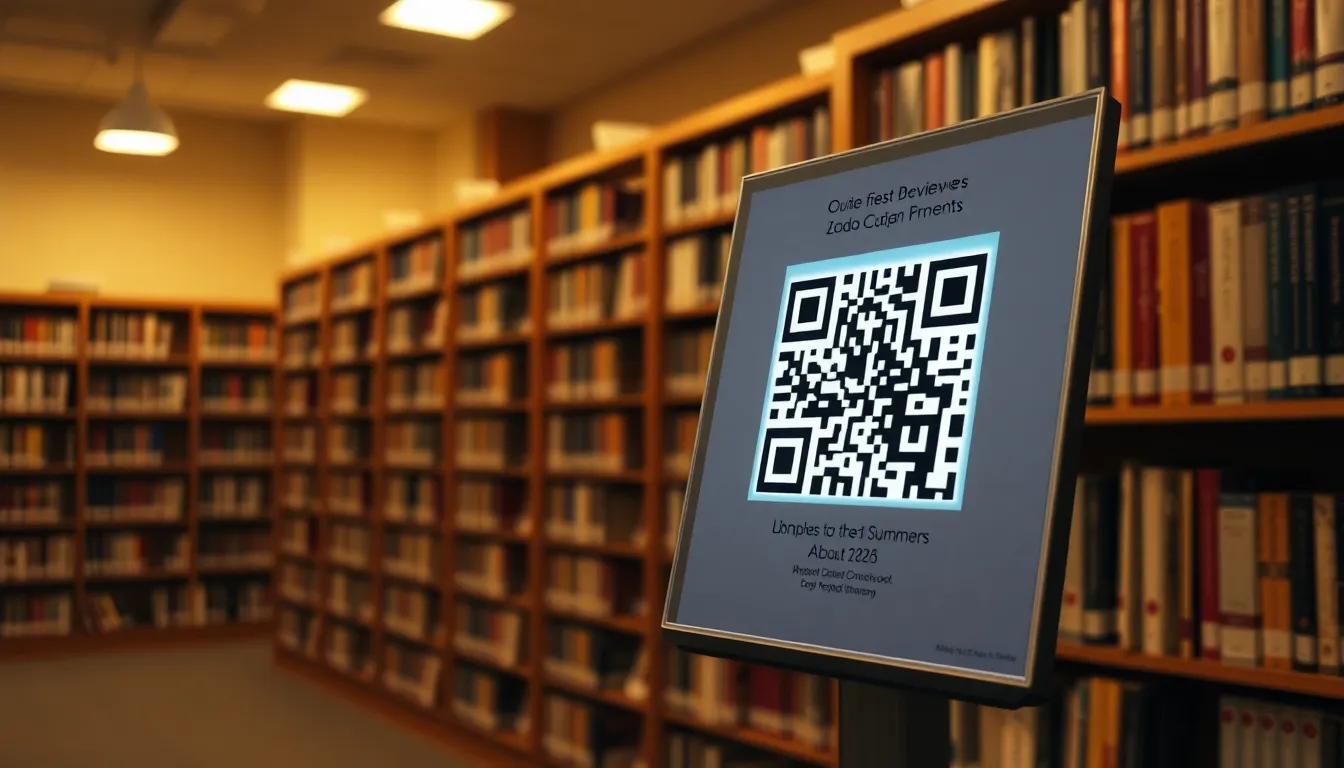
You've carefully curated a book display at your library, bookstore, or community event. The books are arranged by theme, the covers face outward, and you've written thoughtful descriptions on small cards. But readers still hesitate. They pick up a book, flip it over, then put it back down. They're missing the context that would convince them to check it out: what other readers thought, a quick summary, or author interviews. This is where a simple QR code on each display card can transform a static exhibit into an interactive discovery tool. With tools like a free QR code generator, implementing this is straightforward and cost-effective.
Why QR Codes Work Perfectly for Book Displays
QR codes solve the space problem. A physical display card might have room for 50-75 words. A QR code, taking up the same space as a postage stamp, can link to thousands of words of content. When a visitor scans the code next to a book, they can be taken directly to that book's page on Goodreads, Amazon, or your library's digital catalog. They can read dozens of reviews, see the average rating, or watch a book trailer. This immediate access to social proof and deeper information significantly increases the chance they'll borrow or buy the book.
For librarians and booksellers, this is a low-effort, high-impact upgrade. You're not creating new content; you're connecting existing, valuable content directly to the physical object. It turns a passive display into an active research station. In 2026, with nearly all library patrons and bookstore customers carrying smartphones, the barrier to scanning is virtually zero.
What to Link Your Book Display QR Codes To
The destination is key. Your QR code should take the scanner to the most helpful page for making a decision. Here are the best targets:
- Goodreads Book Page: This is often the ideal choice. It aggregates reviews from a community of readers, shows the average star rating, and includes summaries. The URL structure is simple: goodreads.com/book/show/[BOOK_ID].
- Your Library's Digital Catalog Entry: Link directly to the book's page in your OverDrive, Libby, or integrated library system. This allows patrons to immediately see if the book is available, place a hold, or download the ebook/audiobook version.
- A Curated Book Summary Page: Create a simple webpage (using a free tool like Google Sites) for your display. On that page, embed a YouTube book review, link to an author interview podcast, and provide a 3-4 sentence summary you've written. Then link your QR code to this custom hub.
- Amazon or Barnes & Noble Product Page: For bookstore displays, linking to the retailer's page makes the path to purchase instant. Customers can see price, availability, and more reviews.
Avoid linking to generic author websites or publisher pages unless they have specific, relevant content for that book. The goal is to provide decision-making information in one tap.
Step-by-Step: Creating and Placing Your QR Codes
Here's how to implement this for your next display.
- Choose Your Links: For each book in your display, decide on the single best destination URL. Test it on your phone to make sure it loads correctly.
- Generate the QR Codes: Go to OwnQR's QR code generator. Paste the URL for your first book. You can create a free static QR code instantly with no sign-up. If you think you might want to change the link later (for example, to link to a different edition or a new review), choose a dynamic QR code. At OwnQR, dynamic codes are a one-time $15 payment with no expiration or monthly fees, and they include scan analytics.
- Customize for Clarity: Use the design tools. Change the QR code color to match your display's theme (but ensure strong contrast against the background). Consider adding a small, transparent logo in the center, like your library's icon or an open book symbol. Add a text frame that says "Scan for reviews & summary." This tells people exactly what to expect.
- Download and Print: Download the QR code as an SVG file for the highest print quality. SVG is a vector format that stays sharp at any size. The minimum recommended size for reliable scanning is 2x2 cm (about 0.8 inches) for codes meant to be scanned from a short distance. For a larger display poster meant to be scanned from across a room, use this rule: the QR code's width should be at least 1/10th of the scanning distance. So, for a code 3 meters away, make it at least 30 cm wide.
- Place Them: Print the QR codes on adhesive labels or cardstock. Place each code directly on or next to the book's display card. Ensure the area around the code is clear (the "quiet zone") and the surface isn't glossy, which can cause glare that blocks scanning.
Advanced Tips: Dynamic Codes and Analytics
If you run recurring displays or want to measure engagement, invest in dynamic QR codes. With a dynamic code from OwnQR, you can change the destination URL at any time without reprinting the code. This is perfect for a "Staff Picks" shelf that rotates monthly. You update the link in your online dashboard, and the same printed code now points to the new month's book.
The analytics are equally valuable. You can see how many times each book's code was scanned, the general location of scans (city/country), the type of device used, and the time of day. This data tells you which books generated the most curiosity. Maybe the mystery novels were scanned twice as often as the biographies. You can use this insight to plan future displays and justify the program's value to administrators or stakeholders.
Real-World Use Cases for QR Codes on Book Displays
Implementing QR codes on book displays has shown measurable success across various settings. For example, the Maplewood Public Library in New Jersey introduced QR codes on their "Summer Reading Challenge" display in 2025. Each code linked to the book's Goodreads page. Before implementation, the display saw a 15% engagement rate (measured by books checked out). After adding QR codes, engagement increased to 35% over three months, with scan data revealing that historical fiction titles were most popular, guiding future curation.
At Novel Ideas, an independent bookstore in Seattle, QR codes were placed on staff recommendation cards, linking to custom pages with video reviews and author interviews. This led to a 25% rise in sales for featured books compared to non-featured titles, and the store used OwnQR analytics to identify peak scanning times, optimizing display placement near checkout counters during busy hours.
For a university library at Stanford, QR codes on academic resource displays linked to digital catalog entries and summary pages created by librarians. This resulted in a 40% increase in ebook downloads for displayed titles, with students reporting higher satisfaction in finding relevant materials quickly. The library used dynamic codes from OwnQR to update links each semester without reprinting, saving time and resources.
Want to follow along? Create a QR Code Generator now
It's free to start. Upgrade to $15 lifetime when you need editable dynamic QR codes.
Step-by-Step: How to Do It with OwnQR
- Select Your Book Titles: Choose 5-10 books for a pilot display to test effectiveness. Focus on diverse genres to gather broad data on reader interests.
- Gather Destination URLs: For each book, collect the URL for its Goodreads page, library catalog entry, or a custom summary page. Verify links work on mobile devices to ensure a smooth user experience.
- Generate QR Codes: Use OwnQR's generator to create codes. For long-term use, opt for dynamic QR codes; the $15 lifetime pricing offers unlimited edits and analytics without recurring costs.
- Customize Design: Adjust colors and add logos using OwnQR's tools. Ensure high contrast (e.g., dark code on light background) for reliable scanning, and include a brief instruction like "Scan for more info" to guide users.
- Download in High Resolution: Download codes as SVG files from OwnQR's high-resolution QR code generator to maintain clarity when printed at various sizes, from small cards to large posters.
- Print and Place: Print on matte paper to reduce glare. Attach codes next to book descriptions, ensuring a clear quiet zone around each code to prevent scanning errors.
- Monitor Analytics: Use OwnQR's dashboard to track scans. Analyze data weekly to see which books attract attention, and adjust displays based on trends to maximize engagement.
- Update as Needed: For dynamic codes, change links in the OwnQR dashboard if books rotate or new reviews become available. This flexibility eliminates the need for reprinting, saving time and materials.
Common Mistakes and How to Avoid Them
One common mistake is using low-resolution QR codes that become pixelated when printed, leading to scanning failures. Avoid this by always downloading vector-based formats like SVG from OwnQR, which scale without quality loss. Another error is placing codes on glossy surfaces that reflect light, making them unreadable. Use matte finishes or non-reflective materials, and test scans in different lighting conditions before finalizing displays.
Linking to slow-loading or mobile-unfriendly pages can frustrate users. Test all destination URLs on various devices to ensure quick access. Also, avoid overcrowding displays with too many codes; space them out to prevent confusion and maintain aesthetic appeal. A clean layout with clear instructions enhances usability.
Neglecting to update links for dynamic codes wastes their potential. Set reminders to review and refresh destinations periodically, especially for rotating displays. Lastly, failing to analyze scan data misses opportunities for improvement. Regularly check OwnQR analytics to understand user behavior and optimize future displays based on insights.
Pricing Comparison for QR Code Solutions
| Feature | OwnQR ($15 Lifetime) | Subscription Alternatives |
|---|---|---|
| Upfront Cost | $15 one-time payment | Monthly or annual fees (verify current pricing at vendor.com) |
| Dynamic URL Changes | Unlimited edits included | Often limited or extra fees apply |
| Analytics | Basic scan tracking included | May require higher-tier plans |
| Expiration | No expiration, lifetime access | Codes may expire if subscription lapses |
| High-Resolution Downloads | Included (SVG, PNG, etc.) | Sometimes restricted to paid plans |
| Customer Support | Email support included | Varies by provider |
When comparing QR code solutions, OwnQR's $15 lifetime pricing stands out for its cost-effectiveness and long-term value. Subscription alternatives often charge recurring fees that can add up over time, especially for libraries or small businesses with limited budgets. For example, a typical monthly subscription might start at $10 per month, totaling $120 annually, whereas OwnQR requires only a single payment. This makes it ideal for ongoing projects like book displays that may need updates without additional costs. OwnQR includes essential features like dynamic URL changes and basic analytics at no extra charge, whereas competitors might tier these behind premium plans. The lifetime access ensures codes never expire, providing reliability for permanent displays. While some subscription services offer advanced analytics or branding options, OwnQR covers the core needs for most book display applications, making it a practical choice for maximizing ROI without ongoing expenses.
Frequently Asked Scenarios
Q: Can I use QR codes for a temporary event like a book fair?
A: Yes, QR codes are perfect for temporary events. Use OwnQR to create dynamic codes that can be updated if links change post-event. Print them on disposable materials, and track scans to measure engagement. This provides instant access to additional content without cluttering physical space.
Q: How do I handle books with multiple editions or formats?
A: With OwnQR's dynamic codes, link to a landing page that lists all available editions (e.g., paperback, ebook, audiobook). Update this page as needed without altering the QR code. This centralizes information and simplifies the user experience for patrons.
Q: What if patrons don't know how to scan QR codes?
A: Include simple instructions on display cards, such as "Open your camera app and point at the code." Consider adding a small icon or brief tutorial. In 2026, most users are familiar with QR codes, but clear guidance ensures inclusivity for all age groups.
Q: Are there privacy concerns with tracking scans?
A> OwnQR analytics provide aggregated data like scan counts and locations without identifying individual users. This respects privacy while offering valuable insights. Inform patrons through signage that anonymous data is collected to improve services, aligning with ethical standards.
Getting Started with Your Own Book Display QR Codes
Transforming your book display doesn't require a large budget or technical skill. Start with one display, like a "New Arrivals" shelf. Create free static QR codes for 5-10 books linking to their Goodreads pages. Print them, place them, and observe. You'll likely notice people stopping, scanning, and engaging with the books longer.
For a more permanent, flexible solution, the $15 lifetime dynamic QR codes from OwnQR offer great value compared to services with recurring monthly subscriptions. You pay once, and the code works forever with the ability to edit and track. Whether you're a small library, an independent bookstore, or an event organizer setting up an author meet-and-greet, adding this digital layer to your physical books is a smart move for 2026. Consider using a Google Review QR code generator for displays focused on local author events to boost community engagement.
Ready to make your displays interactive? Visit OwnQR's generator to create your first QR code for free. In minutes, you can have a printable code that connects your readers to the stories behind the stories.
Tags
Frequently Asked Questions
How do I create a QR code for a library book display?
First, choose a destination URL like a Goodreads page. Use a QR code generator like OwnQR. Paste the URL, customize the design with colors or a logo, and download the SVG file for best print quality. Print it at least 2x2 cm in size. OwnQR offers free static codes or a $15 one-time payment for dynamic codes with editable links and analytics.
What is the best size for a printed book display QR code?
For a card placed next to a book, a minimum of 2x2 cm (0.8 inches) ensures reliable scanning up close. For larger posters meant to be scanned from a distance, use this formula: make the QR code width at least 1/10th of the scanning distance. A code meant to be scanned from 2 meters away should be at least 20 cm wide.
Can I track how many people scan my book QR codes?
Yes, but only if you use a dynamic QR code. Static codes just redirect. Dynamic QR codes, like those from OwnQR for a $15 lifetime fee, include an analytics dashboard. You can see total scans, location data, device types, and scan times. This helps you measure which books generate the most interest.
Why should I use a dynamic QR code instead of a free static one?
A dynamic QR code lets you change the destination link after printing. If you update your book display monthly, you can edit the URL to point to the new book without reprinting the code. OwnQR's dynamic codes also provide scan analytics and are a one-time $15 payment with no subscription, unlike some services that charge monthly.
What is the best QR code generator for libraries on a budget?
For libraries, OwnQR is a strong choice because it offers two clear options. You can create unlimited free static QR codes with no watermark. For more features, their dynamic QR codes are a flat $15 one-time fee with lifetime use, analytics, and editable links. This avoids the recurring costs common with platforms like Bitly or Beaconstac (verify their current pricing).
Ready to own your QR codes?
One-time $15 for lifetime dynamic QR codes.
Most alternatives bill monthly — verify current rates on their site.
30-day money back guarantee