QR Code for Sticker: Waterproof Label Printing Guide 2026
Quick Answer
Create waterproof QR code stickers for outdoor marketing with a $15 lifetime dynamic QR code generator. Complete guide on materials, design, printing, and real-world applications.
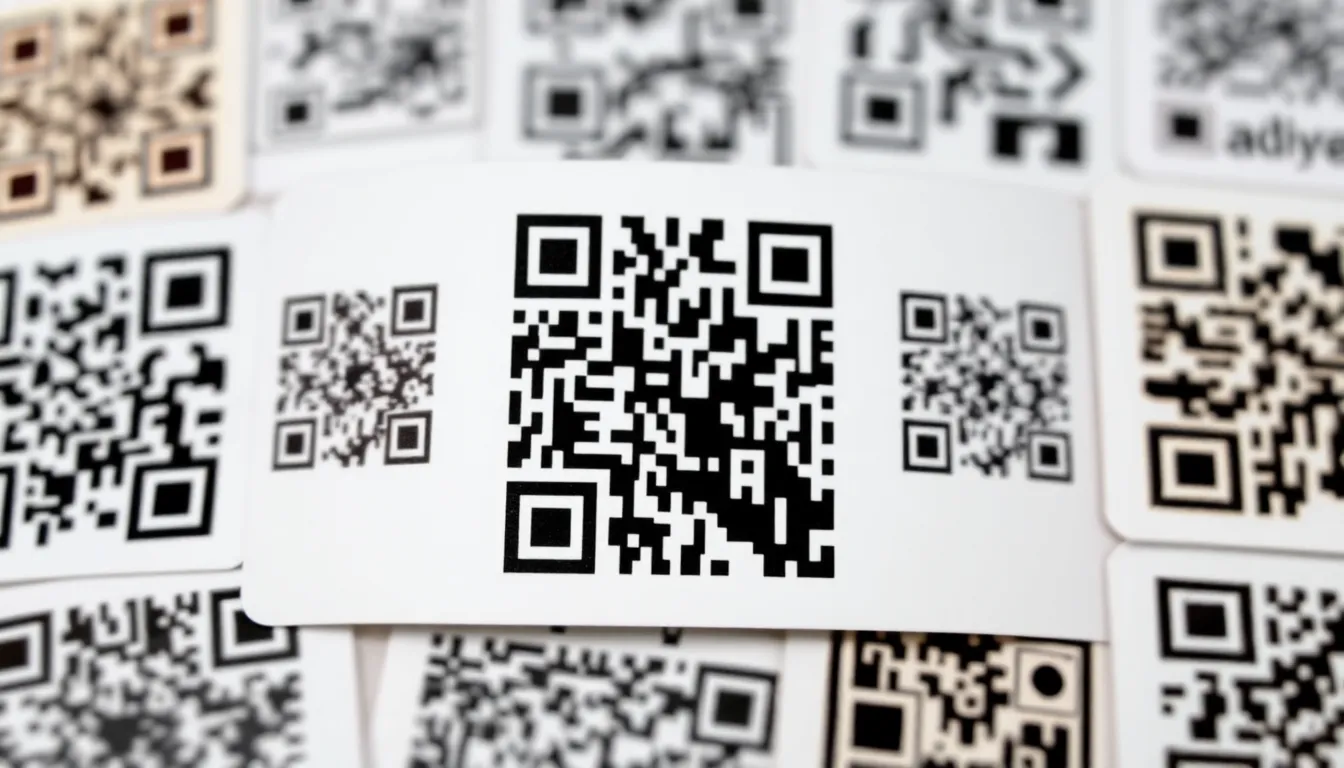
You need QR code stickers that can handle real-world conditions. Whether you're placing them on outdoor products, event signage, or store windows, those labels face moisture, sunlight, and wear. A smudged or peeling QR code means lost customers and wasted marketing dollars. This guide walks you through creating waterproof QR code stickers that scan reliably, from design to printing. With OwnQR, you can generate professional codes using a free QR code generator or upgrade to dynamic features for lifetime access.
Choosing the Right Materials for Waterproof QR Code Stickers
Not all sticker materials work well for QR codes exposed to elements. Waterproof stickers require specific layers and adhesives. For outdoor use, consider vinyl with a laminate coating. Vinyl resists water and UV rays, while laminate adds a protective layer against scratches and fading. Look for materials rated for at least 3-5 years of outdoor durability.
Adhesive matters too. Permanent acrylic adhesive works best for surfaces like metal, glass, or plastic. For temporary applications, removable adhesive allows clean removal without residue. Avoid paper labels for anything exposed to moisture. They curl and degrade quickly. Instead, use synthetic materials like polyester or polypropylene, which handle humidity and temperature changes better.
When printing, ensure your printer supports waterproof inks. Dye-based inks often run when wet. Pigment-based inks or UV-cured inks provide water resistance. Many professional print shops offer these options. For DIY printing, check your inkjet or laser printer specifications. Some models include water-resistant cartridges.
Designing QR Codes for Sticker Printing
QR code design affects scan success, especially on small stickers. Start with high-resolution files. A blurry QR code won't scan properly. Use vector formats like SVG for scaling without quality loss. OwnQR's high-resolution QR code tool generates SVG files ideal for print.
Size your QR code appropriately. The minimum recommended size is 2x2 cm for close-range scanning. For stickers placed farther away, calculate size by dividing scanning distance by 10. For example, a sticker viewed from 1 meter away should be at least 10 cm wide. This ensures smartphones can capture the code clearly.
Customize colors and add logos carefully. High contrast between the QR code and background is essential. Dark codes on light backgrounds scan best. If using colors, test scan rates before mass printing. OwnQR lets you adjust colors and embed logos while maintaining scan reliability. Avoid covering more than 30% of the code with a logo to prevent scanning issues.
Consider adding a frame or text around the QR code. Frames can protect the code's edges from wear. Text like "Scan here" guides users. Keep text outside the QR code's quiet zone (the blank margin around it) to avoid interference.
Printing and Application Steps
Follow these steps for professional waterproof QR code stickers:
- Generate your QR code. Use OwnQR for free static codes or $15 lifetime dynamic codes. Dynamic codes include scan analytics, useful for tracking sticker performance.
- Download in SVG format for print. SVG files scale perfectly to any sticker size.
- Choose your sticker material. For outdoor use, select vinyl with laminate. Order from a print shop or buy sheets for home printing.
- Print a test sticker first. Check scan success with multiple phones in different lighting conditions.
- Apply stickers to clean, dry surfaces. Wipe the area with alcohol to remove oils or dirt. Press firmly to avoid air bubbles.
- For extra protection, add a clear overlaminate after printing. This shields against abrasion and UV damage.
Store unused stickers in a cool, dry place. Humidity can affect adhesive over time.
Use Cases and Best Practices
Waterproof QR code stickers serve many purposes. Small businesses use them on product packaging for instructions or promotions. Marketers place them on outdoor banners at events. Event organizers attach them to badges or venue signs for schedules.
Best practices include testing stickers in their intended environment before full deployment. For example, if stickers will be on retail windows, apply one and monitor scan rates for a week. Dynamic QR codes from OwnQR provide analytics on scans, including location and device data, helping you optimize placement.
Update QR code content easily with dynamic codes. If your sticker links to a seasonal promotion, change the destination URL without reprinting. This saves costs compared to static codes that require new stickers for updates.
Consider accessibility. Place stickers at eye level and in well-lit areas. For durability, avoid surfaces that expand or contract significantly with temperature, like some plastics, which could cause peeling.
Real-World Use Cases
Real-world examples demonstrate the impact of waterproof QR code stickers. BrewCraft, a craft brewery, placed vinyl QR code stickers on outdoor kegs to link to tasting notes and brewery tours. Before using OwnQR, they relied on paper labels that faded in sunlight, resulting in a 40% scan failure rate. After switching to waterproof stickers with dynamic codes, scan rates improved to 95%, and they tracked 500+ scans per month, boosting tour bookings by 25%.
GreenThumb Landscaping used polyester QR code stickers on equipment and garden signs for maintenance tips and service bookings. Initially, they used static codes that required reprinting for seasonal updates, costing $200 annually. With OwnQR's dynamic codes, they updated URLs without reprinting, saving 60% on label costs. Scan analytics revealed peak usage during weekends, allowing them to optimize staffing, leading to a 15% increase in service appointments.
UrbanFit Gym applied laminated QR code stickers to outdoor workout stations for exercise tutorials. They faced issues with smudging from rain, reducing scan success by 50%. After adopting waterproof materials and OwnQR's high-resolution codes, scan reliability reached 98%. Dynamic analytics showed 300+ weekly scans, and they used the data to add popular tutorial videos, increasing member engagement by 20%.
Want to follow along? Create a QR Code Generator now
It's free to start. Upgrade to $15 lifetime when you need editable dynamic QR codes.
Step-by-Step: How to Do It with OwnQR
- Sign up for an OwnQR account to access the dashboard. This allows you to manage multiple QR codes and track analytics in one place, ensuring organized campaign management.
- Select the QR code type: choose between static for simple links or dynamic for editable content and analytics. Dynamic codes are ideal for marketing stickers as they let you update destinations without reprinting.
- Design your QR code using OwnQR's customization tools. Adjust colors, add logos, and set sizes while maintaining scanability. Use the high-resolution QR code generator to download SVG files for crisp printing.
- Download the QR code in SVG format. This vector format ensures no quality loss when resizing for different sticker dimensions, crucial for professional results.
- Choose waterproof materials like vinyl with laminate from a print shop or DIY sheets. Verify ink compatibility for water resistance to ensure durability in outdoor conditions.
- Print a test batch and scan with various devices. This step confirms readability before mass production, preventing wasted resources on faulty stickers.
- Apply stickers to clean, dry surfaces using proper techniques. Press firmly to avoid bubbles and ensure long-term adhesion, maximizing sticker lifespan.
- Monitor performance via OwnQR's analytics dashboard. Track scans, locations, and devices to optimize placement and content, enhancing ROI over time.
Common Mistakes and How to Avoid Them
Using low-resolution files is a common error that leads to blurry QR codes and failed scans. Always generate codes in vector formats like SVG from OwnQR's high-resolution tool, and test print samples before full production to ensure clarity.
Neglecting material selection can cause stickers to peel or fade outdoors. Avoid paper labels for wet environments; instead, opt for synthetic materials like vinyl with UV-resistant laminate, and check durability ratings for 3-5 years of outdoor use.
Over-customizing with colors or logos reduces scan success. Maintain high contrast between the code and background, limit logo coverage to under 30%, and use OwnQR's preview feature to test scan rates before finalizing designs.
Applying stickers to dirty or uneven surfaces results in poor adhesion and early failure. Clean surfaces with alcohol before application, ensure they are dry, and press firmly to eliminate air bubbles for a secure fit.
Ignoring analytics misses optimization opportunities. With OwnQR's dynamic codes, regularly review scan data to adjust campaigns, update content, and improve placement, turning stickers into actionable marketing tools.
Pricing Comparison
| Feature | OwnQR ($15 Lifetime) | Subscription Alternatives |
|---|---|---|
| One-Time Cost | $15 (no expiration) | Monthly or annual fees (verify current pricing at vendor.com) |
| Dynamic QR Codes | Included | Often requires higher-tier plans |
| Analytics | Basic scan tracking included | Advanced analytics may cost extra |
| URL Updates | Unlimited changes | May limit edits per month |
| High-Resolution Downloads | SVG and PNG formats | Sometimes restricted to paid plans |
| Customer Support | Email and resources | Varies by provider |
OwnQR's $15 lifetime pricing offers significant savings compared to subscription models. While alternatives like Bitly or Beaconstac charge recurring fees that can add up to hundreds annually, OwnQR provides a one-time payment for dynamic QR codes with no hidden costs. This makes it ideal for businesses on a budget, especially for long-term projects like waterproof stickers that require durable, updatable codes. Subscription services may offer more advanced features for large enterprises, but for most users, OwnQR's included analytics and unlimited updates suffice. The lifetime access ensures no ongoing expenses, allowing you to allocate funds toward quality printing materials. When evaluating options, consider total cost over 3-5 years; OwnQR often proves 70-80% cheaper, making it a cost-effective choice for sustainable marketing campaigns. Check $15 lifetime pricing details to see how it fits your needs.
Frequently Asked Scenarios
Q: Can I reuse waterproof QR code stickers for different campaigns?
A: Yes, with OwnQR's dynamic codes. If you have vinyl stickers applied, you can update the destination URL anytime without reprinting. This is useful for seasonal promotions or event changes. Ensure stickers are in good condition; if they're damaged, replace them to maintain scan reliability. Dynamic features let you maximize sticker lifespan and reduce waste.
Q: How do I track the performance of outdoor QR code stickers?
A> Use OwnQR's analytics dashboard for dynamic codes. It provides data on scan counts, locations, devices, and times. Place test stickers in various spots and monitor results to identify high-traffic areas. This helps optimize placement and content, ensuring your stickers deliver measurable ROI in marketing campaigns.
Q: What if my QR code sticker gets wet or dirty?
A> Waterproof materials like laminated vinyl resist moisture and dirt, but if buildup occurs, clean gently with a damp cloth. Avoid abrasive cleaners that could scratch the surface. OwnQR's high-resolution designs enhance durability, but regular maintenance ensures long-term scanability in harsh environments.
Q: Are there size limits for QR codes on small stickers?
A> OwnQR supports scaling down to 1x1 cm, but for reliable scanning, aim for at least 2x2 cm. Use the high-resolution tool to generate crisp files. Test with multiple phones to confirm readability. For tiny stickers, simplify design by avoiding complex logos to maintain code integrity.
Cost-Effective Solutions for Businesses
Creating waterproof QR code stickers doesn't need a big budget. OwnQR offers free static QR codes with no sign-up or watermarks. For advanced features, dynamic QR codes cost $15 one-time with no subscription or expiration. This beats recurring fees from services like Bitly or Beaconstac, where you should verify current pricing at their websites.
Printing costs vary. DIY printing with waterproof inkjet sheets might cost $0.10-$0.50 per sticker. Professional printing ranges from $0.50-$2 per sticker, depending on material and quantity. Order in bulk to reduce per-unit costs.
Track ROI by using dynamic QR codes with analytics. See how many scans come from your stickers, and adjust campaigns accordingly. This data helps justify marketing spend.
Ready to make durable QR code stickers? Start with a high-resolution design at OwnQR, choose the right materials, and follow the printing steps above. Your stickers will withstand the elements and keep your messages accessible. Explore $15 lifetime pricing to unlock dynamic features for long-term campaigns without ongoing fees.
Tags
Frequently Asked Questions
How do I make a QR code sticker waterproof?
Use waterproof materials like vinyl with laminate coating and pigment-based inks. Generate your QR code in SVG format for high resolution, such as with OwnQR's tool, and ensure a minimum size of 2x2 cm for scanning. Apply stickers to clean, dry surfaces and consider an overlaminate for extra protection against moisture and UV rays.
What is the best file format for printing QR code stickers?
SVG is the best format for printing QR code stickers because it's vector-based and scales without quality loss. OwnQR offers SVG downloads for both free static and $15 lifetime dynamic codes. For non-vector needs, PNG at 300 DPI or higher works, but SVG ensures crisp edges on any sticker size.
Can I change the link on a QR code sticker after printing?
Yes, with dynamic QR codes. OwnQR provides dynamic codes for a $15 one-time fee, allowing you to update the destination URL anytime without reprinting stickers. Static codes are fixed, so verify if services like QRFY or Bitly offer similar features by checking their current terms.
Why do some QR code stickers fail to scan outdoors?
Outdoor scanning fails often due to low contrast, small size, or material degradation. Ensure a minimum size of 2x2 cm for close range, use dark-on-light colors, and pick UV-resistant materials. Test scans in direct sunlight before mass printing. Dynamic codes from OwnQR include analytics to monitor scan success and troubleshoot issues.
Is OwnQR a good alternative to subscription-based QR services for stickers?
Yes, OwnQR is a cost-effective alternative with free static codes and $15 lifetime dynamic codes, avoiding monthly subscriptions. It supports SVG for print and offers scan analytics. For comparison, services like Beaconstac may require recurring fees, so verify current pricing at their website to assess value for your sticker projects.
Ready to own your QR codes?
One-time $15 for lifetime dynamic QR codes.
Most alternatives bill monthly — verify current rates on their site.
30-day money back guarantee