Snapchat QR Code Review 2026: Features, Pricing & Alternatives
Quick Answer
Looking at Snapchat QR codes in 2026? We break down features, pricing models, and practical uses. Plus, explore OwnQR as a flexible alternative for creating custom QR codes.
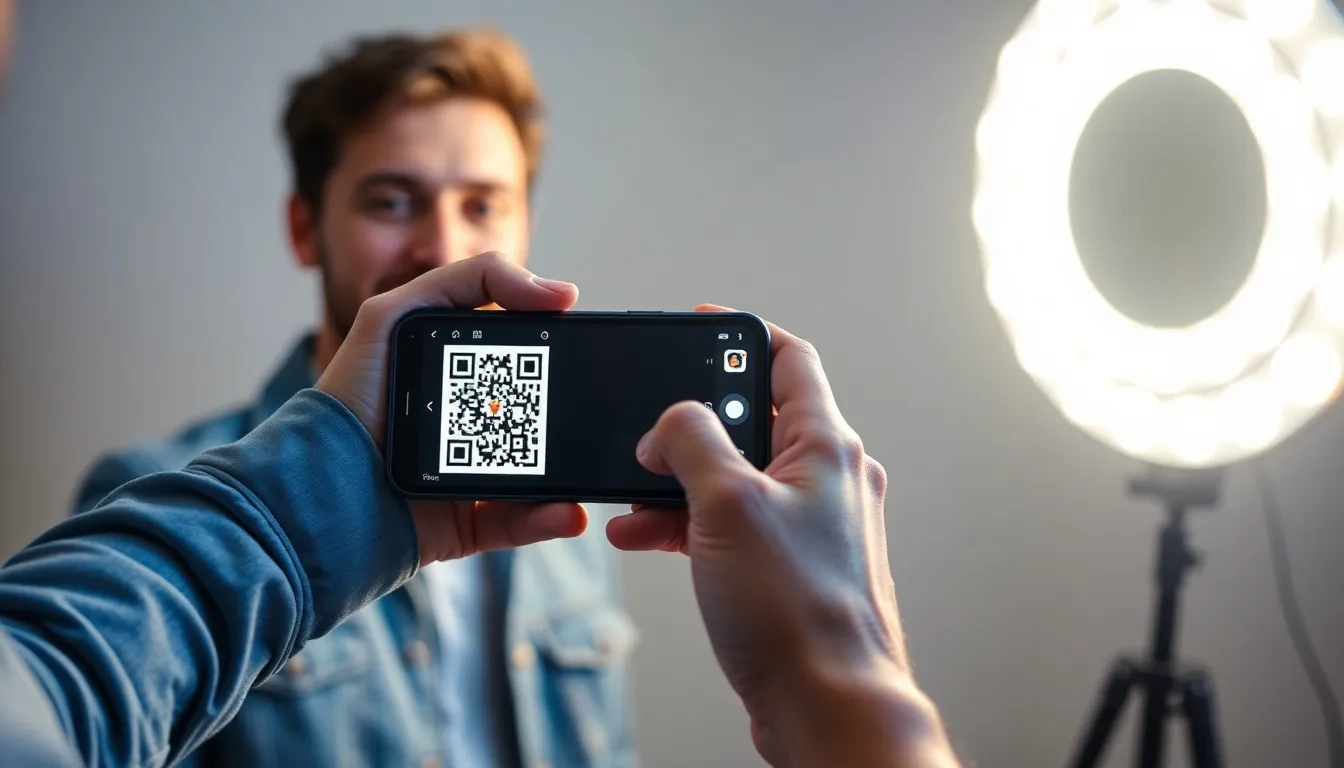
Snapchat QR Codes in 2026: What You Need to Know
Snapchat's QR codes, often called Snapcodes, have been around for years. They're those ghost-shaped patterns you scan to add friends or unlock lenses. In 2026, they remain a core part of the app, but how do they stack up for general use? Let's look at features, costs, and where they fit in your toolkit.
How Snapchat QR Codes Work
Snapcodes are designed specifically for the Snapchat ecosystem. When you scan one with the Snapchat camera, it typically does one of three things:
- Adds a friend (by linking to a Snapchat username)
- Opens a website or app (through a deep link)
- Unlocks a special lens or filter
They're easy to create within the app. Go to your profile, tap the Snapcode icon, and you can generate one for your account. For businesses, Snapchat offers branded Snapcodes through their advertising platform, which can link to websites, videos, or app installs.
Key Features and Limitations
Snapcodes have some unique advantages. They're instantly recognizable to Snapchat users, and the ghost logo adds brand consistency. The app handles scanning smoothly, and you can customize the center image with a selfie or logo.
However, there are clear limits. Snapcodes only work when scanned with the Snapchat camera. Try scanning one with your phone's default camera app or a generic QR reader, and nothing happens. This ties them exclusively to Snapchat's platform.
They also offer limited analytics. You might see basic scan counts in the app, but for detailed tracking like location, device type, or time of day, you'd need Snapchat's business tools, which come with their own requirements.
Pricing and Access Models
For personal use, creating a basic Snapcode is free. You can make one for your profile anytime.
For businesses, access works differently. Branded Snapcodes with custom links are part of Snapchat's advertising suite. This typically involves a monthly subscription or campaign-based spending. The exact structure can change, so verify current pricing at snapchat.com.
This model means recurring fees for ongoing use. If you stop advertising, you might lose access to those branded codes or their analytics.
Practical Uses and Tips
Snapcodes are great for Snapchat-specific goals. Here are a few smart ways to use them:
- Event promotions: Put a Snapcode on flyers to unlock an event-specific lens or filter.
- Friend growth: Add your Snapcode to social media bios so people can find you quickly.
- Product launches: Link a branded Snapcode to a behind-the-scenes video or exclusive offer.
Remember, these only work within Snapchat. If your audience uses multiple platforms, you'll need a more universal solution.
When to Consider an Alternative
Snapcodes excel in the Snapchat environment, but what if you need something more flexible? Maybe you want a QR code that works with any scanner, or you need detailed analytics without a long-term commitment.
That's where a tool like OwnQR's QR code generator comes in. With OwnQR, you create standard QR codes that work everywhere. Scan them with any camera app, and they'll open a website, show contact info, or connect to Wi-Fi.
OwnQR offers a one-time purchase option for $15, which includes unlimited scans and basic analytics. There's no monthly subscription unless you choose their Pro plan for advanced features. This can be more cost-effective if you don't want recurring fees.
You also get more control. Change the link behind your QR code anytime, track scans by country and device, and customize colors and logos to match your brand.
Making the Right Choice
Choose Snapchat QR codes if your goal is purely Snapchat-focused. They're built for that app and integrate seamlessly.
For broader use, consider a universal QR code generator. Tools like OwnQR give you independence from any single platform. You own the code, can edit it later, and it works for everyone, not just Snapchat users.
Think about your audience. If they're all on Snapchat, a Snapcode makes sense. If they're spread across Instagram, email, or print materials, a standard QR code is more reliable.
Final Thoughts
Snapchat QR codes are a specialized tool. In 2026, they continue to serve Snapchat users well, especially for in-app actions. Just know their limits: platform lock-in, potential recurring costs for businesses, and limited analytics.
For many creators and small businesses, a versatile QR code solution offers better long-term value. You can try creating one for free with OwnQR's generator and see the difference. Whether you stick with Snapcodes or explore alternatives, the key is picking the right tool for your specific needs.
Want to follow along? Create a QR Code Generator now
It's free to start. Upgrade to $15 lifetime when you need editable dynamic QR codes.
Tags
Frequently Asked Questions
Is the Snapchat Ghost QR code free forever?
Yes, Snapchat's native QR code that links to your profile is completely free with no hidden fees. However, it is a static code that can only ever link to your Snapchat profile. You cannot change it to point to a website, menu, or any other destination.
What is the main difference between a free static QR code and a paid dynamic one?
A static QR code directly encodes a fixed URL or text. Once printed, it cannot be changed. A dynamic QR code contains a short link that points to a redirect service. You can change the final destination URL at any time in the service's dashboard without altering the printed code. This is essential for any business use where information might change.
If I buy a lifetime QR code, what happens if the company goes out of business?
This depends on the provider's model. With a tool like OwnQR, you purchase and download a self-contained HTML file that handles the redirect. You host this file on your own web server or hosting account. Once downloaded, it operates independently of the original company. With a pure SaaS subscription, if the company shuts down, your codes will likely stop working because the redirect links are hosted on their servers.
Are there any hidden fees with the subscription QR code services?
The primary 'hidden' cost is the price increase upon renewal, which is common but not always prominently disclosed. Always check the terms for auto-renewal policies. Some services may also charge extra for high-volume scans (e.g., over 100,000 scans/month), advanced features like API access, or removing their branding from the scan landing page. Read the plan details carefully.
Can I create a Snapchat QR code that links to something other than a Snapchat profile?
Not using Snapchat's official tool. To create a QR code that uses Snapchat's distinctive ghost logo style but links to an external website, PDF, or other content, you must use a third-party QR code generator. These tools allow you to design a code with a similar aesthetic and customize the destination. This is a common tactic for social media marketing campaigns.
References
Ready to own your QR codes?
One-time $15 for lifetime dynamic QR codes.
Most alternatives bill monthly — verify current rates on their site.
30-day money back guarantee