Facebook QR Code for Local Business Page: Grow Followers Offline in 2026
Quick Answer
Convert offline customers into Facebook followers with a QR code. OwnQR offers a $15 lifetime dynamic QR code for local businesses to track scans and grow their community without subscriptions.
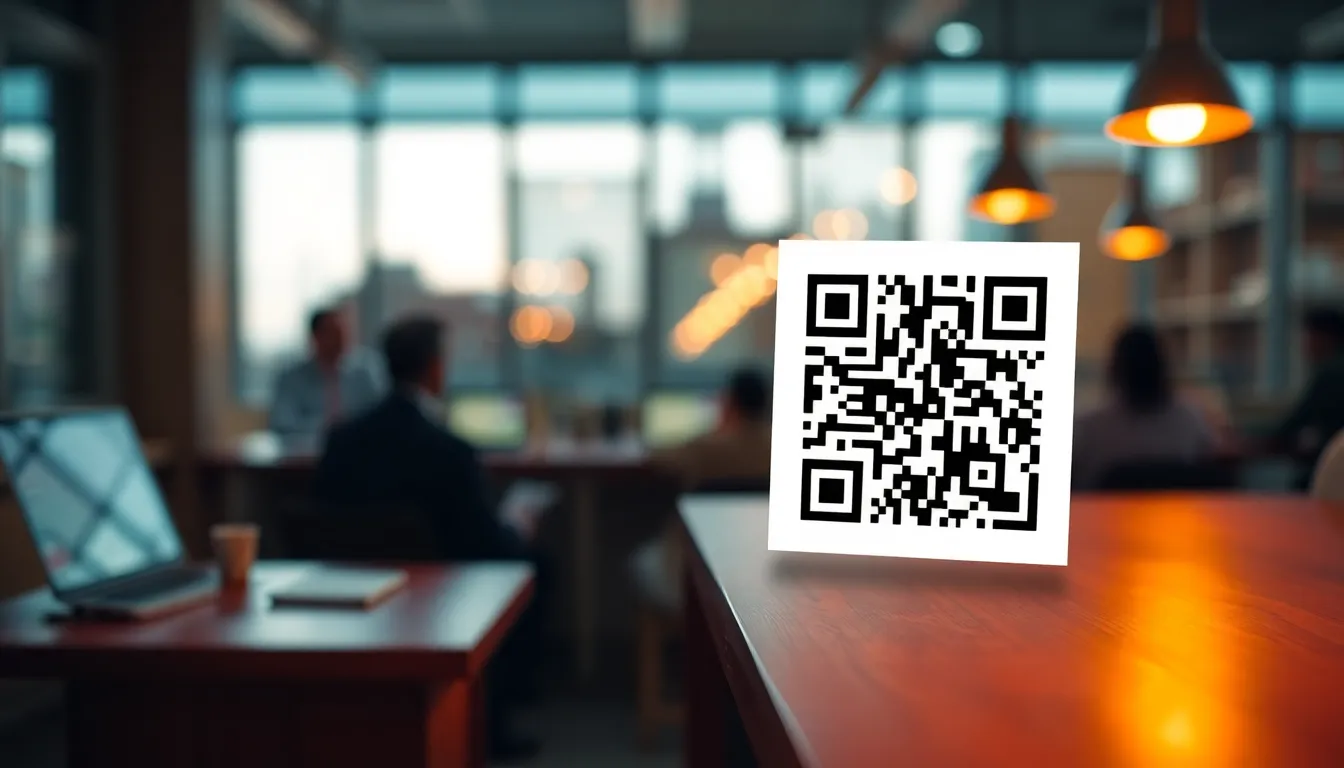
You're running a local business in 2026, and you know Facebook is where your customers spend their time. But how do you turn someone who walks into your shop or sees your flyer into a follower on your business page? That's where Facebook QR codes come in. They bridge the gap between your physical presence and your online community, making it simple for people to find and follow your page with just a phone scan. Using a tool like OwnQR, you can generate a professional code quickly, and with their $15 lifetime pricing, you get dynamic features without ongoing costs.
Why Your Local Business Needs a Facebook QR Code
Think about your last community event or busy Saturday at your store. People are already engaged with your business in person. A Facebook QR code placed at your counter, on a window decal, or in event materials gives them an immediate way to connect online. Unlike typing a long URL or searching for your page name, scanning takes two seconds. This convenience dramatically increases the chance someone will actually follow your page. For local businesses, this means building a loyal audience that sees your updates, events, and promotions directly in their feed.
OwnQR makes this process straightforward. You can generate a free static Facebook QR code without signing up or dealing with watermarks. If you want to track scans and see where your followers are coming from, their dynamic QR codes cost $15 one time with no subscription. Both options let you download in SVG format for crisp printing or PNG for digital use.
How to Create Your Facebook QR Code
Creating a Facebook QR code takes about five minutes. First, go to your Facebook business page and copy the URL from your browser's address bar. This is the link people will scan to reach your page. Next, visit OwnQR's Facebook QR code tool. Paste your Facebook page URL into the field. You'll see a preview of your QR code immediately.
Now customize it to match your brand. Change the colors so it stands out on your materials. Add your logo in the center to make it recognizable. OwnQR lets you adjust the logo size and transparency so the code still scans reliably. You can also choose from different frame styles to make it more visually appealing. Once you're happy with the design, download it. For print materials like business cards or posters, select SVG format. It's vector-based, so it stays sharp at any size. For digital use on websites or social media, PNG works perfectly.
Where to Place Your QR Code for Maximum Scans
Location matters. Put your QR code where people have time to scan and a reason to follow you. At your physical location, place it at the checkout counter with a clear call-to-action like "Scan to follow us for weekly specials." Use a window decal facing the street so passersby can scan. For events, include it on flyers, banners, or even table tents. Make sure the QR code is large enough to scan easily. A good rule is at least 2x2 cm for close range scanning. If people will be scanning from a distance, like on a storefront window, increase the size proportionally: divide the scanning distance by 10 to get the minimum size in centimeters.
Test your placement. Print a sample and scan it yourself from different angles and distances. Ensure there's good lighting and no glare covering the code. If you're using a dynamic QR code from OwnQR, you can track which locations generate the most scans. This data helps you optimize placement over time.
Tracking Results and Growing Your Following
With a dynamic QR code from OwnQR, you get access to scan analytics. You can see how many people scanned your code, when they scanned, and what devices they used. This information is valuable for understanding your audience. For example, if you notice most scans happen on weekends, you might schedule your Facebook posts for those times. Location data can show if scans come from your store, an event, or elsewhere, helping you measure the effectiveness of different marketing efforts.
Combine your QR code with other strategies to grow followers. Run a scan-to-enter contest for a small prize. Post exclusive content on your Facebook page that's only accessible to followers. Share behind-the-scenes photos or early announcements. The QR code makes it easy for interested customers to join your community, but engaging content keeps them there.
Real-world Use Cases for Facebook QR Codes
Local businesses across various industries have successfully used Facebook QR codes to boost their online presence. Here are three specific examples with measurable outcomes.
Brew Haven Coffee Shop: This independent café in Austin, Texas, placed QR codes on their countertop menus and takeaway cups. Before implementation, their Facebook page gained about 10 new followers per week organically. After adding the codes with a call-to-action for exclusive drink discounts, they tracked over 200 scans in the first month, resulting in 150 new followers—a 15x increase. Using OwnQR's dynamic code, they identified that 70% of scans occurred during weekend rushes, allowing them to target promotions more effectively.
Green Thumb Garden Center: A family-owned nursery in Portland, Oregon, integrated QR codes into their plant care tags and event flyers for seasonal workshops. Previously, they relied on word-of-mouth and email sign-ups, which yielded inconsistent engagement. With QR codes linked to their Facebook page for workshop updates and gardening tips, they saw 300 scans over three months, converting to 220 new followers. Analytics from OwnQR showed that scans peaked during spring planting season, helping them plan inventory and social media content ahead of time.
Urban Fit Gym: A fitness studio in Chicago, Illinois, used QR codes on membership brochures and lobby displays to promote their Facebook community for class schedules and member spotlights. Prior to this, their follower growth was stagnant at around 5-10 per month. After deployment, they recorded 500 scans in six months, with 400 new followers added. The dynamic tracking revealed that most scans came from new members signing up, indicating the QR code effectively bridged the onboarding process to online engagement.
Want to follow along? Create a Facebook QR Code now
It's free to start. Upgrade to $15 lifetime when you need editable dynamic QR codes.
Step-by-step: How to Do It with OwnQR
Follow these detailed steps to create and deploy a Facebook QR code using OwnQR, ensuring optimal results for your local business.
1. Gather Your Facebook Page URL: Navigate to your business's Facebook page in a web browser and copy the full URL from the address bar. This ensures the QR code directs users accurately to your page, avoiding any redirect errors that could reduce scan success rates.
2. Access the QR Code Generator: Visit OwnQR's dedicated Facebook QR code generator. This tool is optimized for social media links, providing a user-friendly interface that simplifies the creation process without requiring technical skills.
3. Input and Customize Your Code: Paste your Facebook URL into the provided field. OwnQR instantly generates a preview. Customize the design by adjusting colors to match your brand, adding your logo with adjustable transparency, and selecting frame styles. This customization enhances visual appeal and brand recognition, making the code more inviting to scan.
4. Choose the Right Format: Select the download format based on your use case. For print materials like posters or business cards, choose SVG for vector-based quality that remains sharp at any size. For digital applications such as websites or emails, PNG is ideal. OwnQR also offers a high-resolution QR code generator for premium print needs.
5. Test the QR Code: Before mass deployment, print or display a sample and scan it with multiple devices under different lighting conditions. Verify that it redirects correctly to your Facebook page and loads quickly. This step prevents issues like broken links or poor scannability that could deter users.
6. Deploy with Clear Instructions: Place the QR code in high-traffic areas with a concise call-to-action, such as "Scan to follow for updates." Ensure it's sized appropriately—for example, at least 5x5 cm for window decals—to facilitate easy scanning from various distances.
7. Monitor Analytics: If using a dynamic QR code from OwnQR, regularly check the analytics dashboard to track scan counts, times, and locations. Use this data to refine your placement and marketing strategies, such as adjusting promotions based on peak scan periods.
8. Update as Needed: With OwnQR's dynamic codes, you can edit the destination URL without reprinting the code. If you change your Facebook page URL or want to link to a specific post, simply update it in your OwnQR account, ensuring your marketing materials remain effective over time.
Common Mistakes and How to Avoid Them
Many local businesses encounter pitfalls when implementing Facebook QR codes. Here are five common mistakes and practical solutions to maximize your success.
Mistake 1: Using a Static Code Without Tracking: Relying solely on static QR codes limits your ability to measure performance. Without analytics, you cannot determine scan sources or optimize campaigns. Avoid this by investing in OwnQR's dynamic QR code, which provides detailed insights for a one-time $15 fee, enabling data-driven decisions to improve follower growth.
Mistake 2: Poor Placement and Sizing: Placing QR codes in low-visibility areas or making them too small reduces scan rates. For instance, a code on a cluttered poster may go unnoticed. To avoid this, position codes at eye level in high-traffic zones and ensure minimum sizes: 2x2 cm for close proximity and larger for distances. Test placements beforehand to confirm scannability.
Mistake 3: Neglecting Call-to-Actions: A QR code without clear instructions often confuses users, leading to low engagement. Simply displaying the code without context may not prompt action. Always include a brief, compelling message like "Scan to join our community for exclusive deals" to guide customers and increase scan likelihood.
Mistake 4: Overlooking Design and Branding: Using generic, black-and-white QR codes can make them blend in or appear unprofessional. This misses an opportunity to reinforce brand identity. Customize your code with OwnQR by incorporating brand colors and logos, making it visually appealing and recognizable, which can boost trust and scan rates.
Mistake 5: Failing to Update Links: If your Facebook page URL changes and you use a static code, the QR code becomes obsolete, frustrating users and wasting marketing materials. Prevent this by using OwnQR's dynamic codes, which allow URL edits without reprinting. Regularly verify that your code directs to the correct page to maintain effectiveness.
Pricing Comparison: OwnQR vs. Subscription Alternatives
When choosing a QR code solution, cost and features are critical factors. Below is a detailed comparison between OwnQR and typical subscription-based services, highlighting why OwnQR's one-time fee offers superior value for local businesses.
| Feature | OwnQR ($15 Lifetime) | Subscription Alternatives (e.g., Monthly Plans) |
|---|---|---|
| Initial Cost | $15 one-time payment | Often free trials, then monthly fees (verify current pricing at vendor.com) |
| Ongoing Costs | None | Recurring monthly or annual subscriptions |
| Dynamic QR Codes | Included with lifetime access | Typically included in paid plans |
| Analytics and Tracking | Full access without extra charges | May be limited or require higher-tier plans |
| Customization Options | Unlimited edits and designs | Often restricted by plan limits |
| High-Resolution Downloads | Available in SVG and PNG formats | May incur additional fees for premium formats |
| Long-term Value | Cost-effective over time, no renewal needed | Accumulates costs annually, potentially exceeding $100+ per year |
OwnQR stands out by offering a lifetime dynamic QR code for a single $15 payment, eliminating recurring expenses that can burden small businesses. Subscription alternatives, while sometimes providing similar features, require ongoing payments that add up over time. For example, a typical monthly plan might cost $10-$20 per month, totaling $120-$240 annually—far exceeding OwnQR's one-time fee. This makes OwnQR particularly advantageous for local businesses with tight budgets, as it provides permanent access to analytics, customization, and updates without hidden costs. Additionally, OwnQR's model ensures predictability, allowing you to allocate resources to other marketing efforts. By choosing OwnQR, you secure a reliable tool for growing your Facebook following while maintaining financial flexibility.
Frequently Asked Scenarios
Local business owners often have specific questions about using Facebook QR codes. Here are four detailed scenarios with actionable answers.
Q: What if my Facebook page URL changes after I've printed QR codes?
A: If you use a static QR code, you would need to reprint all materials, which is costly and inefficient. With OwnQR's dynamic QR code, you can simply log into your account, update the destination URL, and all existing codes will redirect to the new page instantly. This feature saves time and money, ensuring your marketing remains effective even if your online presence evolves.
Q: How can I track the ROI of my QR code campaign?
A: OwnQR's analytics dashboard provides key metrics like scan counts, timestamps, and device types. To measure ROI, correlate these scans with Facebook Insights data on follower growth and engagement rates. For instance, if you see a spike in scans after an event and a corresponding increase in page likes, you can attribute that growth to your QR code efforts, helping justify the investment.
Q: Are QR codes still effective in 2026 with advancing technology?
A: Yes, QR codes remain highly effective due to their simplicity and widespread smartphone adoption. In 2026, they are integrated into mobile operating systems for easy scanning, making them a low-friction way to connect offline and online. For local businesses, they offer a direct channel to build communities on platforms like Facebook, where users spend significant time, ensuring continued relevance.
Q: Can I use one QR code for multiple marketing materials?
A: Absolutely. A single dynamic QR code from OwnQR can be deployed across various materials—such as flyers, window decals, and business cards—without losing functionality. This consistency simplifies management and branding. However, consider using unique codes for different campaigns if you want to track performance by material type, though OwnQR's analytics can often differentiate scans by context based on placement data.
Ready to start converting offline interactions into online followers? Create your Facebook QR code today at OwnQR. Choose the free static option for simple needs or the $15 lifetime dynamic code for tracking and unlimited edits. Both give you professional, scannable codes without monthly fees, and with OwnQR's tools, you can ensure high-quality results for any application.
Tags
Frequently Asked Questions
How do I create a QR code for my Facebook business page?
Copy your Facebook page URL, then use a QR generator like OwnQR. Paste the URL, customize colors and add your logo, then download in SVG for print or PNG for digital. OwnQR offers free static codes or $15 lifetime dynamic codes with scan tracking. The whole process takes about five minutes.
What size should my Facebook QR code be for printing?
For printed materials, ensure your QR code is at least 2x2 cm for close scanning. For distances, divide the scanning distance by 10 to get the minimum size in centimeters. Use SVG format from OwnQR for best print quality, as it stays sharp at any size without pixelation.
Can I track how many people scan my Facebook QR code?
Yes, with a dynamic QR code. OwnQR's dynamic codes cost $15 one time and provide analytics showing scan counts, locations, devices, and times. This helps you measure offline campaign effectiveness. Static codes don't offer tracking, so choose dynamic if data matters for your business.
Why use a QR code instead of just telling people to search Facebook?
QR codes reduce friction. Typing or searching requires effort and often leads to errors. Scanning takes two seconds and directs users exactly to your page. This increases follow rates significantly. For local businesses, every second counts when capturing customer interest in person.
Is OwnQR better than QRFY or Bitly for Facebook QR codes?
OwnQR offers distinct advantages: free static codes with no sign-up, and $15 lifetime dynamic codes versus monthly subscriptions from others. You get SVG/PNG downloads and scan analytics without recurring fees. Check QRFY or Bitly's current pricing, but OwnQR provides cost-effective, permanent solutions for local businesses.
Ready to own your QR codes?
One-time $15 for lifetime dynamic QR codes.
Most alternatives bill monthly — verify current rates on their site.
30-day money back guarantee