Free vs Paid QR Code Generator: Which One Fits Your Needs in 2026?
Quick Answer
Decide between free and paid QR codes in 2026. Learn when static codes suffice and why dynamic QR codes with a $15 lifetime plan from OwnQR offer better value for marketing and tracking.
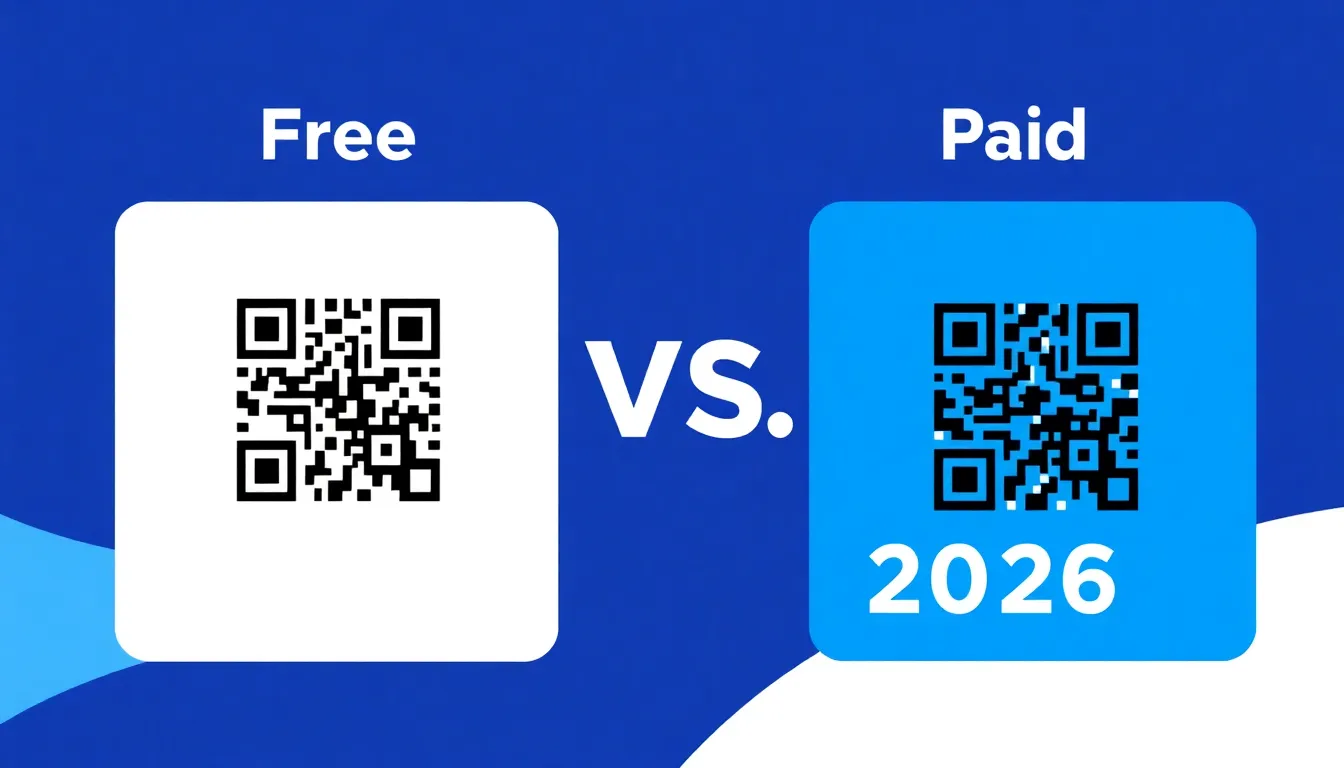
You need a QR code for your business card, event poster, or product packaging. Should you use a free generator or pay for a premium service? The answer depends on what you need the QR code to do, how long you need it to work, and whether you want to track results. Many people waste money on subscriptions they don't need, or worse, use free tools that limit their marketing potential. Let's break down the real differences so you can make the right choice for your specific situation. For a quick start, consider using a free QR code generator to test basic needs before committing to paid options.
Understanding the Two Types of QR Codes
All QR codes fall into two categories: static and dynamic. This distinction matters more than whether a tool is free or paid.
Static QR codes contain fixed information. Once you create one, you cannot change what it points to. If you encode a website URL, that URL is permanently baked into the pattern. Static codes work well for permanent information like Wi-Fi passwords, contact details on business cards, or fixed product information. They're simple and reliable.
Dynamic QR codes contain a short redirect link that points to your actual destination. You can change where that redirect goes anytime without altering the printed QR code. This flexibility makes dynamic codes ideal for marketing campaigns, event details that might change, or temporary promotions. You can also track scan data: when, where, and what devices people use to scan your code.
When Free Static QR Codes Are Perfect
Free QR code generators work well for many common situations. If you need a QR code for a one-time use or permanent information, a free static code will serve you perfectly.
Consider these scenarios where free static codes make sense:
• Business cards with your contact information
• Restaurant menus with fixed PDF downloads
• Product packaging with permanent warranty information
• Wi-Fi access codes for your office or home
• Event tickets with fixed seat assignments
At OwnQR, we offer completely free static QR codes with no sign-up required and no watermarks. You can download them as SVG files (best for print) or PNG files for digital use. The minimum size for reliable scanning is 2x2 centimeters for close-range scanning. For larger distances, divide the scanning distance by 10 to determine the minimum size in centimeters.
When You Need Paid Dynamic QR Codes
Dynamic QR codes require server infrastructure to handle redirects and tracking, which is why most providers charge recurring fees. However, the subscription model doesn't work for everyone.
You should consider dynamic QR codes if:
• You need to change the destination URL after printing
• You want to track scan analytics (location, device, time)
• You're running time-sensitive marketing campaigns
• You need to A/B test different landing pages
• You manage multiple QR codes for different purposes
Traditional providers like QRFY, Bitly, and Beaconstac typically charge monthly or annual subscriptions for dynamic QR codes. You should verify their current pricing and terms at their websites. These recurring costs can add up, especially if you need multiple codes or long-term use.
OwnQR offers a different approach: dynamic QR codes for a one-time payment of $15 with no expiration. You get lifetime access to edit your destination URLs and view scan analytics. This works well for small businesses that want professional features without ongoing costs.
Real-World Use Cases
Understanding how businesses apply QR codes in practice can clarify the choice between free and paid options. Here are three specific examples from 2026, showing how dynamic QR codes with tracking capabilities drive measurable results.
Example 1: Local Café Promotion. Brew & Bean, a small coffee shop, used a dynamic QR code on their seasonal flyers to promote a limited-time discount. Initially, they linked it to a general menu page but later updated it to a targeted landing page for a new latte launch. Over three months, they tracked 1,200 scans, with 40% occurring on weekends, allowing them to optimize staffing. Before using dynamic codes, their static flyers had no tracking, making it impossible to gauge campaign effectiveness. After switching, they saw a 25% increase in redemption rates by adjusting promotions based on scan data.
Example 2: Event Management for a Nonprofit. Green Earth Initiative organized a charity run and used dynamic QR codes on posters and social media to direct participants to registration. As event details changed, they updated the destination from a preliminary info page to the final sign-up form without reprinting materials. They monitored 3,500 scans, with peak activity two weeks before the event, helping them time reminder emails. Previously, static codes led to broken links when details changed, causing a 15% drop in registrations. With dynamic codes, registration efficiency improved by 30%.
Example 3: E-commerce Product Launches. TechGadget Inc. embedded dynamic QR codes in product packaging to link to tutorial videos and warranty claims. They A/B tested two video versions by redirecting scans to different URLs based on customer location, resulting in a 20% higher engagement rate for the optimized version. Before, static codes limited them to a single video, with no insight into viewer preferences. Post-implementation, customer support calls decreased by 18% as users accessed resources directly via QR codes.
Want to follow along? Create a QR Code Generator now
It's free to start. Upgrade to $15 lifetime when you need editable dynamic QR codes.
Step-by-Step: How to Do It with OwnQR
Implementing QR codes effectively requires a structured approach. Follow these steps to leverage OwnQR for both free and paid options, ensuring optimal results for your needs.
1. Assess Your Requirements: Determine if you need a static or dynamic QR code based on permanence and tracking needs. For static uses like business cards, a free generator suffices; for marketing campaigns, consider dynamic features. This initial step prevents overspending on unnecessary subscriptions.
2. Choose the Right Tool: Use OwnQR's platform, starting with the free QR code generator for static codes. If dynamic capabilities are required, upgrade to the $15 lifetime plan for unlimited edits and analytics. This ensures you have the right tool without recurring fees.
3. Design and Customize: Input your URL or data, then customize colors, add logos, and select frames to match branding. OwnQR allows high-contrast designs for better scannability, which is crucial for print materials. Customization enhances visual appeal without compromising functionality.
4. Test Before Deployment: Scan the generated QR code with multiple devices (e.g., iPhone, Android) in different lighting conditions. Testing verifies reliability and avoids distribution errors, a common pitfall with untested codes.
5. Deploy Across Channels: Place the QR code on relevant materials like posters, packaging, or digital ads. OwnQR's dynamic codes let you update destinations post-printing, ideal for evolving campaigns.
6. Monitor Analytics: For dynamic codes, use OwnQR's dashboard to track scan times, locations, and devices. Regular review helps optimize campaigns, such as adjusting promotion timing based on peak scan hours.
7. Iterate Based on Data: Use insights to refine your strategy—e.g., change URLs for A/B testing or update content to boost engagement. This iterative process maximizes ROI, especially with lifetime access to edits.
8. Scale as Needed: Create multiple QR codes for different purposes within OwnQR's platform. The $15 lifetime plan supports unlimited codes, making it cost-effective for growing businesses compared to per-code subscription models.
Common Mistakes and How to Avoid Them
Even with the right tools, errors can undermine QR code effectiveness. Here are five common mistakes and practical solutions to ensure success.
Mistake 1: Using Static Codes for Changing Content. Many users create static QR codes for temporary promotions, then cannot update links after printing. This leads to broken or irrelevant destinations, frustrating users. Avoid this by opting for dynamic QR codes from the start if content may change. OwnQR's dynamic option allows edits anytime, preserving printed materials.
Mistake 2: Ignoring Size and Placement Guidelines. QR codes placed too small or in low-contrast areas fail to scan reliably, reducing engagement. Ensure a minimum size of 2x2 cm for close-range use and scale up for distance (e.g., 20 cm for 2-meter viewing). Test placement on various backgrounds to maintain scannability.
Mistake 3: Overlooking Analytics. Without tracking scan data, businesses miss insights into campaign performance, hindering optimization. Use dynamic QR codes with analytics features, like those from OwnQR, to monitor metrics and adjust strategies based on real-time data.
Mistake 4: Choosing Subscription Over Lifetime Costs. Some opt for monthly subscriptions for dynamic codes, incurring ongoing expenses that exceed one-time payments over time. Compare total costs: a $15 lifetime plan at OwnQR often saves money versus subscriptions, especially for long-term use.
Mistake 5: Failing to Test Across Devices. Assuming a QR code works on all scanners can lead to distribution failures. Always test with multiple devices and scanner apps before launch to ensure compatibility and avoid user frustration.
Pricing Comparison
Evaluating costs is crucial when choosing between free and paid QR code generators. Below is a detailed comparison table highlighting key differences between OwnQR's one-time payment model and typical subscription alternatives. Note that competitor prices may vary; verify current pricing at vendor websites for accuracy.
| Feature | OwnQR (One-Time $15 Lifetime) | Subscription Alternatives (e.g., QRFY, Bitly) |
|---|---|---|
| Initial Cost | $15 one-time payment | Monthly or annual fees (verify current pricing on each vendor's site) |
| Ongoing Costs | None after purchase | Recurring charges indefinitely |
| Dynamic QR Codes | Unlimited creation and edits | Often limited by plan tier |
| Analytics Tracking | Included with lifetime access | May require higher-tier plans |
| Customization Options | Full access to colors, logos, frames | Varies by provider; some restrict features |
| Long-Term Value | High for extended use (e.g., years) | Cost accumulates over time |
Analysis: The pricing comparison reveals significant advantages for OwnQR's $15 lifetime model, especially for small businesses and long-term users. Subscription alternatives, while offering similar features, impose recurring costs that can total hundreds of dollars annually. For instance, a typical monthly plan amounts to hundreds of dollars per year, far exceeding OwnQR's one-time fee within months. Over a typical 3-5 year usage period, subscriptions become prohibitively expensive, whereas OwnQR provides consistent access without additional charges. This makes OwnQR ideal for budget-conscious users who need dynamic capabilities and analytics. However, subscription models may suit large enterprises with fluctuating needs or those requiring advanced integrations not covered by one-time plans. Ultimately, the choice hinges on projected usage duration and cost tolerance, with OwnQR offering superior value for most scenarios due to its $15 lifetime pricing structure.
Frequently Asked Scenarios
Specific situations often raise questions about QR code implementation. Here are four detailed Q&A pairs addressing common scenarios in 2026.
Q: I'm launching a product with packaging that will be used for years. Should I use a static or dynamic QR code?
A: For long-term packaging, a static QR code is suitable if the linked content (e.g., warranty info) won't change. However, if you plan to update tutorials or promotions, a dynamic code from OwnQR is better. It allows URL changes without reprinting, and the $15 lifetime cost is negligible over years versus potential reprint expenses. Test with a free generator first, then upgrade if flexibility is needed.
Q: How can I track QR code performance for a one-month marketing campaign without a subscription?
A: Use OwnQR's dynamic QR codes with the $15 lifetime plan. You'll get analytics for the campaign duration and beyond, without ongoing fees. This provides scan data on timing and devices, helping optimize future campaigns. Compared to subscriptions that charge monthly, this one-time payment is cost-effective for short-term tracking needs.
Q: I need QR codes for multiple events throughout the year. Is it cheaper to use a subscription or a one-time plan?
A: A one-time plan like OwnQR's $15 lifetime offer is typically cheaper. Subscriptions charge per month or code, adding up with multiple events. OwnQR allows unlimited dynamic codes under a single payment, making it economical for recurring use. Calculate total costs: if events span years, subscriptions may exceed $15 quickly, favoring the lifetime option.
Q: Can I use free QR codes for a business card if I might change my contact details later?
A: Free static codes are risky for changing details, as they can't be updated. If there's a chance your contact info will change, invest in a dynamic QR code from OwnQR. The $15 lifetime plan lets you edit the URL anytime, ensuring your business card remains functional without reprinting. This small upfront cost prevents waste and maintains professionalism.
Making Your Decision: A Practical Guide
Follow these steps to choose the right QR code solution for your needs:
1. Identify your use case: Is this for permanent information or something that might change?
2. Consider your timeline: How long will this QR code be in use? Months, years, or indefinitely?
3. Evaluate tracking needs: Do you need to know how many people scan your code and when?
4. Check your budget: Can you afford recurring fees, or would a one-time payment work better?
5. Test scanning reliability: Always test your QR code on multiple devices before printing.
For most small business owners, here's a simple rule: Use free static codes for permanent applications like business cards and product labels. Use dynamic codes for marketing materials, event promotions, or any situation where you might need to update the destination.
If you choose dynamic codes, compare the total cost over your expected usage period. A $15 one-time payment at OwnQR might cost less than six months of subscriptions elsewhere.
Technical Considerations for Both Options
Whether you choose free or paid QR codes, pay attention to these technical details:
Format matters for print quality. SVG files maintain sharp edges at any size, making them ideal for business cards and brochures. PNG files work well for digital screens but can pixelate when enlarged for print.
Color customization affects scannability. Light colors on dark backgrounds work, but maintain high contrast between the QR code and its background. Avoid placing QR codes on busy patterns that might confuse scanners.
Size requirements depend on scanning distance. For close-up scanning (like on a business card), 2x2 centimeters works. For posters viewed from 2 meters away, your QR code should be at least 20 centimeters square.
Test thoroughly before distribution. Scan your QR code with at least three different devices: an iPhone, an Android phone, and a tablet if possible. Check that it works in different lighting conditions.
Ready to create your QR code? Start with OwnQR's free generator for static codes, or upgrade to dynamic codes for $15 lifetime access. Both options include custom colors, logo placement, and frame designs to match your branding. For long-term savings, explore the $15 lifetime pricing to avoid recurring fees and maximize value.
Tags
Frequently Asked Questions
How do I choose between free and paid QR code generators?
Choose based on your needs. Free static codes work for permanent information like business cards or Wi-Fi passwords. Paid dynamic codes let you change destinations after printing and track scan data. For example, OwnQR offers free static codes and $15 lifetime dynamic codes with analytics, avoiding recurring subscriptions.
What size should my QR code be for reliable scanning?
The minimum size depends on scanning distance. For close range scanning (like on a business card), use at least 2x2 centimeters. For larger distances, divide the scanning distance by 10 to get the minimum size in centimeters. A poster viewed from 2 meters needs a 20cm QR code. Always test before final printing.
Can I change a QR code after printing it?
Only with dynamic QR codes. Static codes contain fixed information that cannot be changed once printed. Dynamic codes use redirect links that you can update anytime. This is useful for marketing campaigns or event details that might change. OwnQR's dynamic codes cost $15 one-time with no expiration on edits.
Why would I pay for QR codes when free options exist?
Paid dynamic QR codes offer features free static codes don't. You can track analytics (location, device, time of scans), change destinations after printing, and use custom domains. While some providers charge monthly, OwnQR offers these features for a $15 lifetime payment, making it cost-effective for long-term use.
Is OwnQR a good alternative to subscription-based QR services?
Yes, for users who want dynamic QR features without recurring costs. While services like QRFY and Bitly charge monthly subscriptions (verify current pricing), OwnQR offers dynamic codes for a $15 one-time payment with lifetime access to edits and analytics. This saves money for small businesses needing long-term QR solutions.
Ready to own your QR codes?
One-time $15 for lifetime dynamic QR codes.
Most alternatives bill monthly — verify current rates on their site.
30-day money back guarantee