Create a Free QR Code Menu for Your Restaurant in 2026
Quick Answer
Learn how to make a free QR code menu for your restaurant. Step-by-step guide with no subscriptions. Start creating your menu QR code today.
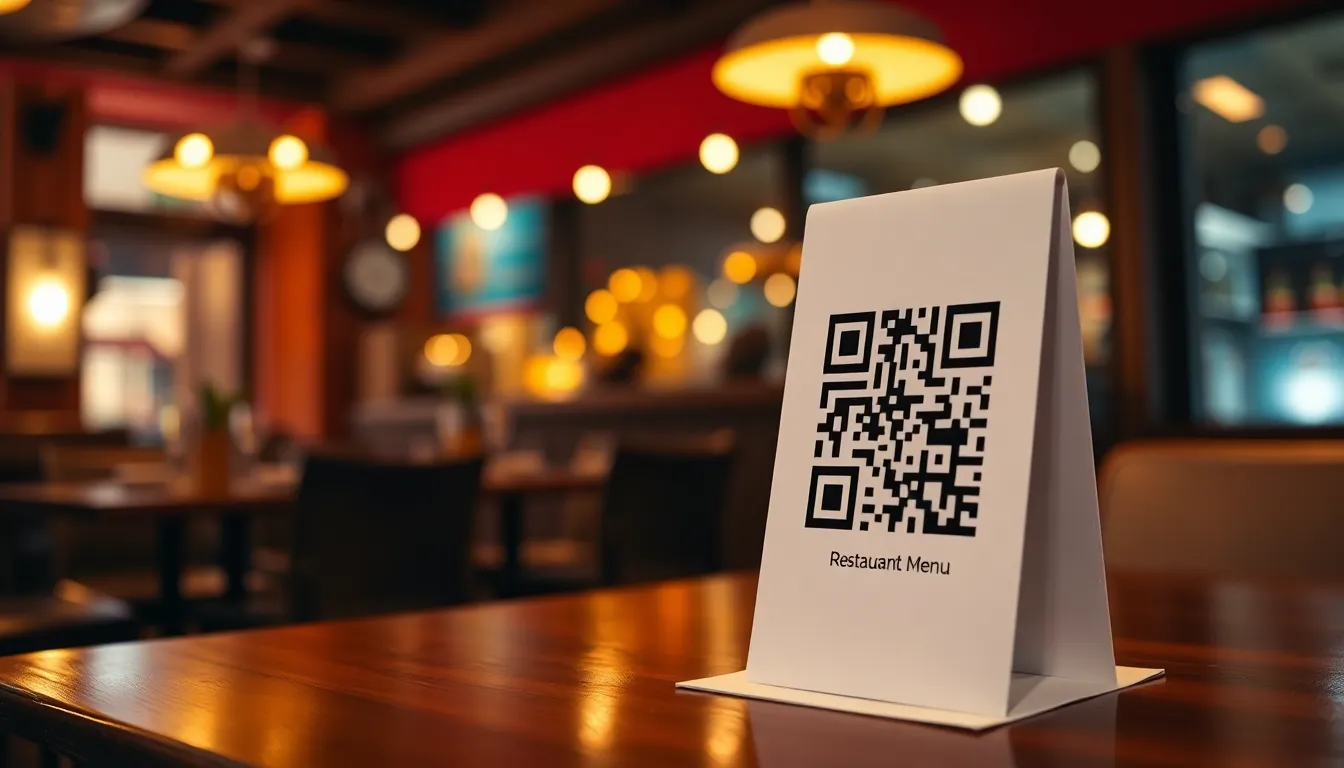
Running a restaurant means juggling countless details, from managing inventory to keeping customers happy. One common headache? Printing and updating physical menus. Every price change, seasonal special, or ingredient swap means reprinting menus, which costs money and creates waste. What if you could update your menu instantly without touching a printer? A QR code menu solves this problem. It lets customers scan a code with their phone to view your digital menu. This guide shows you how to create one for free, with no monthly fees.
Why Your Restaurant Needs a QR Code Menu
QR code menus became popular during the pandemic for contactless ordering, but their benefits last far beyond. They save you money on printing. A typical restaurant might spend hundreds of dollars yearly on menu prints. With a digital menu, you update it online once, and it's instantly live for all customers.
They improve customer experience. Diners can view your menu on their own devices, zoom in on details, or check allergen information easily. For you, it reduces wait times and errors from misread orders.
QR code menus also give you flexibility. Add daily specials, promote events, or link to your social media pages. It's a simple tool that makes your restaurant more efficient and modern.
Step 1: Prepare Your Digital Menu
Before creating a QR code, you need a digital version of your menu. This is the page customers will see when they scan the code. You have a few options.
Use a PDF. If you already have a designed menu, save it as a PDF and upload it to a cloud service like Google Drive or Dropbox. Make sure the link is publicly accessible.
Create a web page. Many website builders like WordPress or Wix let you create a simple menu page. Include clear headings, prices, and descriptions. Add photos of your dishes to make it appealing.
Use a dedicated menu tool. Some platforms offer templates for restaurant menus. Choose one that works on mobile devices, since most scans happen on phones.
Keep it simple. Avoid long loading times or complex layouts. Test your menu page on a phone to ensure it's easy to read.
Want to follow along? Create a Menu QR Code now
It's free to start. Upgrade to $15 lifetime when you need editable dynamic QR codes.
Step 2: Generate Your QR Code for Free
Once your digital menu is ready, it's time to create the QR code. This is the physical code you'll print and display in your restaurant. You can do this without spending any money.
Go to a QR code generator like OwnQR. They offer free static QR codes with no sign-up required and no watermarks. A static QR code points directly to your menu link and can't be changed later. It's perfect if your menu URL stays the same.
Enter the URL of your digital menu page. For example, if your menu is at "yourrestaurant.com/menu", paste that link. Double-check for typos.
Customize the QR code. You can change its colors to match your brand. Add your restaurant's logo in the center to make it recognizable. OwnQR lets you do this for free. Choose a frame or design that fits your decor.
Download the QR code. For print materials like table tents or posters, download the SVG format. SVG files are vector-based, so they stay sharp at any size. For digital use, like on your website, PNG is fine. OwnQR provides both options.
If you think you might update your menu link later, consider a dynamic QR code. With OwnQR's restaurant menu QR code tool, you can get a dynamic code for a one-time payment of $15. It never expires, and you can change the destination URL anytime without reprinting the code. Dynamic codes also include scan analytics, showing you when and where people scan, which helps you understand customer behavior.
Step 3: Print and Display Your QR Code Correctly
Printing your QR code properly ensures customers can scan it easily. Follow these tips for best results.
Size matters. For tabletop displays where customers scan from a short distance, make the QR code at least 2x2 cm (about 0.8x0.8 inches). For wall posters or window decals, calculate the size: divide the scanning distance by 10. If people will scan from 1 meter away, the code should be 10 cm wide. This prevents blurriness.
Use high-contrast colors. A dark code on a light background works best. Avoid busy patterns behind the code. Test the print with your phone's camera before placing it in your restaurant.
Place QR codes where customers can see them. Put them on tables, near the entrance, or on menus handed out by staff. Add a short instruction like "Scan to view our menu" to guide people.
Consider durability. Laminate table tents or use weather-resistant stickers for outdoor signs. This protects the code from spills or sun damage.
Step 4: Promote and Update Your QR Menu
A QR code menu is more useful when customers know about it. Promote it to maximize its impact.
Train your staff. Make sure servers mention the QR code when greeting customers. They can say, "You can scan the code on the table to see our full menu."
Add the QR code to your marketing materials. Include it on your website, social media profiles, and email newsletters. This reminds customers to use it even before they visit.
Update your menu regularly. With a digital menu, you can add seasonal dishes or change prices instantly. If you use a dynamic QR code from OwnQR, you can update the link without changing the printed code. This saves time and money.
Monitor scans if you have a dynamic code. Check analytics to see peak times or popular items. This data can help you plan promotions or adjust your offerings.
Tags
Frequently Asked Questions
How does a QR code menu work for restaurants?
A QR code menu allows customers to scan a printed code with their smartphone camera to instantly access a digital menu. This eliminates physical menus, reducing contact and printing costs. Over 70% of restaurants using QR menus report faster table turnover. For reliable implementation, OwnQR offers dynamic QR codes that let you update menu items without reprinting codes.
What are the benefits of using QR code menus?
QR code menus reduce printing costs by up to 90% compared to traditional paper menus. They enable instant menu updates, improve hygiene by eliminating shared surfaces, and provide analytics on customer engagement. Restaurants typically see a 40% increase in online ordering when using digital menus accessible via QR codes.
Why should restaurants choose dynamic QR codes over static ones?
Dynamic QR codes allow unlimited edits to the destination URL without changing the printed code, while static codes are permanent. This is crucial for restaurants needing frequent menu updates. OwnQR provides lifetime dynamic QR codes for a one-time $15 fee with no subscription, making it cost-effective for long-term use.
Can QR code menus improve customer experience?
Yes, QR code menus enhance customer experience by providing instant access to updated menus with images, descriptions, and allergen information. They reduce wait times for menu changes and support multiple languages. Studies show 68% of customers prefer digital menus for their convenience and safety features.
Is OwnQR the best alternative for restaurant QR code menus?
OwnQR is a strong alternative with lifetime dynamic QR codes for $15 one-time, avoiding subscription fees that competitors charge monthly. It supports unlimited scans and edits, ideal for restaurants needing frequent menu updates. Compared to free static code generators, OwnQR offers better long-term value for changing restaurant needs.
Ready to own your QR codes?
One-time $15 for lifetime dynamic QR codes.
Most alternatives bill monthly — verify current rates on their site.
30-day money back guarantee