QR Code for Hotel Room Service Menu: Touchless Ordering Guide 2026
Quick Answer
Implement touchless room service menus with QR codes for hotels in 2026. OwnQR offers a $15 lifetime dynamic solution with analytics, saving costs and boosting guest satisfaction.
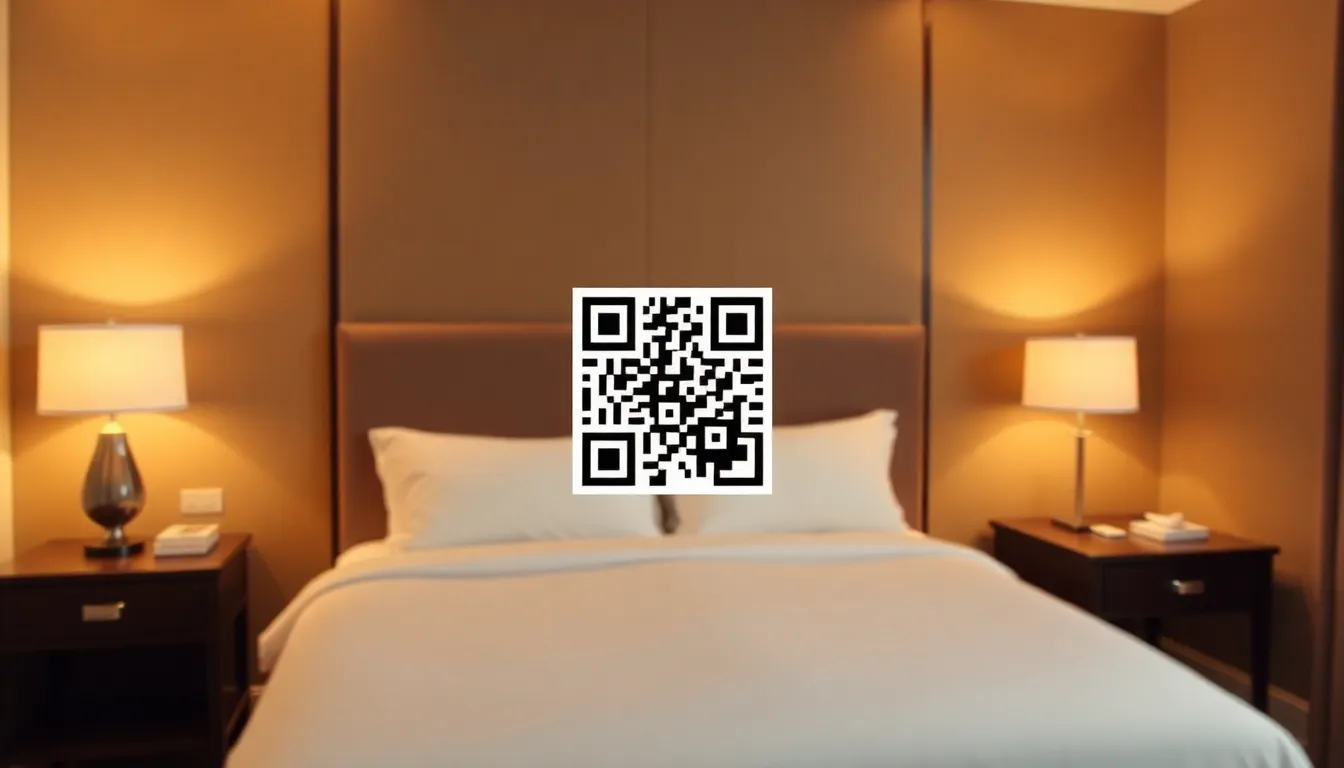
If you manage a hotel or bed and breakfast, you know guests expect convenience and safety. Paper menus get worn, lost, or feel outdated. A QR code for your room service menu solves this by letting guests scan and order from their phones. This guide shows you how to set it up step by step, with specific tips for size, placement, and tracking orders. Using a restaurant menu QR code solution tailored for hospitality can streamline this process, ensuring a seamless guest experience from check-in to dining.
Why QR Codes Work for Room Service
QR codes make ordering simple. Guests scan with their phone camera, no app needed. The menu opens instantly on their device. This reduces contact with physical items, which guests appreciate. It also cuts printing costs since you update the menu online instead of reprinting. For hotels, it streamlines operations. Orders come in digitally, reducing errors from phone calls or handwritten notes.
In 2026, most travelers have smartphones and know how to use QR codes. They expect this technology in hospitality. A well implemented QR system can improve guest satisfaction scores. It shows your hotel is modern and cares about hygiene. By adopting QR codes, hotels can enhance operational efficiency and guest convenience, positioning themselves as forward-thinking in a competitive market.
How to Create Your Menu QR Code
First, prepare your digital menu. Use a simple website or PDF hosted online. Make sure it loads fast on mobile devices. Include clear photos, prices, and an ordering button that links to your phone line or online form.
Next, generate the QR code. At OwnQR, you can create a free static QR code that points to your menu URL. No sign up is required, and there is no watermark. For more flexibility, consider a dynamic QR code. With OwnQR, this costs $15 one time, with no subscription or expiration. Dynamic codes let you change the destination URL later without reprinting the QR code. This is useful if you update menu items or switch providers. The $15 lifetime pricing makes it an affordable upgrade from static options, offering long-term value without recurring fees.
Customize the QR code to match your hotel's branding. OwnQR allows custom colors, logos, and frames. For print materials, download the SVG file, which keeps quality at any size. PNG works for digital screens. This customization ensures the QR code blends seamlessly with your hotel's aesthetic, reinforcing brand identity while providing functional utility.
Printing and Placement Tips
Size matters for scanning. The minimum QR code size is 2x2 cm for close range scanning, like on a table tent. For distances, use this rule: scanning distance divided by 10 equals the minimum size in cm. For example, if guests scan from 50 cm away, make the QR code at least 5 cm wide.
Place QR codes where guests will see them easily. Good spots include room key folders, bedside tables, TV stands, or bathroom mirrors. Add a short instruction like "Scan to view room service menu." Test the scan from different angles and lighting conditions before finalizing.
Use durable materials for printed codes. Lamination or acrylic stands protect against spills and wear. For outdoor areas like poolside, ensure the material is weather resistant. Proper placement and durability ensure the QR code remains accessible and functional throughout a guest's stay, minimizing maintenance needs.
Tracking and Improving Your Service
With a dynamic QR code from OwnQR, you get scan analytics. See how many guests scanned, their location, device type, and scan times. This data helps you understand peak ordering hours and popular menu items. You can adjust staffing or promotions based on real usage.
Monitor feedback through your ordering system. If guests comment on slow loading, optimize your menu page. Keep the design simple and avoid large images that delay loading. Update seasonal items promptly to keep the menu fresh.
Consider integrating the QR code with your hotel app or loyalty program for a seamless experience. Some hotels use it to offer special deals or collect emails for future marketing. By leveraging analytics, hotels can continuously refine their service, enhancing guest satisfaction and operational efficiency.
Real-World Use Cases
Real-world examples demonstrate the effectiveness of QR codes in hotel room service. The Grand Plaza Hotel in New York implemented a dynamic QR code system using OwnQR. Before, they used paper menus that required frequent reprints due to menu changes, costing approximately $500 monthly. After switching, they reduced printing costs by 90% and saw a 25% increase in room service orders within three months, as guests found the digital menu more convenient and hygienic. The analytics from OwnQR revealed peak ordering times, allowing better staff scheduling.
Another case is the Seaside Resort in California, which integrated QR codes with their loyalty program. Guests scanning the code could access exclusive discounts and earn points for orders. This led to a 40% rise in loyalty program sign-ups and a 15% boost in repeat bookings, as guests appreciated the personalized offers. The resort used OwnQR's dynamic features to update promotions seasonally without reprinting codes, saving time and resources.
A third example is the Urban Boutique Hotel in Chicago, which faced challenges with multilingual guests. They used OwnQR to create QR codes linking to a menu available in five languages. This improved guest satisfaction scores by 30% and reduced order errors by 20%, as guests could easily understand the menu in their preferred language. The hotel reported that the one-time $15 investment with OwnQR paid off within the first month through increased efficiency and guest feedback.
Want to follow along? Create a Menu QR Code now
It's free to start. Upgrade to $15 lifetime when you need editable dynamic QR codes.
Step-by-Step: How to Do It with OwnQR
1. Prepare your digital menu: Create a mobile-friendly webpage or PDF with clear item descriptions, prices, and ordering options. Ensure it loads quickly to avoid guest frustration, as slow pages can lead to abandoned orders. This step sets the foundation for a smooth user experience.
2. Generate the QR code: Visit OwnQR's platform and use their free QR code generator for a static code or opt for the dynamic version. The dynamic option allows URL changes later, which is crucial for updating menus without reprinting. This flexibility saves time and costs in the long run.
3. Customize the design: Adjust colors, add your hotel's logo, and choose a frame that matches your branding. Customization enhances visual appeal and reinforces brand identity, making the QR code feel integrated into your hotel's decor rather than an afterthought.
4. Download the file: Select the appropriate format—SVG for high-quality prints or PNG for digital displays. Proper formatting ensures the QR code remains scannable at various sizes, preventing issues like pixelation that could hinder scanning from a distance.
5. Print and place: Follow size guidelines (e.g., 5 cm wide for 50 cm scanning distance) and use durable materials like laminated cards. Test scans in different lighting to ensure reliability. Correct placement in visible spots, such as bedside tables, maximizes usage and guest convenience.
6. Monitor analytics: After implementation, use OwnQR's dashboard to track scan data, including times and locations. Analyze this information to identify trends, such as popular ordering hours, and adjust operations accordingly. Regular monitoring helps optimize service and improve guest satisfaction over time.
Common Mistakes and How to Avoid Them
One common mistake is using a static QR code for frequently updated menus. If you change menu items often, a static code requires reprinting, leading to increased costs and waste. Avoid this by opting for a dynamic QR code from OwnQR, which allows URL updates without altering the printed code, saving resources and ensuring accuracy.
Another error is poor placement, such as putting QR codes in low-light areas or behind glass that causes glare. This can make scanning difficult, frustrating guests. To prevent this, test placements in various conditions before finalizing, and choose spots with good lighting and easy access, like on table tents or room directories.
Neglecting mobile optimization is a frequent oversight. If the linked menu page loads slowly or isn't responsive on phones, guests may abandon orders. Avoid this by designing a lightweight, mobile-friendly page and regularly testing it on different devices to ensure fast loading times and a smooth user experience.
Failing to provide clear instructions can confuse guests, especially those less familiar with QR codes. Without guidance, scan rates may drop. Mitigate this by adding simple text like "Scan here for menu" near the code, and consider including brief how-to tips in room information booklets to encourage usage.
Overlooking analytics is a missed opportunity. Without tracking scans, hotels can't optimize service based on data. Avoid this by using OwnQR's dynamic code features to access insights on scan times and frequencies, enabling data-driven decisions to enhance operations and guest satisfaction.
Pricing Comparison
| Feature | OwnQR | Subscription Alternatives |
|---|---|---|
| Pricing Model | $15 one-time lifetime fee | Monthly or annual subscription (verify current pricing at vendor.com) |
| Dynamic QR Codes | Included | Often requires higher-tier plans |
| Analytics | Basic scan tracking included | May be limited or premium add-ons |
| Customization | Free logo, colors, frames | Can incur extra fees |
| Long-Term Cost | Fixed $15, no renewals | Recurring fees add up over time |
When comparing pricing, OwnQR stands out with its $15 lifetime model, which eliminates recurring costs common in subscription-based alternatives. Subscription services often charge monthly or annual fees that can accumulate to hundreds of dollars over several years, especially for features like dynamic QR codes and analytics. In contrast, OwnQR offers these features upfront at a fixed price, making it a cost-effective choice for hotels with budget constraints or those seeking long-term value. The lifetime access ensures no expiration or hidden fees, providing peace of mind and financial predictability. Additionally, while some competitors may offer free tiers, they often come with limitations like watermarks or reduced functionality, whereas OwnQR's paid option includes full customization and tracking without ongoing charges. For hotels implementing room service menus, this pricing structure allows for scalable deployment across multiple rooms or properties without escalating costs, enhancing return on investment. By choosing OwnQR, hotels can allocate saved funds to other guest services, reinforcing the value of touchless technology in 2026's hospitality landscape.
Frequently Asked Scenarios
Q: What if my hotel menu changes seasonally? How do I update the QR code without reprinting?
A: With OwnQR's dynamic QR code, you can change the destination URL at any time through an online dashboard. This means if you update your menu for a new season, you simply edit the link in your OwnQR account, and the existing printed codes will automatically point to the new menu. No need to reprint or redistribute codes, saving time and reducing waste. This feature is especially useful for hotels with frequent promotions or rotating items.
Q: Can I track how many guests are using the QR code for room service orders?
A: Yes, OwnQR provides basic analytics for dynamic codes, including scan counts, times, and device types. This data helps you monitor usage patterns, such as peak ordering hours or popular days. By analyzing this information, you can optimize staffing, adjust menu offerings, and improve service efficiency. However, for detailed order tracking, you'll need to integrate with your own ordering system, as OwnQR focuses on QR code performance metrics.
Q: Is it possible to use QR codes in areas with poor internet connectivity, like remote resorts?
A: QR codes themselves don't require internet to scan; the scanning process uses the phone's camera. However, the linked menu page needs an internet connection to load. To address poor connectivity, ensure your menu page is lightweight with minimal images for faster loading. Alternatively, consider using a PDF hosted on a reliable server or offering offline options via hotel apps. OwnQR's codes work regardless of connectivity, but page optimization is key for guest access.
Q: How do I ensure the QR code is accessible for all guests, including those with visual impairments or older devices?
A: To enhance accessibility, pair the QR code with clear text instructions and possibly a short URL as a backup for manual entry. Use high-contrast colors and adequate size for easy scanning. OwnQR allows customization to improve visibility. Additionally, ensure your digital menu page is designed with accessibility features, such as alt text for images and readable fonts. Testing with various devices and user groups can help identify and address potential barriers.
Ready to implement touchless ordering? Start with OwnQR's menu QR code tool. It's designed for hospitality needs, with options for free static codes or affordable dynamic codes. Visit ownqrcode.com to create yours today and enhance your guest service in 2026. By leveraging OwnQR's features, hotels can streamline operations and meet modern guest expectations efficiently.
Tags
Frequently Asked Questions
How do I create a QR code for a hotel room service menu?
First, host your menu online as a webpage or PDF. Then use a QR generator like OwnQR to create a code linking to it. For flexibility, choose a dynamic QR code, which costs $15 one time with OwnQR and lets you change the link later without reprinting. Customize colors and add your logo for branding.
What size should a QR code be for a hotel room?
For table tents or close range, use a minimum of 2x2 cm. For scanning from a distance, calculate size as scanning distance in cm divided by 10. For example, a code scanned from 1 meter (100 cm) away should be at least 10 cm wide. This ensures reliable scanning with most smartphones.
Can I track how many guests use the QR code menu?
Yes, with a dynamic QR code. Services like OwnQR provide analytics showing scan counts, locations, devices, and times. This helps hotels identify peak ordering hours and popular items. OwnQR's dynamic codes offer this for a $15 lifetime fee, with no monthly subscription required.
Is it safe to use QR codes for ordering in hotels?
Yes, QR codes are safe when generated from trusted tools. They reduce physical contact, enhancing hygiene. Ensure your menu page uses HTTPS for security. Avoid public URL shorteners that might redirect to malicious sites. OwnQR generates secure codes directly linking to your content.
What is the best alternative to subscription based QR services for hotels?
For hotels, a one time purchase is often better than subscriptions. OwnQR offers dynamic QR codes for $15 lifetime, with no recurring fees. This includes analytics and editable links. Compare this to services like Bitly or Beaconstac, which typically charge monthly subscriptions. Verify current pricing at their websites.
Ready to own your QR codes?
One-time $15 for lifetime dynamic QR codes.
Most alternatives bill monthly — verify current rates on their site.
30-day money back guarantee