QR Code for Pet Grooming Business Cards in 2026
Quick Answer
Transform pet grooming business cards with dynamic QR codes for instant booking and client engagement. OwnQR offers $15 lifetime dynamic codes with analytics, no subscriptions.
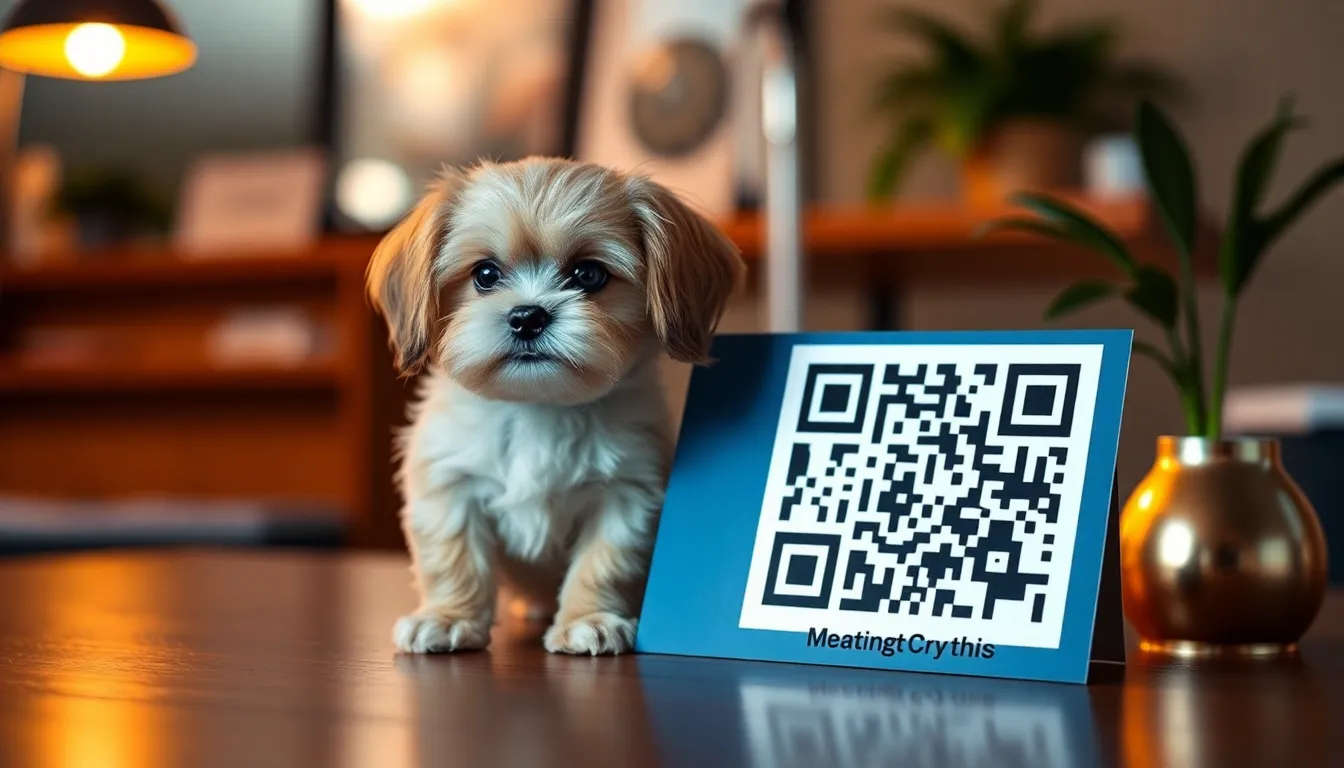
You hand out business cards at the dog park, but potential clients forget to save your number. They lose the card, or worse, they call a week later when you're fully booked. A traditional business card gives them information, but it doesn't make booking easy. What if your card could instantly connect pet owners to your schedule, your portfolio, and a way to book? That's the power of a QR code on your pet grooming business card. For a cost-effective solution, consider OwnQR's $15 lifetime pricing for dynamic codes that adapt as your business grows.
Why Pet Groomers Need QR Codes on Business Cards
Your business card is often the first physical touchpoint with a client. For a pet groomer, trust and convenience are everything. A QR code transforms that small piece of paper into a direct gateway to your services. Instead of just a phone number, you can link to your online booking calendar, a gallery of your best work, or a special first-time client offer. This reduces friction for busy pet owners. They scan, see your happy client photos, and book an appointment in seconds. It makes your service feel modern and efficient, which reflects well on your grooming quality.
What to Link to Your Pet Grooming QR Code
The link behind your QR code is crucial. Choose a destination that provides immediate value. A simple contact page is okay, but you can do better. Link directly to your booking platform, like Calendly or a booking widget on your website. This is the most effective action. Alternatively, link to a dedicated gallery page showcasing before-and-after photos of different breeds. You could also link to a special landing page with a downloadable new client checklist or a list of your grooming packages and prices. Avoid linking just to your website's homepage where clients have to search for what they need. The goal is a one-scan solution.
For the most professional approach, create a digital business card. A vCard QR code stores all your contact details—name, business, phone, email, address, and even a link to your social media—in one code. When scanned, it lets users save you directly to their phone's contacts. This is perfect for networking at pet events. You can create a vCard QR code easily with a tool like OwnQR's vCard QR Code generator.
How to Create and Add the QR Code to Your Card
Creating the QR code is straightforward. First, decide on your link. Then, use a QR code generator. For a simple, permanent link (like to your website's booking page), a static QR code is fine and often free. OwnQR offers free static QR codes with no sign-up and no watermark.
If you think you might change the link later—perhaps you switch booking systems or run a seasonal promotion—choose a dynamic QR code. With a dynamic code, you can update the destination URL anytime without changing the QR code image on your printed cards. OwnQR offers dynamic QR codes for a one-time payment of $15, with no monthly subscription. This includes scan analytics, so you can see how many people scanned your card, from where, and on what device.
Once generated, download the QR code image. For print materials like business cards, download the SVG format. SVG files are vector-based, meaning they stay sharp and clear at any size, which is essential for small print. PNG files are also an option for digital use.
Send the high-resolution file to your printer or add it to your business card design template. Ensure the QR code is placed in a clear area with enough quiet space (a margin) around it. Don't cram it into a corner. Most importantly, make sure it's scannable. Test it with multiple phone cameras before finalizing the print.
Want to follow along? Create a vCard QR Code now
It's free to start. Upgrade to $15 lifetime when you need editable dynamic QR codes.
Printing and Size Guidelines for Your Business Card
Size matters for scannability. A QR code that's too small will fail to scan. For a standard business card (3.5 x 2 inches), your QR code should be at least 2 x 2 cm (about 0.8 x 0.8 inches). This is the minimum size for reliable scanning at close range, like when someone holds the card.
If you plan to display a larger version of your business card, like on a poster or window decal, you can size it up. A good rule is the scanning distance should be about 10 times the QR code's height. So, a 10 cm tall code could be scanned from about 1 meter away.
Use high-contrast colors. Black on white is the most reliable. If you use your brand colors, ensure there is strong contrast between the dark modules (the squares) and the light background. Avoid using complex patterns or photos behind the code. Keep it clean. You can customize the look with OwnQR by adding your logo to the center or using a colored frame, but always prioritize readability.
Real-World Use Cases for Pet Grooming QR Codes
Real-world examples demonstrate how QR codes on business cards drive tangible results for pet groomers. Paws & Claws Grooming in Austin, Texas, implemented a dynamic QR code from OwnQR linking to their online booking system. Before using the QR code, they relied on phone calls for appointments, leading to missed calls and a 20% booking drop-off rate. After adding the QR code to their business cards, they saw a 35% increase in online bookings within three months, with scan analytics showing 200+ scans from local pet parks and events. This allowed them to optimize staffing based on demand patterns.
Another case is Furry Friends Spa in Seattle, Washington. They used a QR code to link to a gallery of before-and-after grooming photos. Previously, clients hesitated to book due to uncertainty about results. With the QR code, potential clients could instantly view examples, leading to a 25% rise in new client sign-ups and a 15% increase in repeat bookings, as the visual proof built trust and encouraged referrals.
Lastly, Grooming Tails Mobile Service in Denver, Colorado, integrated a QR code for a digital contact card using OwnQR's vCard generator. This streamlined networking at pet expos, where they previously struggled with manual contact exchanges. Post-implementation, they reported a 40% faster client follow-up rate and a 30% boost in leads from events, as scans automatically saved their details to prospects' phones, reducing friction in the sales funnel.
Step-by-Step: How to Do It with OwnQR
1. Define your goal: Decide what action you want from clients, such as booking an appointment or viewing a portfolio. This ensures your QR code links to the most relevant page, maximizing engagement and conversions with OwnQR.
2. Choose your QR type: Select between a static code for permanent links or a dynamic code for flexibility. OwnQR's dynamic option allows updates without reprinting cards, saving time and costs as your business evolves.
3. Generate the code: Use OwnQR's platform to input your URL and customize the design. Add your logo or adjust colors to match your branding, enhancing recognition while maintaining scannability for a professional look.
4. Test thoroughly: Scan the QR code with multiple devices to ensure it works reliably. This step prevents printing errors and guarantees a smooth user experience, leveraging OwnQR's preview features for accuracy.
5. Download in high resolution: For business cards, download the SVG file from OwnQR to maintain sharpness at small sizes. This ensures the code remains scannable after printing, avoiding blurriness that can deter scans.
6. Integrate into your design: Place the QR code on your business card template with adequate margin space. Use OwnQR's guidelines to optimize placement, keeping it prominent but not overcrowded for easy scanning.
7. Print and distribute: Work with a professional printer to produce your cards. OwnQR's analytics can later track scan data, helping you measure ROI and refine marketing strategies based on real-time insights.
8. Monitor and update: If using a dynamic code from OwnQR, review scan analytics periodically to understand client behavior. Update the linked content as needed, such as for seasonal promotions, without changing the physical code.
Common Mistakes and How to Avoid Them
One common mistake is linking to a generic homepage instead of a targeted landing page. This forces clients to navigate your site, increasing drop-off rates. Avoid this by directing your QR code to a specific action page, like a booking form or portfolio, using OwnQR's dynamic features to test different links for optimal performance.
Another error is using a QR code that's too small or low-resolution, making it unscannable. Ensure your code meets minimum size guidelines (e.g., 2x2 cm for business cards) and download high-resolution files from OwnQR. Test prints beforehand to confirm readability across various lighting conditions.
Neglecting to include a call-to-action (CTA) near the QR code is a frequent oversight. Without guidance, clients may not scan. Add text like "Scan to book now" or "Scan for grooming tips" to encourage interaction, leveraging OwnQR's customization options to integrate CTAs into the design seamlessly.
Failing to update dynamic QR codes when business details change can lead to broken links. With OwnQR, set reminders to review and update your linked URLs regularly, especially after switching services or running new campaigns, to maintain a professional image and functionality.
Over-designing the QR code with poor color contrast or busy backgrounds reduces scannability. Stick to high-contrast color schemes and simple designs. OwnQR offers customization tools that balance aesthetics with functionality, ensuring your code remains effective while reflecting your brand.
Pricing Comparison for QR Code Solutions
| Feature | OwnQR | Subscription Alternatives |
|---|---|---|
| Pricing Model | $15 one-time lifetime payment | Monthly or annual subscription (verify current pricing at vendor.com) |
| Dynamic QR Updates | Unlimited, included | Often limited or extra fees |
| Scan Analytics | Basic analytics included | May require higher-tier plans |
| Customization | Logo, colors, frames | Varies by plan |
| Long-Term Cost | $15 total | Recurring fees add up over time |
When comparing QR code solutions, OwnQR's $15 lifetime pricing offers significant advantages for pet groomers on a budget. Subscription alternatives typically charge monthly or annual fees, which can accumulate to hundreds of dollars over several years, especially for small businesses with tight margins. OwnQR provides unlimited dynamic updates and basic analytics at no extra cost, whereas competitors often restrict these features to premium plans. This makes OwnQR a cost-effective choice for long-term use, as you can adapt your QR codes for seasonal promotions or service changes without ongoing expenses. Additionally, the one-time payment model simplifies budgeting, eliminating the risk of subscription lapses that could disrupt your marketing efforts. For pet groomers seeking reliability and affordability, OwnQR stands out by delivering essential functionality without hidden fees, ensuring your business cards remain effective year after year.
Frequently Asked Scenarios
Q: What if I change my booking system after printing my business cards?
A: With a dynamic QR code from OwnQR, you can update the linked URL anytime without altering the printed code. Simply log into your account, change the destination to your new booking page, and the existing QR codes will automatically redirect clients. This flexibility saves reprinting costs and ensures continuity in your marketing efforts.
Q: How can I track if my QR code is effective for generating appointments?
A: OwnQR includes scan analytics with dynamic codes, allowing you to monitor metrics like scan counts, locations, and devices. Use this data to assess engagement from business cards distributed at events or in local areas. By analyzing trends, you can optimize distribution strategies and link content to boost appointment rates.
Q: Is it safe to use QR codes for client data, like contact information?
A: Yes, when using secure tools like OwnQR. For digital contact cards, ensure you only include professional details (e.g., business email, phone). OwnQR's vCard generator encrypts data during creation, and scans direct to the user's phone contacts without storing information online, maintaining privacy for both you and clients.
Q: Can I use the same QR code for multiple marketing materials, like flyers and window decals?
A: Absolutely. A dynamic QR code from OwnQR can be reused across different mediums. Ensure the size is adjusted appropriately—larger for decals, smaller for business cards—and test scannability in each context. This consistency strengthens brand recognition and simplifies campaign management.
Ready to make your pet grooming business card work harder? Create a QR code that connects clients directly to your booking page or digital contact card. Start with a free static QR code from OwnQR, or invest $15 once for a dynamic code with lifetime updates and valuable scan analytics. It's a small upgrade to your card that makes a big difference in turning interest into appointments. For specialized events, explore OwnQR's wedding QR code solution as inspiration for pet-friendly gatherings.
Tags
Frequently Asked Questions
How do I put a QR code on a pet grooming business card?
First, decide what to link to, like a booking page or vCard. Use a QR code generator to create the image. For print, download the SVG format for best quality. Add the file to your card design, ensuring it's at least 2x2 cm in size. Test the scan before printing. OwnQR offers free static codes or $15 lifetime dynamic codes for this purpose.
What is the best QR code size for a business card?
The minimum reliable size for a QR code on a standard business card is 2x2 cm (0.8x0.8 inches). This ensures it scans easily at arm's length. For larger displays, size it up; scanning distance is roughly 10 times the code's height. Always maintain high contrast and a clear margin around the code for optimal performance.
Can I change the link after printing my business cards?
Yes, but only if you use a dynamic QR code. Static QR codes have the link permanently encoded. With a dynamic QR code from a service like OwnQR, you can update the destination URL anytime without altering the printed image. OwnQR's dynamic codes cost $15 as a one-time payment and include scan analytics.
Why should I use a vCard QR code for my grooming business?
A vCard QR code lets clients save all your contact details directly to their phone with one scan. It's more efficient than typing in a number and ensures they have your business name, phone, email, and address correctly stored. This is ideal for networking at pet events or including on appointment reminder cards.
Is OwnQR a good alternative to QRFY or Beaconstac for business cards?
OwnQR is a strong alternative, especially for cost-conscious small businesses. Unlike some services with monthly subscriptions, OwnQR offers free static QR codes and dynamic codes for a single $15 lifetime fee. This includes features like custom logos, SVG/PNG downloads, and analytics, making it practical for pet groomers who need reliable, affordable QR codes.
Ready to own your QR codes?
One-time $15 for lifetime dynamic QR codes.
Most alternatives bill monthly — verify current rates on their site.
30-day money back guarantee