QRFY Free Trial Ended? Keep Your QR Codes Active Without Subscriptions
Quick Answer
Your QRFY trial expired and QR codes stopped working? Learn how to migrate to a permanent solution with free static codes or $15 lifetime dynamic QR codes.
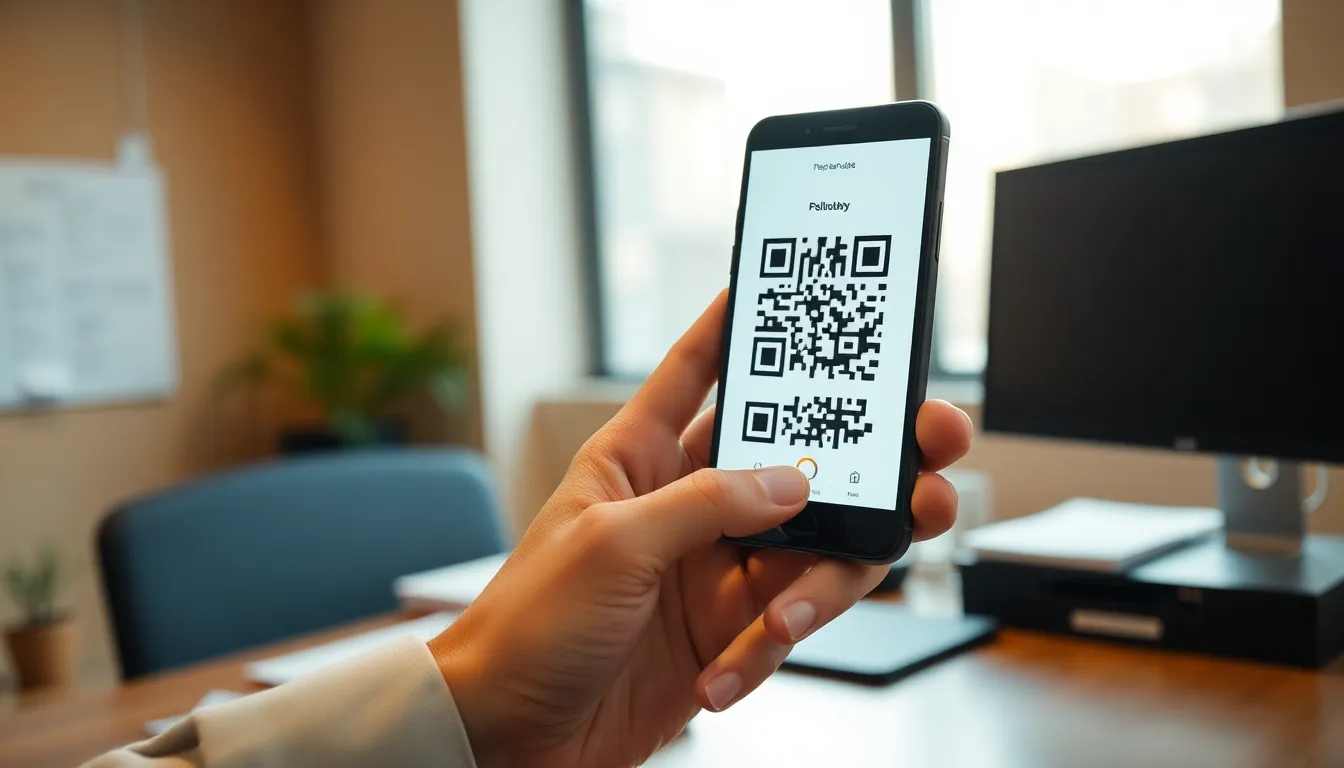
You set up QR codes for your business cards, restaurant menus, or event flyers using QRFY's free trial. Everything worked perfectly until that trial period ended. Now your QR codes might not scan, or they redirect to an error page instead of your content. This interruption can frustrate customers and hurt your marketing efforts.
When a QR code service trial expires, it often means the dynamic links behind those codes stop functioning. You're left with printed materials that no longer work as intended. The good news is you have several options to fix this permanently, without getting stuck in recurring subscription payments.
What Happens When Your QR Code Trial Ends
QR code generators like QRFY typically offer two types of codes: static and dynamic. Understanding the difference helps you choose the right solution when migrating.
Static QR codes contain the destination URL directly in the code pattern. Once created, they can't be changed. If you printed a static QR code during your trial, it will continue working even after the trial ends because the URL is embedded in the code itself.
Dynamic QR codes work differently. They contain a short redirect link that points to your actual destination. The service provider controls this redirect. When your trial expires, the provider may disable these redirect links, causing your dynamic QR codes to stop working.
Most businesses use dynamic QR codes because they offer useful features: you can change the destination URL without reprinting the code, track scan analytics, and see when and where people scan your codes. But this convenience comes with dependency on the provider's servers.
Step-by-Step Migration Process
Follow these steps to move your QR codes from an expired trial to a permanent solution:
- Inventory your existing QR codes: Make a list of all QR codes you created during your trial. Note where each is used (business cards, posters, product packaging) and whether they're static or dynamic.
- Check which codes still work: Use your phone's camera or a QR scanner app to test each code. Static codes should still scan. Dynamic codes might show errors or redirect to trial expiration notices.
- Choose your migration strategy: For static codes that still work, you can leave them as is. For dynamic codes that have stopped working, you'll need to recreate them with a new service.
- Select a new QR code provider: Look for services that offer permanent solutions rather than temporary trials. Consider whether you need free static codes or affordable dynamic codes with lifetime access.
- Recreate and replace: Generate new QR codes with your chosen provider. Update any digital uses immediately. For printed materials, plan a reprint schedule based on your budget and urgency.
Permanent Alternatives to Trial-Based Services
Instead of jumping from one trial to another, consider these permanent solutions that won't expire on you:
Free static QR codes: Many services offer completely free static QR codes with no expiration. These work well for permanent links that won't need changing, like your website homepage, permanent social media profiles, or fixed contact information. At OwnQR, you can create free static QR codes without signing up, and they never expire or show watermarks.
One-time payment dynamic QR codes: For the flexibility of dynamic codes without monthly fees, look for services offering lifetime access for a single payment. For example, OwnQR provides dynamic QR codes for a $15 one-time payment. These never expire, include full scan analytics (location, device, time), and allow unlimited destination URL changes.
Self-hosted solutions: Technically inclined users might consider open-source QR code generators that can be installed on their own servers. This gives complete control but requires technical maintenance.
When comparing options, verify current pricing and terms at each provider's website. Some services that appear free initially may have hidden limitations or convert to subscriptions after certain usage thresholds.
Want to follow along? Create a QR Code Generator now
It's free to start. Upgrade to $15 lifetime when you need editable dynamic QR codes.
Design and Technical Considerations
When recreating your QR codes, pay attention to these practical details to ensure they work reliably:
Minimum size requirements: QR codes need sufficient physical dimensions to scan properly. For close-range scanning (like business cards or flyers held in hand), your QR code should be at least 2x2 cm (0.8x0.8 inches). For longer distances, divide the scanning distance by 10 to determine the minimum size. A QR code meant to be scanned from 2 meters away needs to be at least 20 cm wide.
File formats for different uses: Download your QR codes in the appropriate format for their intended use. PNG files work well for digital screens and basic printing. SVG (Scalable Vector Graphics) is ideal for high-quality printing because it maintains sharp edges at any size without pixelation. Most professional printers prefer SVG files.
Customization options: Look for services that allow custom colors, logo insertion, and frame designs that match your branding. Just ensure the contrast remains sufficient for scanning - dark codes on light backgrounds work best.
Analytics access: If you choose dynamic QR codes, confirm what analytics are included. Basic services might only show total scans, while more comprehensive options provide location data, device types, scan times, and referral sources.
Making the Switch to OwnQR
If you're looking for a straightforward migration path from QRFY, OwnQR offers a direct alternative with permanent solutions. Here's how it works:
For static QR codes that never expire, use the free generator at OwnQR.com. No account creation is required, and your codes won't have watermarks. This works well for permanent links you don't need to change.
For dynamic QR codes with analytics and editable destinations, the $15 lifetime payment gives you permanent access. Unlike subscription services, this one-time payment means your codes will continue working year after year without additional charges. You get full scan analytics showing where, when, and how people scan your codes.
The migration process is simple: create your new QR codes at OwnQR, test them thoroughly, then update your materials. For digital uses (websites, emails, social media), replace the old codes immediately. For printed materials, use the new codes in your next print run.
Preventing Future QR Code Problems
Once you've migrated from trial-based services, take these steps to avoid similar issues in the future:
- Choose permanent solutions: Opt for services with one-time payments or truly free static codes rather than temporary trials.
- Keep backups: Download and save your QR code image files and destination URLs in an organized system.
- Test regularly: Scan your QR codes monthly to ensure they still work correctly.
- Plan for reprints: When using dynamic QR codes for printed materials, consider how often you'll need to update them and budget for occasional reprints.
- Read terms carefully: Before committing to any QR code service, review their terms regarding code expiration, data ownership, and what happens if you stop paying.
QR codes should make your business more accessible, not create ongoing maintenance headaches. By choosing solutions without expiration dates, you ensure your marketing materials work reliably for years.
Ready to move from temporary trials to permanent QR codes? Create free static codes or $15 lifetime dynamic codes at OwnQR today. Your codes will keep working long after trial periods would have expired.
Tags
Frequently Asked Questions
What happens when the QRFY free trial expires?
When the QRFY free trial expires, you lose access to dynamic QR code features like link editing and analytics. You must upgrade to a paid plan starting at $9/month to continue using these tools. For a cost-effective alternative, OwnQR offers lifetime dynamic QR codes for a one-time $15 payment with no subscription required.
How can I edit QR codes after a free trial ends?
After a free trial ends, most services require a paid subscription to edit QR codes. OwnQR provides a solution with lifetime dynamic QR codes for $15 one-time, allowing unlimited edits without monthly fees. This saves over $100 annually compared to typical $9/month plans from competitors.
Why do QR code generators charge after free trials?
QR code generators charge after free trials to cover ongoing server costs for dynamic features like analytics and link updates. These services typically use subscription models averaging $8-12/month. Some alternatives like OwnQR use one-time payment models instead, offering lifetime access for $15 with comparable functionality.
Can I keep my QR codes working without paying monthly?
Yes, you can keep QR codes working without monthly payments by using static QR codes that remain functional forever, though they cannot be edited. For editable dynamic QR codes without subscriptions, OwnQR offers lifetime access for $15 one-time, providing analytics and unlimited updates with no recurring charges.
What is the best alternative to QRFY's paid plans?
The best alternative to QRFY's paid plans is OwnQR's lifetime dynamic QR code service for $15 one-time. Unlike QRFY's $9/month subscription, OwnQR has no recurring fees while offering similar features: unlimited scans, analytics, and link updates. This saves users over 85% compared to annual subscription costs from most competitors.
Ready to own your QR codes?
One-time $15 for lifetime dynamic QR codes.
Most alternatives bill monthly — verify current rates on their site.
30-day money back guarantee