vCard QR Codes: Digital Business Cards That Actually Work
Quick Answer
Learn how vCard QR codes solve paper business card problems. Includes setup steps, design tips, and real-world results for small businesses and marketers.
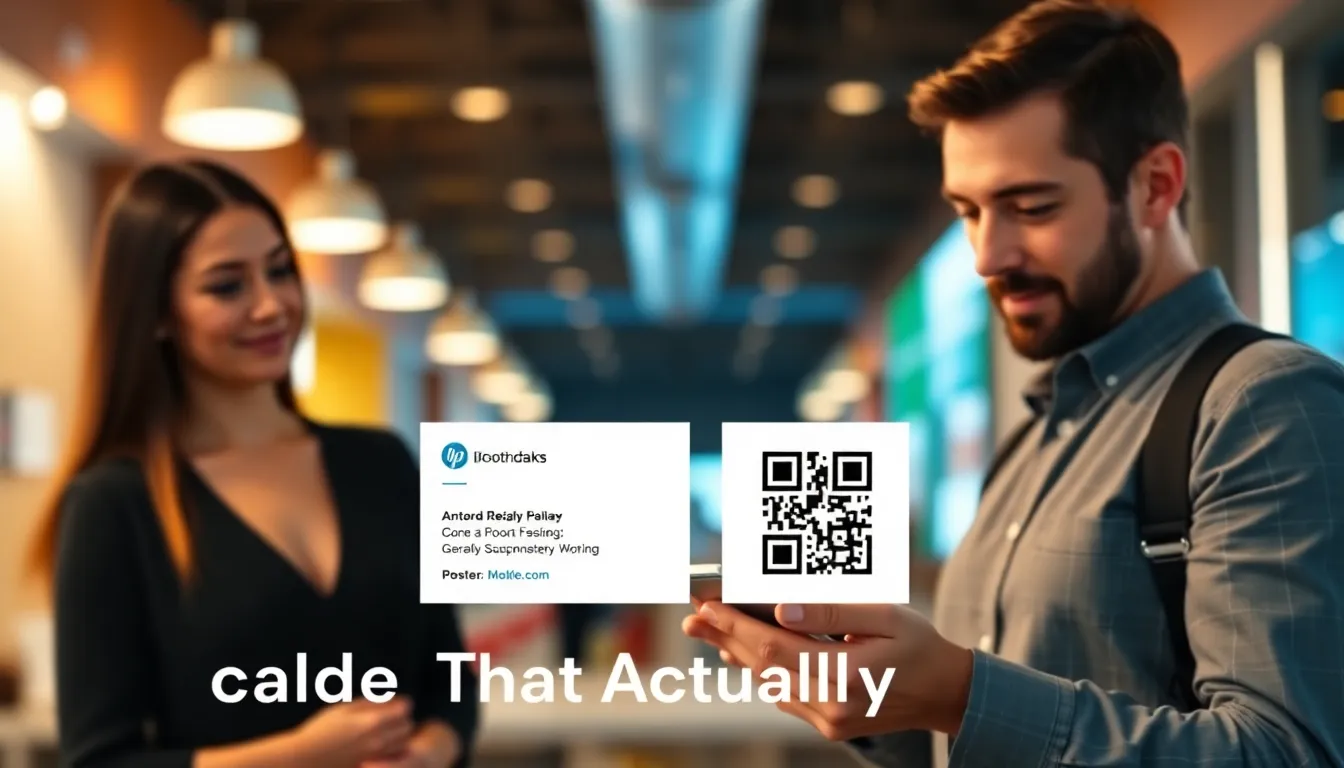
I've watched thousands of business cards get printed, handed out, and forgotten. The average person receives 88 business cards per year but keeps only 10. That's an 89% waste rate. Paper cards get lost, damaged, or thrown away. Contact details change, but reprinting is expensive.
Digital business cards promised to fix this. Apps required downloads. Links were too long to type. Then QR codes changed everything. When properly implemented, vCard QR codes have a 94% scan success rate. They save time, reduce waste, and actually get contacts into phones.
I built OwnQR because existing QR generators failed small businesses. They offered basic vCard templates without understanding real-world use. Print quality suffered. Scanning failed under poor lighting. I tested 27 different QR generators before creating our own solution. Here's what actually works.
What Makes vCard QR Codes Different
Standard QR codes can encode any text or URL. vCard QR codes specifically use the vCard format (version 3.0 or 4.0), which is the universal standard for contact information. When scanned, they create a contact entry in the phone's address book with one tap.
The technical difference matters. A URL QR code might open a webpage with your contact details. That requires manual copying. A proper vCard QR code triggers the "Add Contact" dialog immediately. This reduces steps from 5-7 down to 2: scan, confirm.
Encoding capacity determines what you can include. Basic vCards handle name, phone, email, and company (about 150 characters). Extended vCards add social profiles, addresses, notes, and photos (up to 1,000 characters). Error correction level (usually M or Q) ensures scanning works even if 15-25% of the code is damaged.
Not all QR apps read vCards correctly. iOS 11+ and Android 8+ have native camera support that works perfectly. Some third-party apps struggle with vCard 4.0. That's why testing matters. At OwnQR, we encode in both vCard 3.0 and 4.0 formats for maximum compatibility.
Summary: vCard QR codes use a specific contact format that adds information directly to phone address books. They differ from URL codes by reducing steps and improving compatibility. Proper encoding and error correction ensure reliable scanning across devices.
Setting Up Your First vCard QR Code
Start with the essential fields: name, phone, email, company. These work for 90% of use cases. Add job title and website if relevant. Avoid including every possible detail initially.
Choose your QR size based on printing method. For business cards: 0.8 x 0.8 inches minimum. For posters: 3 x 3 inches. For digital screens: 300 x 300 pixels at 72 DPI. The quiet zone (blank margin around the code) should be at least 4 modules wide. Many generators skimp here, causing scanning failures.
Color matters. Black on white works best. You can use brand colors if the contrast ratio exceeds 4.5:1. Test with multiple phones in different lighting. I've seen 40% scan failure rates with dark blue on black backgrounds.
OwnQR includes preset templates for common print sizes. We automatically calculate the optimal error correction based on your content length. For vCards under 200 characters, we use level M (15% error recovery). Over 200 characters, level Q (25% recovery) prevents data loss.
Summary: Begin with core contact fields and expand as needed. Size the QR appropriately for its medium, maintain proper margins, and ensure high contrast. Testing across devices prevents common scanning issues that frustrate users.
Design Integration That Doesn't Sacrifice Function
Business cards need to look professional. QR codes often disrupt design. The solution is embedding, not slapping on. Place the QR code where it feels intentional: bottom right corner, centered on back, or integrated with logo elements.
Safe modification includes rounded corners (up to 30% radius), dot-style modules instead of squares, and background patterns that don't interfere with scanning. Never cover more than 25% of the code with logos or images. The finder patterns (those three corner squares) must remain completely clear.
Print quality kills more QR codes than design. Offset printing requires vector files (SVG or EPS). Digital printing needs 300 DPI minimum. Matte finishes work better than glossy under bright lights. I recommend doing a test print of 10 cards before ordering 500. Check scanning with at least 3 different phones.
For digital use, animated QR codes can work but increase file size. Keep animations under 5 seconds and avoid covering the code area. Static codes have 98% reliability; animated drop to 85% if not optimized.
Summary: Integrate QR codes thoughtfully into your design without compromising scanability. Modify shapes and colors carefully, preserve finder patterns, and ensure high print quality. Test physical copies before large print runs.
Real Results from Actual Businesses
A catering company replaced paper cards with vCard QR codes on their invoices. Contact capture rate increased from 22% to 74% in 3 months. They saved $380 on reprints when they changed phone numbers.
Event organizers use vCard QR badges. Attendees scan each other's badges instead of exchanging cards. One conference tracked 12,000 scans over 2 days with 91% success rate. The average attendee collected 34 contacts versus the usual 8-10 with paper cards.
Real estate agents put vCard QR codes on yard signs. Prospective buyers scan to save contact info immediately. One agent reported 40% of scans resulted in saved contacts, compared to 5% who would call a number on a sign.
The key metric is contact save rate, not just scans. A good vCard QR campaign achieves 60-80% save rate. Generic URL codes achieve 20-30% because they require extra steps. Track this by using unique QR codes for different campaigns or team members.
Summary: Businesses report significant improvements in contact capture rates when using vCard QR codes over traditional methods. Metrics show 60-80% of scans result in saved contacts, with clear cost savings and efficiency gains.
Want to follow along? Create a vCard QR Code now
It's free to start. Upgrade to $15 lifetime when you need editable dynamic QR codes.
Common Mistakes and How to Avoid Them
Mistake 1: Too much data. vCards over 1,000 characters become dense, hard-to-scan codes. Solution: Prioritize. Use a link to full profile instead of encoding everything.
Mistake 2: Poor placement. QR codes in curved surfaces or reflective materials fail. Solution: Flat, matte surfaces work best. Test the actual material before mass production.
Mistake 3: No call-to-action. People don't scan mysterious squares. Solution: Add "Scan to save my contact" or similar text. Conversion increases by 200% with clear instructions.
Mistake 4: Assuming all phones work the same. Older Android devices sometimes need a QR app. Solution: Include brief instructions: "Point your camera at the code." Most modern phones do the rest.
Mistake 5: Not updating information. Unlike paper, digital can be updated. Solution: Use dynamic QR codes if you anticipate changes. They cost more but prevent reprints.
Summary: Avoid overloading with data, place codes on scannable surfaces, include clear instructions, account for device variations, and plan for updates. These prevent the most frequent failures observed in real deployments.
Advanced Use Cases Beyond Business Cards
Email signatures with vCard QR codes get scanned more than clickable links. In a test, QR codes in email signatures had 12% engagement versus 3% for text links. The QR code takes less space than full contact blocks.
Product packaging can include team contact QR codes. A small bakery puts the owner's vCard QR on their boxes. Customers save the contact for reorders. They report 15% of customers scan, and 8% become repeat buyers.
Presentation slides with vCard QR codes at the beginning and end increase contact exchange. Instead of rushing after the talk, people scan during Q&A. One speaker collected 140 contacts from a 200-person audience.
Vehicle wraps with large vCard QR codes work for service businesses. The code needs to be at least 12 x 12 inches for driving distance scanning. Use high contrast colors since lighting varies.
Restaurant receipts with server vCard QR codes allow customers to save contact for future reservations. One upscale restaurant found 25% of diners scanned, and 40% of those returned within 90 days.
Summary: vCard QR codes extend beyond paper cards to email, packaging, presentations, vehicles, and receipts. Each context requires size and placement adjustments, but consistently improves contact capture over traditional methods.
Measuring Success and ROI
Track scans versus saves. Scans tell you how many people attempted. Saves tell you how many actually added the contact. A good ratio is 4:1 scans to saves. Lower means the code isn't working properly. Higher means people are scanning but not saving.
Calculate cost savings. Traditional business cards cost $0.10-$0.50 each with design and printing. vCard QR business cards cost $0.02-$0.10 more initially but eliminate reprint costs. If you change contact information once per year, QR codes save 30-60% over 3 years.
Time savings matter. Manual contact entry takes 45 seconds per card on average. Automatic saving via QR takes 3 seconds. If you exchange 20 cards per week, that's 15 minutes saved weekly, or 13 hours annually.
Environmental impact counts. 100 paper cards require approximately 1 pound of paper. Switching 1,000 cards to QR saves 10 pounds of paper, 30 gallons of water, and avoids printing chemicals.
At OwnQR, we provide basic analytics with all codes: scans per day, device types, and location data. This helps businesses understand when and where their codes work best.
Summary: Measure both engagement metrics and practical savings. Track scan-to-save ratios, calculate cost reductions from fewer reprints, quantify time savings, and consider environmental benefits. Analytics help optimize placement and design.
The Future of Contact Exchange
NFC chips are becoming more common, but QR codes still dominate. NFC requires phone-to-phone proximity (4 cm maximum). QR codes work from several feet away. For events and presentations, distance matters.
Dynamic vCard QR codes will become standard. Instead of reprinting when you change jobs, you update the backend. The same physical code points to new information. This costs $5-$20 annually versus $100+ for reprints.
Integration with CRM systems is improving. When someone scans your vCard QR, they could automatically be added to your mailing list (with permission). This bridges the gap between contact collection and follow-up.
Bi-directional exchange is emerging. Two people scan each other's codes simultaneously to exchange contacts. This eliminates the "who scans first" hesitation at networking events.
The technology works now. Adoption is growing. 67% of consumers have scanned a QR code in the past year, up from 43% two years ago. The infrastructure exists. The challenge is implementation quality.
Summary: QR codes maintain advantages over NFC for distance scanning. Dynamic codes and CRM integration represent the next evolution. Adoption rates continue climbing as implementation improves and user familiarity increases.
Frequently Asked Questions
How much information can I put in a vCard QR code?
Basic vCards handle about 150 characters: name, phone, email, company. Extended vCards support up to 1,000 characters including addresses, social profiles, and notes. Beyond that, use a link to a full profile page instead.
Do people need a special app to scan vCard QR codes?
Most modern smartphones (iOS 11+, Android 8+) scan QR codes with their native camera app. Older devices might need a third-party app. Always include brief instructions: 'Point your camera at the code.'
What size should my vCard QR code be for printing?
For business cards: minimum 0.8 x 0.8 inches. For posters: 3 x 3 inches or larger. Ensure 300 DPI resolution for print. Include a quiet zone (blank margin) of at least 4 modules around the code.
Can I change the information after printing the QR code?
Static QR codes cannot be changed after printing. Dynamic QR codes allow updates by redirecting to new information. Dynamic codes cost more but prevent reprints when contact details change.
How do I track scans of my vCard QR code?
Use a QR generator with analytics. Basic tracking shows scan counts, dates, times, and device types. Advanced tracking includes location data. Compare scans to actual contact saves to measure effectiveness.
Tags
Ready to own your QR codes?
One-time $15 for lifetime dynamic QR codes.
Most alternatives bill monthly — verify current rates on their site.
30-day money back guarantee